Contents
Try Periskope
Manage WhatsApp Groups, Chats and Numbers at Scale
WhatsApp Group Creation Templates | Launch Week 9, Day 4
Swapnika Nag
May 8, 2025
Hi there,
Welcome to Day 4 of Launch Week 9! Today’s update may be small, but if you’ve ever created the same WhatsApp group over and over again (and added the same people every time)… this one’s going to save you a lot of clicks.
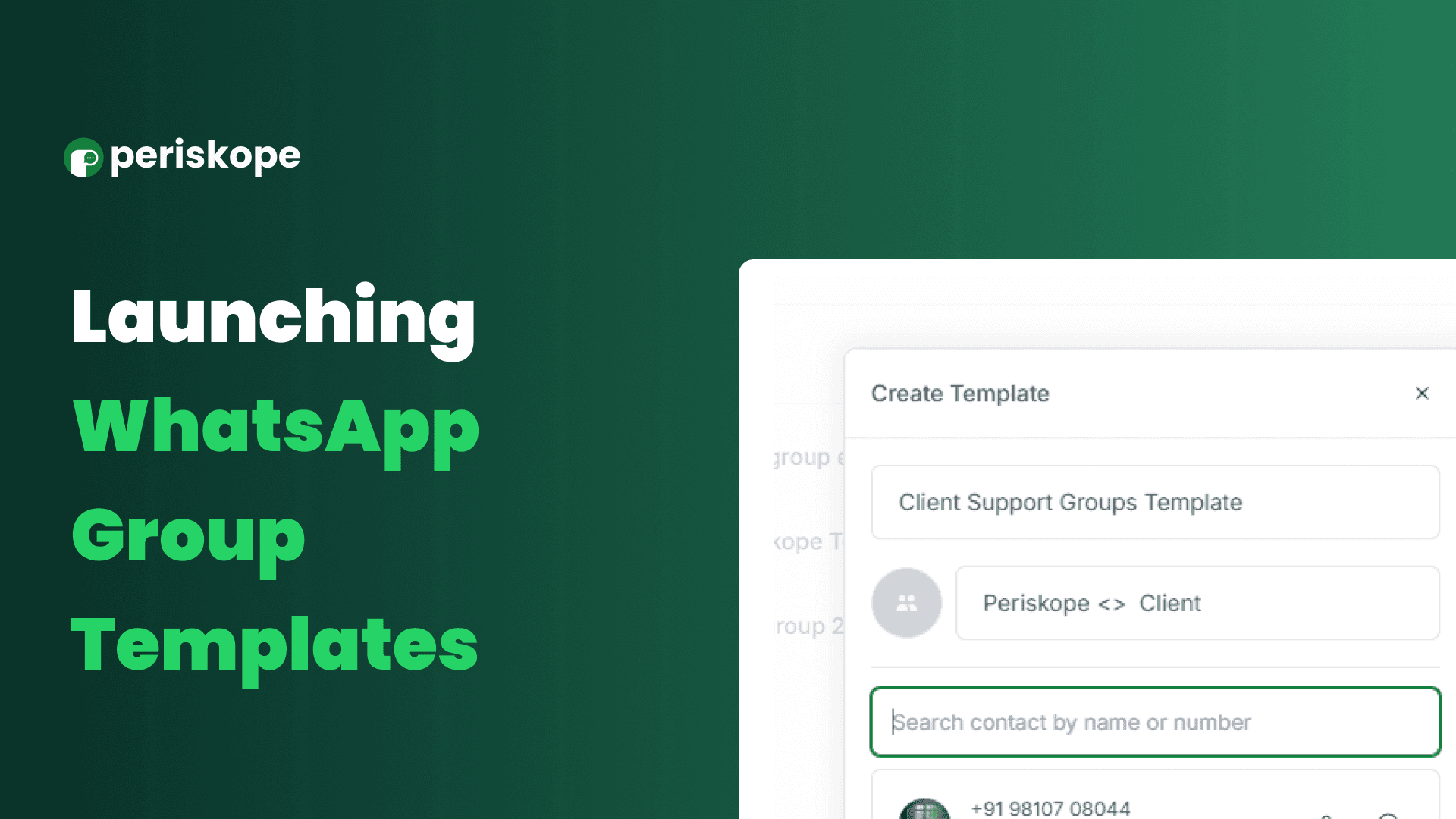
Introducing: Group Templates 🎉
A faster, smarter way to create WhatsApp groups inside Periskope.
🧠 The Problem
If you're coordinating sales site visits, internal team updates, or partner conversations, chances are you're creating similar WhatsApp groups repeatedly—with the same core team members every time.
And let’s be honest, re-adding the same people manually each time is… kind of annoying.
🚀 The Solution: Group Templates
Now, you can create pre-defined templates with your usual set of participants—so when it’s time to create a new group, all the right people are just one click away.
🛠 How It Works
Go to Settings
Under Organisation, click on Group Templates
Hit Create New Template
Add your go-to members and save
Next time you create a group, just pick your template—and boom! Everyone’s added.
No one gets missed. No time wasted.
Whether you're a real estate company setting up visit groups or a healthcare team creating care coordination groups, this update is designed to cut repetitive work and help your team move faster.
More launches coming soon — and if you have feedback or ideas, we’re always listening.
See you tomorrow! 👋
Hi there,
Welcome to Day 4 of Launch Week 9! Today’s update may be small, but if you’ve ever created the same WhatsApp group over and over again (and added the same people every time)… this one’s going to save you a lot of clicks.
Introducing: Group Templates 🎉
A faster, smarter way to create WhatsApp groups inside Periskope.
🧠 The Problem
If you're coordinating sales site visits, internal team updates, or partner conversations, chances are you're creating similar WhatsApp groups repeatedly—with the same core team members every time.
And let’s be honest, re-adding the same people manually each time is… kind of annoying.
🚀 The Solution: Group Templates
Now, you can create pre-defined templates with your usual set of participants—so when it’s time to create a new group, all the right people are just one click away.
🛠 How It Works
Go to Settings
Under Organisation, click on Group Templates
Hit Create New Template
Add your go-to members and save
Next time you create a group, just pick your template—and boom! Everyone’s added.
No one gets missed. No time wasted.
Whether you're a real estate company setting up visit groups or a healthcare team creating care coordination groups, this update is designed to cut repetitive work and help your team move faster.
More launches coming soon — and if you have feedback or ideas, we’re always listening.
See you tomorrow! 👋
Try Periskope
Manage WhatsApp Groups, Chats and Numbers at Scale

Try Periskope
Manage WhatsApp Groups, Chats and Numbers at Scale
Automate your WhatsApp with Periskope

Supercharge your WhatsApp with a powerful CRM, workflow automation and integrations
© 2026 Hashlabs India Private Limited
Features
Integrations

Supercharge your WhatsApp with a powerful CRM, workflow automation and integrations
© 2026 Hashlabs India Private Limited
Features
Integrations

Supercharge your WhatsApp with a powerful CRM, workflow automation and integrations
© 2026 Hashlabs India Private Limited
Features
Integrations
