Features

Integrations

Case Studies

Resources

Contents

Try Periskope

Manage WhatsApp Groups, Chats and Numbers at Scale

Simplifying WhatsApp Data Exports | Launch Week 8, Day 4

Simplifying WhatsApp Data Exports | Launch Week 8, Day 4

Simplifying WhatsApp Data Exports | Launch Week 8, Day 4

Swapnika Nag

Mar 6, 2025

Hey there! 👋

We know how important it is to have quick access to your WhatsApp data. Whether you need to analyze past conversations, track team performance, export member details, or manage customer tickets, we’re making it easier than ever!

Hey there! 👋

We know how important it is to have quick access to your WhatsApp data. Whether you need to analyze past conversations, track team performance, export member details, or manage customer tickets, we’re making it easier than ever!

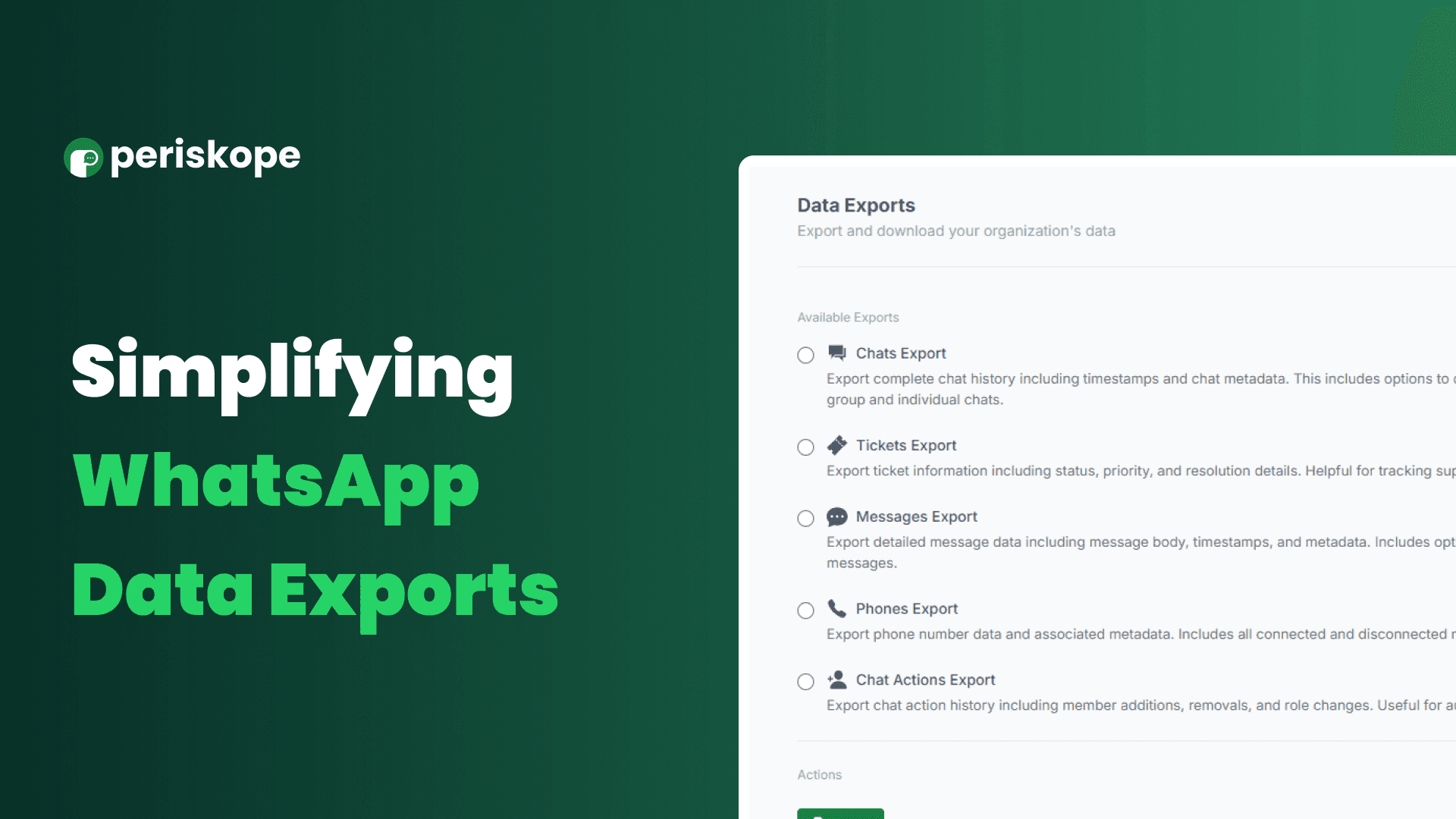
What can you export?

  • 📂 Chats Export – Get data on chat members, custom properties, labels, and more.

  • 💬 Messages Export – Download details of all messages, including flagged messages.

  • 🎟 Tickets Export – Export all tickets along with metadata like resolution times, custom properties, and more.
    gs.

  • 📂 Chats Export – Get data on chat members, custom properties, labels, and more.

  • 💬 Messages Export – Download details of all messages, including flagged messages.

  • 🎟 Tickets Export – Export all tickets along with metadata like resolution times, custom properties, and more.
    gs.

  • 📂 Chats Export – Get data on chat members, custom properties, labels, and more.

  • 💬 Messages Export – Download details of all messages, including flagged messages.

  • 🎟 Tickets Export – Export all tickets along with metadata like resolution times, custom properties, and more.
    gs.

How to Export Your Data

1️⃣ Go to the Analytics section
2️⃣ Find "Data Exports" and select the type of data you need.
3️⃣ Choose your time range and click Export! 🎯

That’s it! Your CSV file will be ready for download in no time. 🚀 This feature is available for Pro and Enterprise users only.

🚀 Try It Out Today

We can’t wait to see how this helps streamline your workflows! Interested? Read more in our documentation:
https://docs.periskope.app/features/export-data

Stay tuned for a final and exciting launch for tomorrow!

1️⃣ Go to the Analytics section
2️⃣ Find "Data Exports" and select the type of data you need.
3️⃣ Choose your time range and click Export! 🎯

That’s it! Your CSV file will be ready for download in no time. 🚀 This feature is available for Pro and Enterprise users only.

🚀 Try It Out Today

We can’t wait to see how this helps streamline your workflows! Interested? Read more in our documentation:
https://docs.periskope.app/features/export-data

Stay tuned for a final and exciting launch for tomorrow!

Try Periskope

Manage WhatsApp Groups, Chats and Numbers at Scale

Try Periskope

Manage WhatsApp Groups, Chats and Numbers at Scale

Automate your WhatsApp with Periskope

Automate your WhatsApp with Periskope

Automate your WhatsApp with Periskope