

Contents
Try Periskope
Manage WhatsApp Groups, Chats and Numbers at Scale
WhatsApp Shared Inbox: Complete Guide for Sales & Support Teams
WhatsApp Shared Inbox: Complete Guide for Sales & Support Teams
WhatsApp Shared Inbox: Complete Guide for Sales & Support Teams
Anjali Pandey
When a business starts growing on WhatsApp, the first instinct is just to add more people to the same number.
One person handles mornings, another handles evenings, someone else jumps in when it gets busy.
A customer follows up on a conversation nobody on duty knows about. Two reps send conflicting replies within minutes. A key account goes cold because a message sat unread during a handoff.
This is the operational reality for most B2B teams using WhatsApp at scale. The app itself isn't the problem. WhatsApp is where your customers are, where deals move fastest, and where relationships actually get built.
The problem is that a single number with no structure creates invisible gaps in accountability, visibility, and response quality. And those gaps get worse as your team grows.
A shared WhatsApp inbox solves this at the infrastructure level. Instead of multiple people reacting to the same feed with no coordination, every conversation gets routed, assigned, tracked, and resolved through one centralized dashboard your entire team works from.
This guide covers how a WhatsApp team inbox works, what features to look for, and how to set one up for a support or sales team without disrupting how your team already operates.
TL;DR
|
|
What is a Shared WhatsApp Inbox?
A WhatsApp shared inbox, also called a multi-agent WhatsApp inbox, allows multiple team members to manage the same WhatsApp number from one central dashboard.
No shared phones. No passed-around login credentials. Messages come in, get assigned, and get resolved, all in one place.
Every incoming message shows up in the same interface, whether it is a 1:1 customer chat or a WhatsApp group conversation.
Team members can respond, assign conversations to colleagues, and leave internal notes. The customer never sees any of the coordination happening in the background.
What a shared inbox is not:
WhatsApp Business app → Built for single-device use. Not structured for teams.
WhatsApp Business API (WABA) → The technical infrastructure that connects WhatsApp to third-party tools. Not something your team uses directly
Shared login →Multiple people using the same account without assignment or accountability.
A shared inbox is the actual tool your team works in every day. Every conversation has an owner, a status, and a full history.
Try Periskope
Manage WhatsApp Groups, Chats and Numbers at Scale
How Does a WhatsApp Shared Inbox Work?
Once your WhatsApp number is connected, every team member with access can see the full conversation queue in real time.
From there, conversations move through a simple workflow:
Routing → Chats are claimed by available agents, assigned by a manager, or distributed automatically based on rules your team sets up
Collaboration → Team members add internal notes, tag colleagues, and flag escalations directly on the conversation. The customer sees none of it
Tracking → Every action is logged. Who picked up a message, when they responded, how long the resolution took
Group chat management → Group chats sit alongside 1:1 conversations in the same dashboard, with the same assignment and tracking in place
For managers, this replaces guesswork with real visibility. For the business, conversation history becomes a permanent record rather than something that disappears when a team member leaves.
Shared inbox platforms connect to WhatsApp in one of two ways:
Connection Method | How It Works | Best For |
QR Code | Scan to connect any WhatsApp number. No API needed | Small to mid-sized teams |
WhatsApp Business API | Requires Meta Business Manager verification | Larger teams, enterprise setups |
Both give your team the same shared inbox experience. The right choice depends on your team size and how quickly you need to get started.
Why Do Teams Need a WhatsApp Shared Inbox?
Most B2B teams don’t actively look for a “WhatsApp inbox for teams.” They reach a breaking point where their current setup stops working.
"Who was supposed to reply to this?"
↳ Multiple people have access to the same number, but nobody owns specific conversations. A message gets seen by three people and answered by none, or answered by two with different information. There is no way to know what happened or why.
"I have no idea what the team is saying to customers."
↳ WhatsApp on a personal device is invisible to managers. Response times, promises made to customers, deals being discussed — none of it is visible unless someone manually reports it. For a business running sales or support on WhatsApp, that is a serious gap.
"That account went cold after A left."
↳ When a team member leaves, every conversation they managed on WhatsApp goes with them. No handoff. No history. No continuity. The customer notices before the business does.
"We have 20 groups, and nobody knows what is going on in half of them."
↳ Teams managing multiple WhatsApp groups for customers, partners, or regional operations have no oversight of what is being sent or whether it is working. Without proper tooling, it becomes unmanageable fast.
These are not problems that better processes will solve. They are built into the structure of using a personal messaging app as a business communication tool. They get worse as the team grows.
5 Benefits of a Shared WhatsApp Team Inbox
Switching to a shared inbox does not just fix the problems above. It changes how the whole channel runs.
1. Every conversation has an owner
Chats are assigned to specific team members. Unresolved conversations stay visible until they are closed.
2. Your team responds faster
Any available team member can pick up an incoming conversation. Combined with metrics that show which chats have been waiting longest, teams prioritize better and respond faster without adding headcount.
3. Managers finally have visibility
Response rates, resolution times, unanswered message volumes, agent performance — all visible from one dashboard. WhatsApp stops being a black box and becomes a channel you can actually manage and improve.
4. Conversation history belongs to the business
When someone leaves, every conversation they handled stays in the platform with full context. Whoever picks up those relationships next is ready from day one.
5. Group chats become manageable
Scheduled messages, role-based permissions, group-level analytics, and the same structure that applies to 1:1 chats extend to group conversations.
What Makes a Good WhatsApp Team Inbox (Core Features to Look for)
Not every shared inbox tool is built the same. These are the features that actually matter when your team is handling real conversation volume.
1. Conversation assignment and ownership
Every incoming chat should be assignable to a specific team member. Look for platforms that support both manual assignment and automatic routing rules. Without this, you are back to the same problem of nobody owning anything.
2. Internal notes and collaboration
Your team needs to communicate about conversations without the customer seeing them. Internal notes let agents hand off context, flag issues, and loop in colleagues without starting a separate thread somewhere else. Non-negotiable for any team with more than two people.
3. Multi-number support
If your business runs more than one WhatsApp number — regional, departmental, or by product line — they should all be manageable from the same dashboard.
Switching between separate tools for each number recreates the visibility gaps you were trying to fix.
4. Group chat management
Most shared inbox tools focus only on 1:1 conversations. If your team runs WhatsApp groups for customers, partners, or communities, you need a platform that brings those into the same structured environment.
This includes scheduled messaging, member oversight, and group-level analytics and even AI chatbot support directly inside WhatsApp groups.
5. Ticket and task creation
The ability to turn a WhatsApp conversation into a trackable ticket without leaving the inbox saves significant time. It also connects your WhatsApp activity to the rest of your support or sales workflow rather than keeping it siloed.
6. CRM and helpdesk integrations
Your shared inbox should connect to the tools your team already uses — HubSpot, Freshdesk, Zoho, etc. Conversation context should flow into your CRM automatically, not be copied across manually.
7. Analytics and reporting
Response times, unanswered message rates, resolution times, agent performance. If you cannot measure what is happening on the channel, you cannot improve it.
8. Role-based access
Not everyone needs the same level of access. Admins, agents, and viewers all have different needs. A good platform lets you control who can see conversations, who can respond, and who can manage settings.
Using WhatsApp Shared Inbox Across Sales, Support, and Operations Teams
A shared inbox works differently depending on how your team uses WhatsApp. Here is what it looks like in practice across three common functions.
➤ Sales Teams
For sales teams, WhatsApp is where deals move fastest. Leads respond quicker on WhatsApp than on email. Relationships feel more direct. But without structure, it is also where deals quietly die — in an unread message, a missed follow-up, or a conversation that left with a rep who moved on.
A shared inbox gives sales teams:
Full visibility into every lead conversation across the team
Clean handoffs when a rep is out or a deal changes hands
CRM sync so every WhatsApp interaction is logged against the right contact automatically
Multi-number support for teams running separate numbers by region or product line
The biggest win for sales teams is continuity. No deal goes cold because of a staffing change.
➤ Support Teams
Support teams need speed and accountability above everything else. A customer waiting on WhatsApp expects a faster response than they would on email. Missed messages or slow replies are visible and damaging.
A shared inbox gives support teams:
Automatic routing so every query lands with the right agent
Ticket creation directly from conversations, synced to Freshdesk, Zoho, or whatever helpdesk the team uses
Response time tracking and unanswered message alerts
Internal notes so agents can escalate or hand off without losing context
The biggest win for support teams is accountability. Every conversation has an owner and a resolution status.
➤ Operations Teams
Operations teams use WhatsApp differently. They are managing vendor groups, coordinating field teams, running internal update channels, and keeping supplier relationships moving.
The volume is high. The priority is oversight and record-keeping, not response speed.
A shared inbox gives operations teams:
Group chat management for vendor, supplier, and partner groups
Scheduled messaging for recurring updates across multiple groups
A searchable record of every conversation for compliance and auditing
Role-based permissions so the right people can post in the right groups
The biggest win for operations teams is control. Group chats that previously ran unsupervised become structured, searchable, and accountable.
Do you need WhatsApp Business API (WABA) for a shared inbox?
No. You do not always need the WhatsApp Business API to use a shared WhatsApp inbox. There are WhatsApp Business API alternatives that work with QR-based connections and offer similar team inbox features without verification.
The right one depends on your team size and how quickly you need to get started.
Option 1: QR Code Connection
Platforms like Periskope let you connect any WhatsApp number by scanning a QR code inside the platform. No Meta Business Manager verification or technical setup required. It takes a few minutes and works with any existing WhatsApp number: personal or business.
Option 2: WhatsApp Business API (WABA)
The API route requires a verified Meta Business Manager account. Setup takes longer but unlocks higher message volume limits, message templates, and the WhatsApp green tick verification badge. For full details on the WhatsApp Business Platform, see Meta's official documentation.
Which one does your team need?
QR Code | WhatsApp Business API | |
Setup time | Minutes | Days to weeks |
Technical requirement | None | Meta Business Manager |
Works with any number | Yes | No |
Green tick | No | Yes |
Best for | Operations teams, support workflows, fast setup | High-volume messaging, verified brand presence |
For most teams, the QR code route is enough. Periskope supports this connection method, which means any team can set up a fully functional shared WhatsApp inbox without API access, technical resources, or a lengthy verification process.
The API becomes worth it when your team is sending at high volume, needs message templates, or requires the verified business badge for credibility with customers.
The short answer: If you are using Periskope, you do not need the WhatsApp Business API to get started. You can connect your existing number, invite your team, and go live the same day.
For a complete walkthrough on running WhatsApp for business without API access, read this guide.
How to Set Up a Shared WhatsApp Inbox for Your Support or Sales Team with Periskope
Getting started with Periskope is straightforward. No technical setup. No API required. Here is exactly how to go from zero to a fully working shared inbox for your team.
Step 1: Create your Periskope account
Go to periskope.app and create an account.
Step 2: Connect your WhatsApp number
Once inside the dashboard, Periskope will prompt you to connect a WhatsApp number. Open WhatsApp on your phone, go to Linked Devices, and scan the QR code shown in Periskope.
Your number is connected immediately.
Need to connect multiple numbers? Periskope supports multi-number inboxes. Repeat the process for each number and all of them appear in the same dashboard.
Step 3: Invite your team
Go to the team settings and invite your teammates by email. Assign each person a role:
Admins get full access across all connected numbers and chats.
Members get access only to the specific chats and groups assigned to them.
Step 4: Set up assignment rules
Decide how incoming conversations get routed. Periskope lets you set up:
Manual assignment — a manager assigns each conversation to the right agent
Auto-routing — conversations are distributed automatically based on rules you configure
Step 5: Connect your existing tools
Periskope integrates with HubSpot, Freshdesk, Zoho, Google Sheets. Connect the tools your team already uses so conversation data flows across systems automatically. No manual copying. No switching between tabs to log an interaction.
Step 6: Set your team's response standards
Define response time targets. Agree on tone and escalation paths. Periskope's analytics dashboard will track response times and flag unanswered conversations automatically, but your team still needs to agree on what good looks like before they start.
Step 7: Test before going live
Send a few test messages across each connected number and group. Check that routing works, notifications are reaching the right people, and integrations are syncing correctly. Takes ten minutes and saves a lot of issues later.
From sign-up to live inbox, most teams are set up and running on Periskope within a single working day.
Want a guided walkthrough of the full setup? Book a demo call with the Periskope team.
5 Best Shared WhatsApp Inbox Tools for Teams (2026)
There are several tools in the market offering shared WhatsApp inbox functionality. Here is a quick look at the best ones available in 2026.
1. Periskope
Periskope is built for B2B teams that need to manage WhatsApp conversations across 1:1 chats, group chats, and multiple numbers, all from one dashboard.
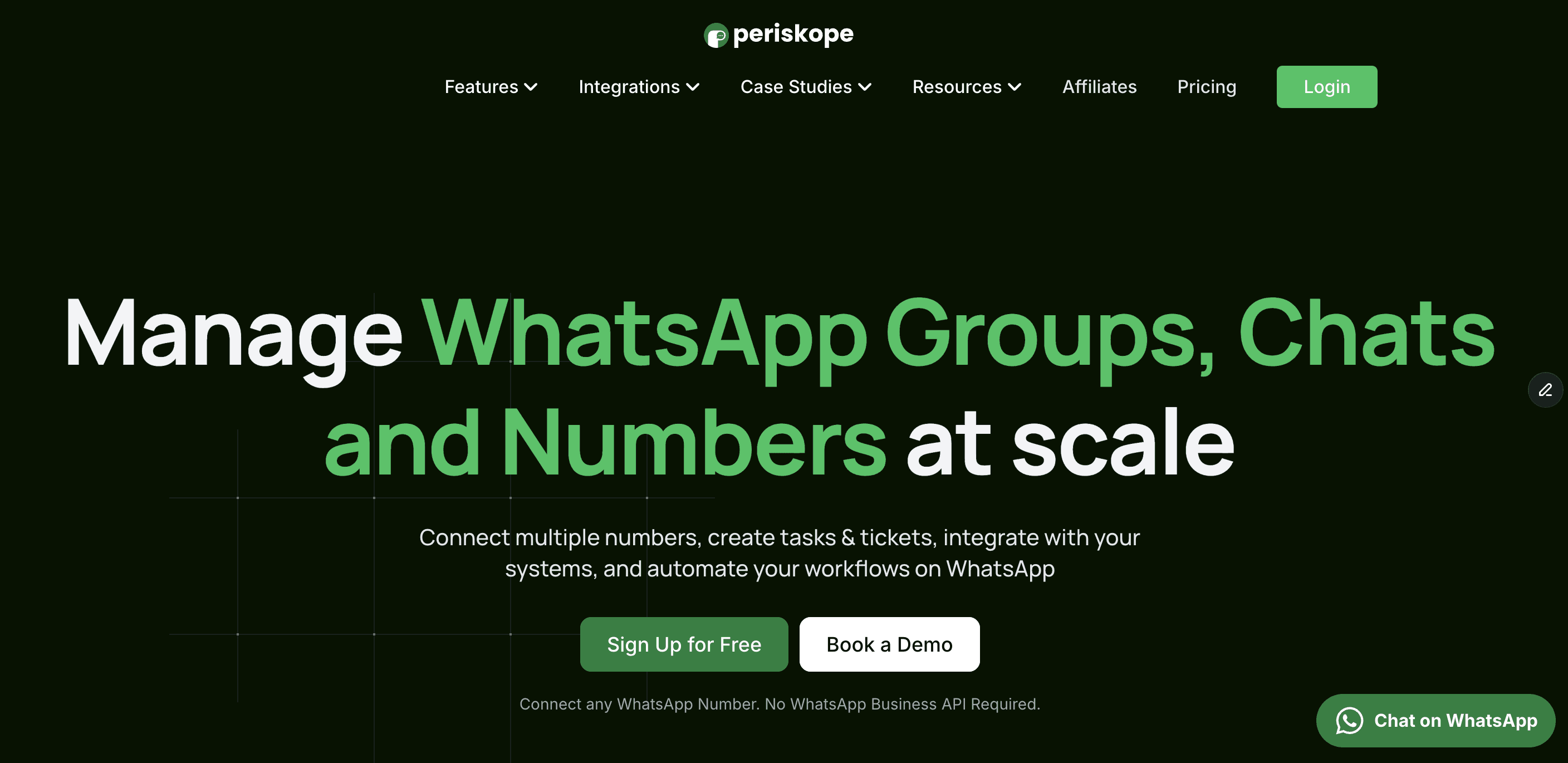
Most WhatsApp team inbox tools handle individual customer messages. Periskope goes further. It brings WhatsApp group chats into the same structured inbox as 1:1 conversations.
This makes it the right fit for teams managing customer communities, partner groups, onboarding channels, or regional sales groups alongside regular support and sales conversations.
What makes Periskope stand out:
Works with any WhatsApp number — no WhatsApp Business API required
Supports multi-number inboxes from one dashboard
Manages WhatsApp group chats with the same assignment and tracking as 1:1 chats
Converts conversations into tickets and tasks without leaving the inbox
Integrates with HubSpot, Freshdesk, Zoho
Role-based access for admins and members
Full analytics — response times, unanswered messages, agent performance
Powers 5,000+ businesses across 50+ countries
Best for: Sales teams, support teams, and operations teams managing WhatsApp at scale — especially those running active group chats alongside individual customer conversations.
If your team manages both 1:1 and WhatsApp group chats and wants to avoid API complexity, Periskope offers the fastest way to get started.
👉 Start a free trial or book a demo to compare it against your current setup.
2. TimelinesAI
TimelinesAI is a WhatsApp shared inbox built for sales teams. It connects without the WhatsApp Business API and focuses on syncing WhatsApp conversations directly into CRM tools.
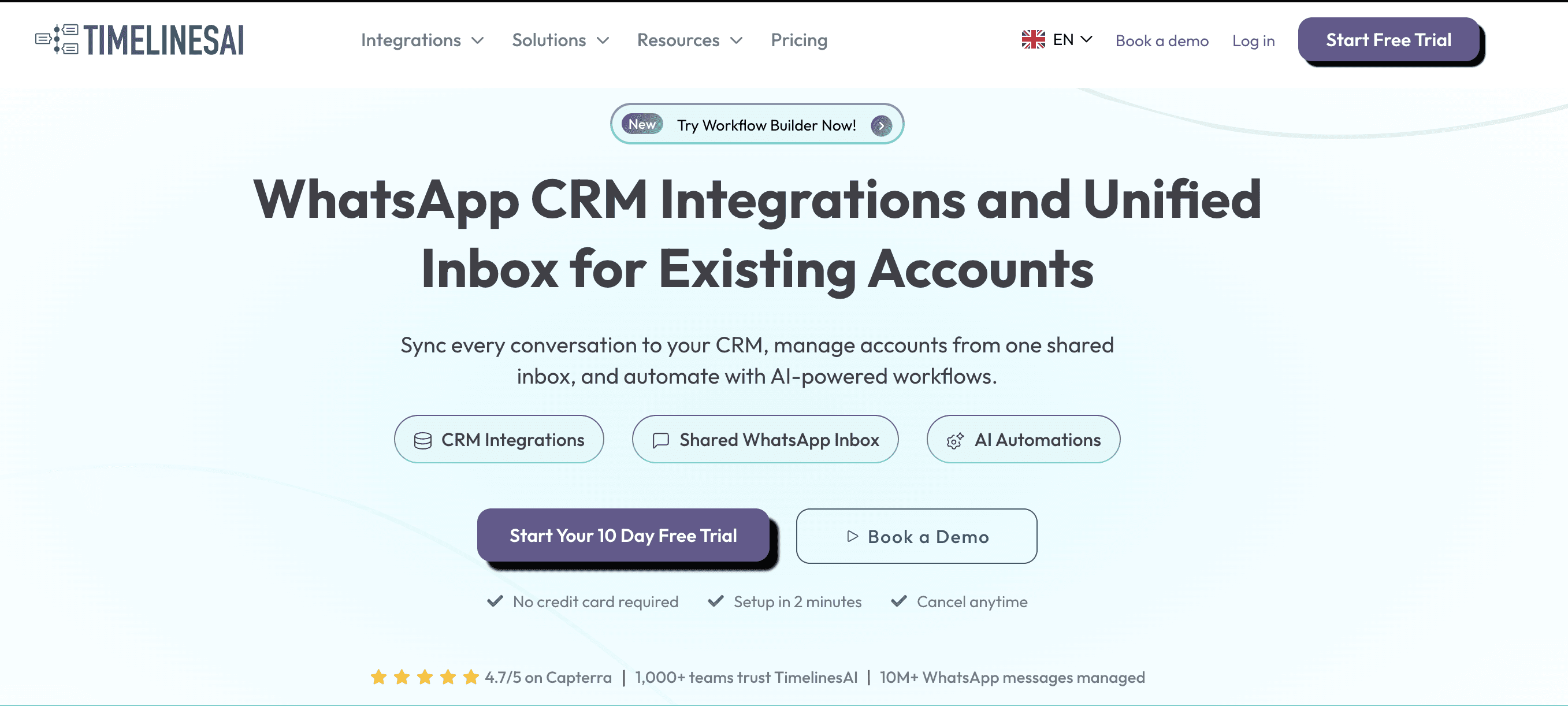
Connects via QR code, no API required
CRM sync with HubSpot and Pipedrive
Shared team inbox for 1:1 sales conversations
WhatsApp conversation history is logged against CRM contacts automatically
Best for: Sales teams using HubSpot or Pipedrive.
3. Respond.io
Respond.io is a multi-channel shared inbox that includes WhatsApp team inbox functionality alongside other messaging channels. It is built for larger support operations that need AI-powered automation.
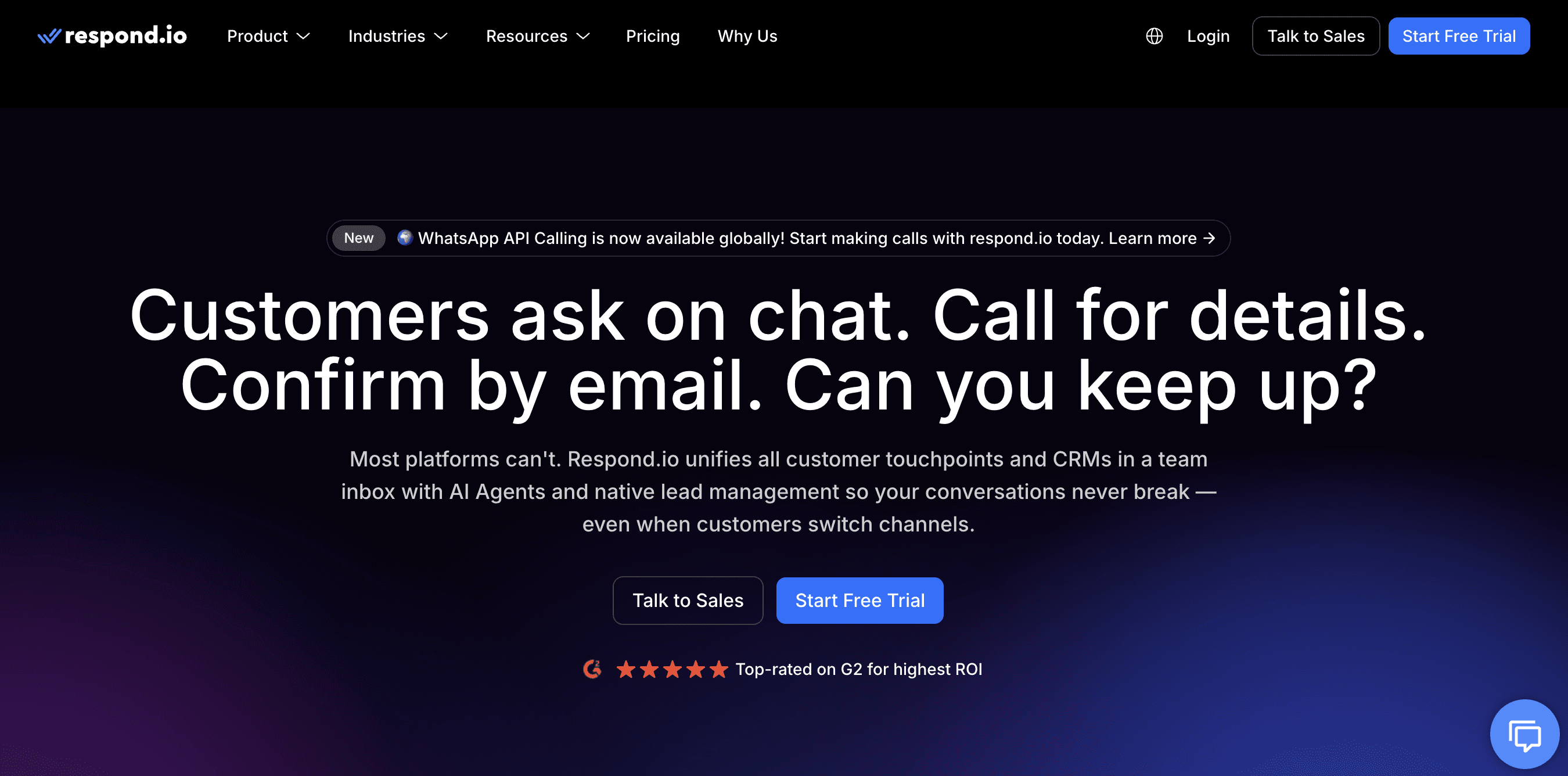
Requires WhatsApp Business API
AI-powered conversation routing and automation
Multi-channel inbox covering WhatsApp, email, live chat, and more
Advanced workflow builder for support teams
Best for: Large support teams needing automation across multiple channels.
4. Gallabox
Gallabox is a WhatsApp business shared inbox built for sales and support teams. It runs on the WhatsApp Business API and combines multi-agent inbox functionality with chatbot automation and broadcast messaging.
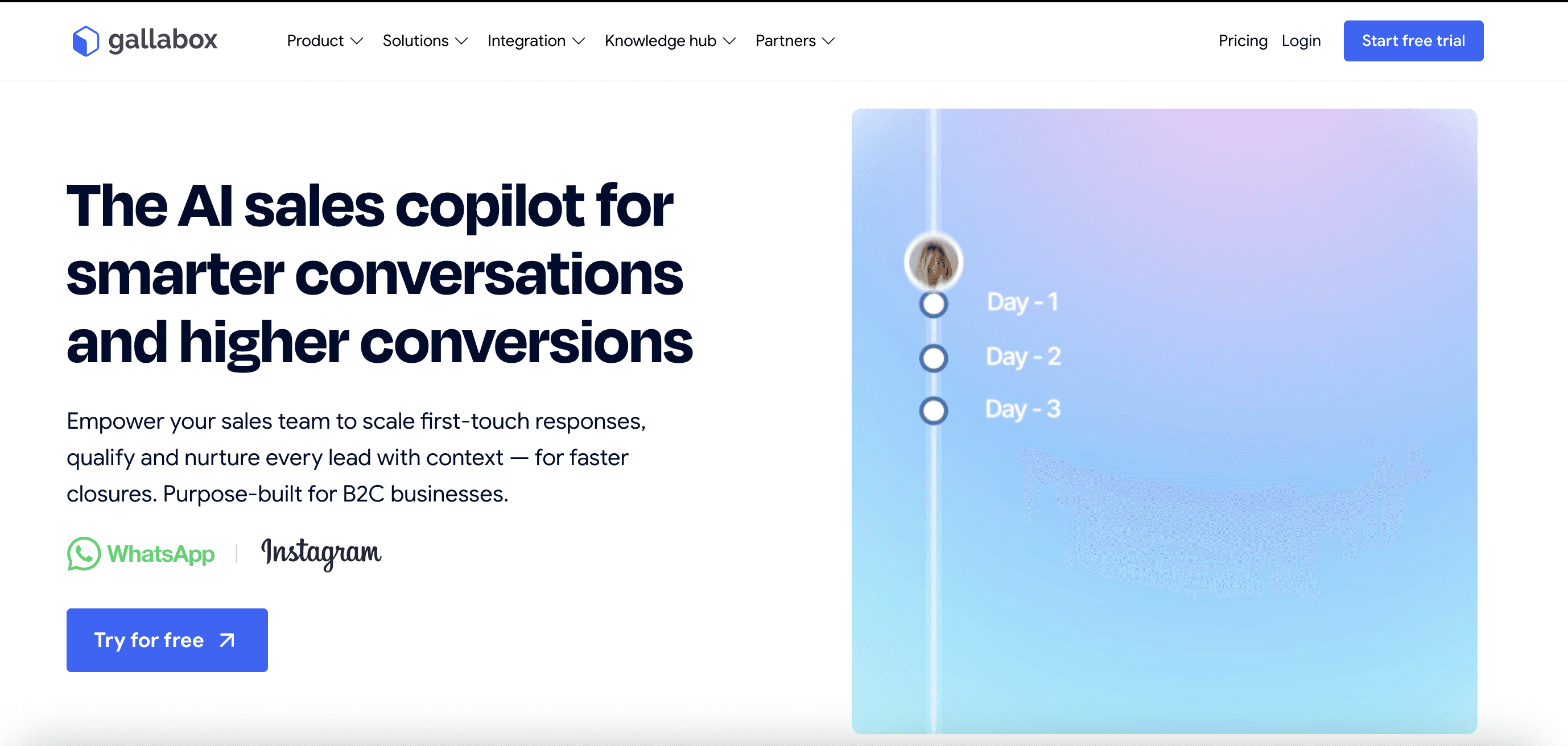
Requires WhatsApp Business API
Shared team inbox with conversation assignment and private notes
AI-powered chatbots for automated responses and lead qualification
WhatsApp broadcast and drip campaign tools
Integrates with Zoho CRM, HubSpot, and Zapier
Best for: Sales and support teams that want a WhatsApp shared inbox combined with chatbot automation.
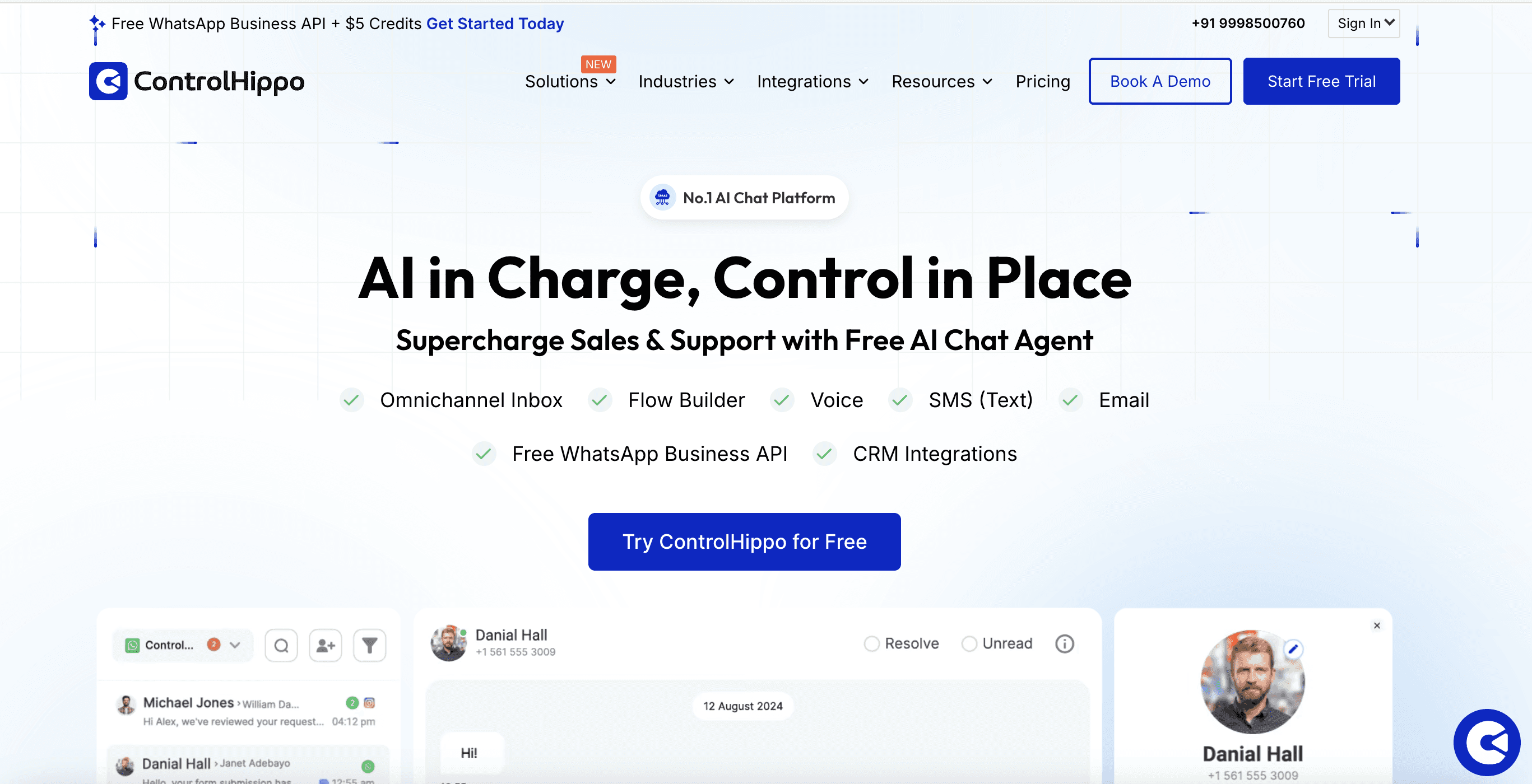
5. ControlHippo
ControlHippo is an affordable WhatsApp business shared inbox for small teams getting started with multi-agent WhatsApp management.
Connects without WhatsApp Business API
Shared team inbox for 1:1 conversations
Integrates with Zoho CRM and Freshdesk
Basic analytics and conversation tracking
Best for: SMBs looking for an affordable shared WhatsApp inbox.
Quick comparison:
Tool | API Required | Group Chats | Key Integrations | Approx. Starting Price | Best For |
Periskope | No | Yes | HubSpot, Freshdesk, Zoho | ~$20/user/month | Teams managing 1:1 & group chats |
TimelinesAI | No | Limited | HubSpot, Pipedrive | ~$25/user/month | Sales teams |
Respond.io | Yes | Limited | Salesforce, HubSpot | ~$79/month | Large support teams |
Gallabox | Yes | Yes | Zoho CRM, HubSpot | ~$60/month | API-based automation teams |
ControlHippo | No | No | Zoho, Freshdesk | ~$25/user/month | SMBs |
Note: Pricing is approximate and varies by plan, billing cycle, and add-ons.
How is Data Privacy and Compliance Managed in a WhatsApp Shared Inbox (by Periskope)
For B2B teams, moving customer conversations onto a third-party platform raises a fair question.
Where does the data go, who can access it, and how is it protected?
Here is how Periskope manages data privacy and security.
➜ Data is encrypted at every stage
All data stored in Periskope is encrypted at rest at the datastore level and at the application level. Data in transit is protected using TLS 1.3 or higher across all networks. This applies to every conversation, note, and file that moves through the platform.
➜ Your data is backed up and recoverable
Periskope backs up all data using a point-in-time approach. Backups are retained for seven days, which means your conversation history is protected against accidental loss or system issues.
➜ Access is controlled and restricted
Not everyone inside Periskope can access your data. Production database access is restricted. Encryption key access is restricted. Access control procedures are in place, and access requests are restricted by role. Log management is active across the infrastructure.
➜ Your team's access is role-based
Inside your Periskope workspace, Admins control who sees what. Members only access the specific chats and groups assigned to them. Contact number masking is available to protect customer privacy by restricting your team's access to phone numbers where needed.
➜ Your data remains under your control
Periskope deletes customer data on request. When an organization leaves the platform, data is removed in accordance with established retention procedures.
➜ Periskope is GDPR compliant
Periskope is built to align with GDPR standards. Data retention processes and third-party agreements are in place to support compliance requirements.
For specific compliance questions relevant to your industry, contact the Periskope team directly at periskope.app/security.
FAQs
1. Is a shared WhatsApp inbox allowed by WhatsApp?
Yes. Using a shared WhatsApp inbox is allowed as long as the connection between WhatsApp and the inbox platform follows WhatsApp’s official terms and policies.
There are two ways teams typically connect WhatsApp to a shared inbox:
Linked Devices (QR code): using WhatsApp’s built-in multi-device feature
WhatsApp Business API: Meta’s official integration for business use
Always choose a solution that uses either WhatsApp’s Linked Devices feature or the official Business API to ensure you stay within WhatsApp’s usage policies.
2. Can a shared inbox manage WhatsApp group chats?
Many platforms focus mainly on 1:1 conversations. Tools like Periskope are designed to support both group chats and individual conversations, with consistent assignment, tracking, and analytics across both.
3. How many team members can use a shared WhatsApp inbox?
This depends on the platform and plan. Periskope scales from small teams to large operations. Most platforms offer tiered pricing based on the number of agents or connected numbers.
4. Can my whole team reply from one WhatsApp number?
Yes. Multiple team members can view, respond to, and manage conversations from a single WhatsApp number simultaneously.
5. Will customers know they are talking to a shared inbox?
No. From the customer's side, it looks like a normal WhatsApp conversation. The assignment, internal notes, and team coordination all happen in the background.
6. Can I assign different WhatsApp numbers to different teams?
Yes. With Periskope's multi-number inbox, you can connect multiple numbers and control which team members have access to which numbers and chats using role-based permissions.
7. Is there a limit to how many agents can use the inbox at once?
No hard limit. Periskope scales based on your plan. Multiple agents can be active simultaneously across all connected numbers and group chats.
8. Can I automate replies in a shared WhatsApp inbox?
Yes. Periskope supports automation rules — you can set up auto-replies, automatic routing, and workflow triggers based on message content, chat type, or other conditions.
9. Does a WhatsApp team inbox work for customer support?
Yes. It is one of the most common use cases. Support teams use shared inboxes to assign incoming queries, track resolution times, create tickets directly from chats, and integrate with helpdesks like Freshdesk and Zoho Desk.
10. Does using Periskope affect WhatsApp's end-to-end encryption?
Periskope connects to WhatsApp via the Linked Devices feature, the same way you would add WhatsApp Web or another personal device. Messages remain protected by WhatsApp’s end-to-end encryption. In addition, Periskope uses TLS 1.3 encryption for all data in transit.
Not every shared inbox tool is built the same. These are the features that actually matter when your team is handling real conversation volume.
1. Conversation assignment and ownership
Every incoming chat should be assignable to a specific team member. Look for platforms that support both manual assignment and automatic routing rules. Without this, you are back to the same problem of nobody owning anything.
2. Internal notes and collaboration
Your team needs to communicate about conversations without the customer seeing them. Internal notes let agents hand off context, flag issues, and loop in colleagues without starting a separate thread somewhere else. Non-negotiable for any team with more than two people.
3. Multi-number support
If your business runs more than one WhatsApp number — regional, departmental, or by product line — they should all be manageable from the same dashboard.
Switching between separate tools for each number recreates the visibility gaps you were trying to fix.
4. Group chat management
Most shared inbox tools focus only on 1:1 conversations. If your team runs WhatsApp groups for customers, partners, or communities, you need a platform that brings those into the same structured environment.
This includes scheduled messaging, member oversight, and group-level analytics and even AI chatbot support directly inside WhatsApp groups.
5. Ticket and task creation
The ability to turn a WhatsApp conversation into a trackable ticket without leaving the inbox saves significant time. It also connects your WhatsApp activity to the rest of your support or sales workflow rather than keeping it siloed.
6. CRM and helpdesk integrations
Your shared inbox should connect to the tools your team already uses — HubSpot, Freshdesk, Zoho, etc. Conversation context should flow into your CRM automatically, not be copied across manually.
7. Analytics and reporting
Response times, unanswered message rates, resolution times, agent performance. If you cannot measure what is happening on the channel, you cannot improve it.
8. Role-based access
Not everyone needs the same level of access. Admins, agents, and viewers all have different needs. A good platform lets you control who can see conversations, who can respond, and who can manage settings.
Using WhatsApp Shared Inbox Across Sales, Support, and Operations Teams
A shared inbox works differently depending on how your team uses WhatsApp. Here is what it looks like in practice across three common functions.
➤ Sales Teams
For sales teams, WhatsApp is where deals move fastest. Leads respond quicker on WhatsApp than on email. Relationships feel more direct. But without structure, it is also where deals quietly die — in an unread message, a missed follow-up, or a conversation that left with a rep who moved on.
A shared inbox gives sales teams:
Full visibility into every lead conversation across the team
Clean handoffs when a rep is out or a deal changes hands
CRM sync so every WhatsApp interaction is logged against the right contact automatically
Multi-number support for teams running separate numbers by region or product line
The biggest win for sales teams is continuity. No deal goes cold because of a staffing change.
➤ Support Teams
Support teams need speed and accountability above everything else. A customer waiting on WhatsApp expects a faster response than they would on email. Missed messages or slow replies are visible and damaging.
A shared inbox gives support teams:
Automatic routing so every query lands with the right agent
Ticket creation directly from conversations, synced to Freshdesk, Zoho, or whatever helpdesk the team uses
Response time tracking and unanswered message alerts
Internal notes so agents can escalate or hand off without losing context
The biggest win for support teams is accountability. Every conversation has an owner and a resolution status.
➤ Operations Teams
Operations teams use WhatsApp differently. They are managing vendor groups, coordinating field teams, running internal update channels, and keeping supplier relationships moving.
The volume is high. The priority is oversight and record-keeping, not response speed.
A shared inbox gives operations teams:
Group chat management for vendor, supplier, and partner groups
Scheduled messaging for recurring updates across multiple groups
A searchable record of every conversation for compliance and auditing
Role-based permissions so the right people can post in the right groups
The biggest win for operations teams is control. Group chats that previously ran unsupervised become structured, searchable, and accountable.
Do you need WhatsApp Business API (WABA) for a shared inbox?
No. You do not always need the WhatsApp Business API to use a shared WhatsApp inbox. There are WhatsApp Business API alternatives that work with QR-based connections and offer similar team inbox features without verification.
The right one depends on your team size and how quickly you need to get started.
Option 1: QR Code Connection
Platforms like Periskope let you connect any WhatsApp number by scanning a QR code inside the platform. No Meta Business Manager verification or technical setup required. It takes a few minutes and works with any existing WhatsApp number: personal or business.
Option 2: WhatsApp Business API (WABA)
The API route requires a verified Meta Business Manager account. Setup takes longer but unlocks higher message volume limits, message templates, and the WhatsApp green tick verification badge. For full details on the WhatsApp Business Platform, see Meta's official documentation.
Which one does your team need?
QR Code | WhatsApp Business API | |
Setup time | Minutes | Days to weeks |
Technical requirement | None | Meta Business Manager |
Works with any number | Yes | No |
Green tick | No | Yes |
Best for | Operations teams, support workflows, fast setup | High-volume messaging, verified brand presence |
For most teams, the QR code route is enough. Periskope supports this connection method, which means any team can set up a fully functional shared WhatsApp inbox without API access, technical resources, or a lengthy verification process.
The API becomes worth it when your team is sending at high volume, needs message templates, or requires the verified business badge for credibility with customers.
The short answer: If you are using Periskope, you do not need the WhatsApp Business API to get started. You can connect your existing number, invite your team, and go live the same day.
For a complete walkthrough on running WhatsApp for business without API access, read this guide.
How to Set Up a Shared WhatsApp Inbox for Your Support or Sales Team with Periskope
Getting started with Periskope is straightforward. No technical setup. No API required. Here is exactly how to go from zero to a fully working shared inbox for your team.
Step 1: Create your Periskope account
Go to periskope.app and create an account.
Step 2: Connect your WhatsApp number
Once inside the dashboard, Periskope will prompt you to connect a WhatsApp number. Open WhatsApp on your phone, go to Linked Devices, and scan the QR code shown in Periskope.
Your number is connected immediately.
Need to connect multiple numbers? Periskope supports multi-number inboxes. Repeat the process for each number and all of them appear in the same dashboard.
Step 3: Invite your team
Go to the team settings and invite your teammates by email. Assign each person a role:
Admins get full access across all connected numbers and chats.
Members get access only to the specific chats and groups assigned to them.
Step 4: Set up assignment rules
Decide how incoming conversations get routed. Periskope lets you set up:
Manual assignment — a manager assigns each conversation to the right agent
Auto-routing — conversations are distributed automatically based on rules you configure
Step 5: Connect your existing tools
Periskope integrates with HubSpot, Freshdesk, Zoho, Google Sheets. Connect the tools your team already uses so conversation data flows across systems automatically. No manual copying. No switching between tabs to log an interaction.
Step 6: Set your team's response standards
Define response time targets. Agree on tone and escalation paths. Periskope's analytics dashboard will track response times and flag unanswered conversations automatically, but your team still needs to agree on what good looks like before they start.
Step 7: Test before going live
Send a few test messages across each connected number and group. Check that routing works, notifications are reaching the right people, and integrations are syncing correctly. Takes ten minutes and saves a lot of issues later.
From sign-up to live inbox, most teams are set up and running on Periskope within a single working day.
Want a guided walkthrough of the full setup? Book a demo call with the Periskope team.
5 Best Shared WhatsApp Inbox Tools for Teams (2026)
There are several tools in the market offering shared WhatsApp inbox functionality. Here is a quick look at the best ones available in 2026.
1. Periskope
Periskope is built for B2B teams that need to manage WhatsApp conversations across 1:1 chats, group chats, and multiple numbers, all from one dashboard.
Most WhatsApp team inbox tools handle individual customer messages. Periskope goes further. It brings WhatsApp group chats into the same structured inbox as 1:1 conversations.
This makes it the right fit for teams managing customer communities, partner groups, onboarding channels, or regional sales groups alongside regular support and sales conversations.
What makes Periskope stand out:
Works with any WhatsApp number — no WhatsApp Business API required
Supports multi-number inboxes from one dashboard
Manages WhatsApp group chats with the same assignment and tracking as 1:1 chats
Converts conversations into tickets and tasks without leaving the inbox
Integrates with HubSpot, Freshdesk, Zoho
Role-based access for admins and members
Full analytics — response times, unanswered messages, agent performance
Powers 5,000+ businesses across 50+ countries
Best for: Sales teams, support teams, and operations teams managing WhatsApp at scale — especially those running active group chats alongside individual customer conversations.
If your team manages both 1:1 and WhatsApp group chats and wants to avoid API complexity, Periskope offers the fastest way to get started.
👉 Start a free trial or book a demo to compare it against your current setup.
2. TimelinesAI
TimelinesAI is a WhatsApp shared inbox built for sales teams. It connects without the WhatsApp Business API and focuses on syncing WhatsApp conversations directly into CRM tools.
Connects via QR code, no API required
CRM sync with HubSpot and Pipedrive
Shared team inbox for 1:1 sales conversations
WhatsApp conversation history is logged against CRM contacts automatically
Best for: Sales teams using HubSpot or Pipedrive.
3. Respond.io
Respond.io is a multi-channel shared inbox that includes WhatsApp team inbox functionality alongside other messaging channels. It is built for larger support operations that need AI-powered automation.
Requires WhatsApp Business API
AI-powered conversation routing and automation
Multi-channel inbox covering WhatsApp, email, live chat, and more
Advanced workflow builder for support teams
Best for: Large support teams needing automation across multiple channels.
4. Gallabox
Gallabox is a WhatsApp business shared inbox built for sales and support teams. It runs on the WhatsApp Business API and combines multi-agent inbox functionality with chatbot automation and broadcast messaging.
Requires WhatsApp Business API
Shared team inbox with conversation assignment and private notes
AI-powered chatbots for automated responses and lead qualification
WhatsApp broadcast and drip campaign tools
Integrates with Zoho CRM, HubSpot, and Zapier
Best for: Sales and support teams that want a WhatsApp shared inbox combined with chatbot automation.
5. ControlHippo
ControlHippo is an affordable WhatsApp business shared inbox for small teams getting started with multi-agent WhatsApp management.
Connects without WhatsApp Business API
Shared team inbox for 1:1 conversations
Integrates with Zoho CRM and Freshdesk
Basic analytics and conversation tracking
Best for: SMBs looking for an affordable shared WhatsApp inbox.
Quick comparison:
Tool | API Required | Group Chats | Key Integrations | Approx. Starting Price | Best For |
Periskope | No | Yes | HubSpot, Freshdesk, Zoho | ~$20/user/month | Teams managing 1:1 & group chats |
TimelinesAI | No | Limited | HubSpot, Pipedrive | ~$25/user/month | Sales teams |
Respond.io | Yes | Limited | Salesforce, HubSpot | ~$79/month | Large support teams |
Gallabox | Yes | Yes | Zoho CRM, HubSpot | ~$60/month | API-based automation teams |
ControlHippo | No | No | Zoho, Freshdesk | ~$25/user/month | SMBs |
Note: Pricing is approximate and varies by plan, billing cycle, and add-ons.
How is Data Privacy and Compliance Managed in a WhatsApp Shared Inbox (by Periskope)
For B2B teams, moving customer conversations onto a third-party platform raises a fair question.
Where does the data go, who can access it, and how is it protected?
Here is how Periskope manages data privacy and security.
➜ Data is encrypted at every stage
All data stored in Periskope is encrypted at rest at the datastore level and at the application level. Data in transit is protected using TLS 1.3 or higher across all networks. This applies to every conversation, note, and file that moves through the platform.
➜ Your data is backed up and recoverable
Periskope backs up all data using a point-in-time approach. Backups are retained for seven days, which means your conversation history is protected against accidental loss or system issues.
➜ Access is controlled and restricted
Not everyone inside Periskope can access your data. Production database access is restricted. Encryption key access is restricted. Access control procedures are in place, and access requests are restricted by role. Log management is active across the infrastructure.
➜ Your team's access is role-based
Inside your Periskope workspace, Admins control who sees what. Members only access the specific chats and groups assigned to them. Contact number masking is available to protect customer privacy by restricting your team's access to phone numbers where needed.
➜ Your data remains under your control
Periskope deletes customer data on request. When an organization leaves the platform, data is removed in accordance with established retention procedures.
➜ Periskope is GDPR compliant
Periskope is built to align with GDPR standards. Data retention processes and third-party agreements are in place to support compliance requirements.
For specific compliance questions relevant to your industry, contact the Periskope team directly at periskope.app/security.
FAQs
1. Is a shared WhatsApp inbox allowed by WhatsApp?
Yes. Using a shared WhatsApp inbox is allowed as long as the connection between WhatsApp and the inbox platform follows WhatsApp’s official terms and policies.
There are two ways teams typically connect WhatsApp to a shared inbox:
Linked Devices (QR code): using WhatsApp’s built-in multi-device feature
WhatsApp Business API: Meta’s official integration for business use
Always choose a solution that uses either WhatsApp’s Linked Devices feature or the official Business API to ensure you stay within WhatsApp’s usage policies.
2. Can a shared inbox manage WhatsApp group chats?
Many platforms focus mainly on 1:1 conversations. Tools like Periskope are designed to support both group chats and individual conversations, with consistent assignment, tracking, and analytics across both.
3. How many team members can use a shared WhatsApp inbox?
This depends on the platform and plan. Periskope scales from small teams to large operations. Most platforms offer tiered pricing based on the number of agents or connected numbers.
4. Can my whole team reply from one WhatsApp number?
Yes. Multiple team members can view, respond to, and manage conversations from a single WhatsApp number simultaneously.
5. Will customers know they are talking to a shared inbox?
No. From the customer's side, it looks like a normal WhatsApp conversation. The assignment, internal notes, and team coordination all happen in the background.
6. Can I assign different WhatsApp numbers to different teams?
Yes. With Periskope's multi-number inbox, you can connect multiple numbers and control which team members have access to which numbers and chats using role-based permissions.
7. Is there a limit to how many agents can use the inbox at once?
No hard limit. Periskope scales based on your plan. Multiple agents can be active simultaneously across all connected numbers and group chats.
8. Can I automate replies in a shared WhatsApp inbox?
Yes. Periskope supports automation rules — you can set up auto-replies, automatic routing, and workflow triggers based on message content, chat type, or other conditions.
9. Does a WhatsApp team inbox work for customer support?
Yes. It is one of the most common use cases. Support teams use shared inboxes to assign incoming queries, track resolution times, create tickets directly from chats, and integrate with helpdesks like Freshdesk and Zoho Desk.
10. Does using Periskope affect WhatsApp's end-to-end encryption?
Periskope connects to WhatsApp via the Linked Devices feature, the same way you would add WhatsApp Web or another personal device. Messages remain protected by WhatsApp’s end-to-end encryption. In addition, Periskope uses TLS 1.3 encryption for all data in transit.
Automate your WhatsApp with Periskope
Automate your WhatsApp with Periskope
Automate your WhatsApp with Periskope

Features
Integrations


Features
Integrations
Features
Integrations