

Contents
Try Periskope
Manage WhatsApp Groups, Chats and Numbers at Scale
7 Best WhatsApp Group Management Tools for Businesses: Features, Pricing, and Use Cases (2026)
7 Best WhatsApp Group Management Tools for Businesses: Features, Pricing, and Use Cases (2026)
7 Best WhatsApp Group Management Tools for Businesses: Features, Pricing, and Use Cases (2026)
Anjali Pandey
Most WhatsApp group management tools claim "group support" but here's what they actually mean: they can READ messages from groups and reply to individuals.
What they can't do is send messages to groups, manage members, or coordinate operations within groups.
They're built for one-on-one chats or sending marketing messages to customers. The limitation comes from WhatsApp Business API restrictions that block group features entirely.
We tested 7 popular WhatsApp tools for 2026. Only 3 actually work for group operations. The rest either don't support groups at all, or lock the feature behind requirements like “100,000+ monthly conversations.”
This guide shows you which tools handle groups, which don't, and why. You'll see pricing, user reviews, and which limitations will block you before you waste time on a free trial.
TL;DR - Top 7 WhatsApp Group Management Tools in 2026
Tool | Best For | Works with WhatsApp Groups? | Pricing (starting) |
Periskope | Operations, Sales and Customer Support teams managing multiple WhatsApp groups at scale | ✅ Yes - Purpose-built for groups + 1:1 | $20/month |
Eazybe | Sales teams needing CRM integration with WhatsApp chats | ✅ Yes - Chrome extension for groups & 1:1 | $13/month |
TimelinesAI | Teams needing real-time multi-number sync with CRM | ✅ Yes - Groups + 1:1 chats | $25/month |
Interakt | Full-stack platform for marketing + operations | ⚠️ Limited - Primarily 1:1 focused | $31/month |
AiSensy | Marketing-heavy teams with some operations needs | ⚠️ Limited - Primarily broadcasts | Free plan available |
WATI | B2C marketing campaigns and chatbot support | ❌ No - Business API doesn't support groups | $28/month |
Respond.io | Omnichannel support across messaging platforms | ❌ Groups only for 100K+ accounts | $79/month |
Tool | Best For | Works with WhatsApp Groups? | Pricing (starting) |
Periskope | Operations, Sales and Customer Support teams managing multiple WhatsApp groups at scale | ✅ Yes - Purpose-built for groups + 1:1 | $20/month |
Eazybe | Sales teams needing CRM integration with WhatsApp chats | ✅ Yes - Chrome extension for groups & 1:1 | $13/month |
TimelinesAI | Teams needing real-time multi-number sync with CRM | ✅ Yes - Groups + 1:1 chats | $25/month |
Interakt | Full-stack platform for marketing + operations | ⚠️ Limited - Primarily 1:1 focused | $31/month |
AiSensy | Marketing-heavy teams with some operations needs | ⚠️ Limited - Primarily broadcasts | Free plan available |
WATI | B2C marketing campaigns and chatbot support | ❌ No - Business API doesn't support groups | $28/month |
Respond.io | Omnichannel support across messaging platforms | ❌ Groups only for 100K+ accounts | $79/month |
1. Periskope
Best for: Operations, Sales and Customer support teams managing multiple WhatsApp groups at scale.
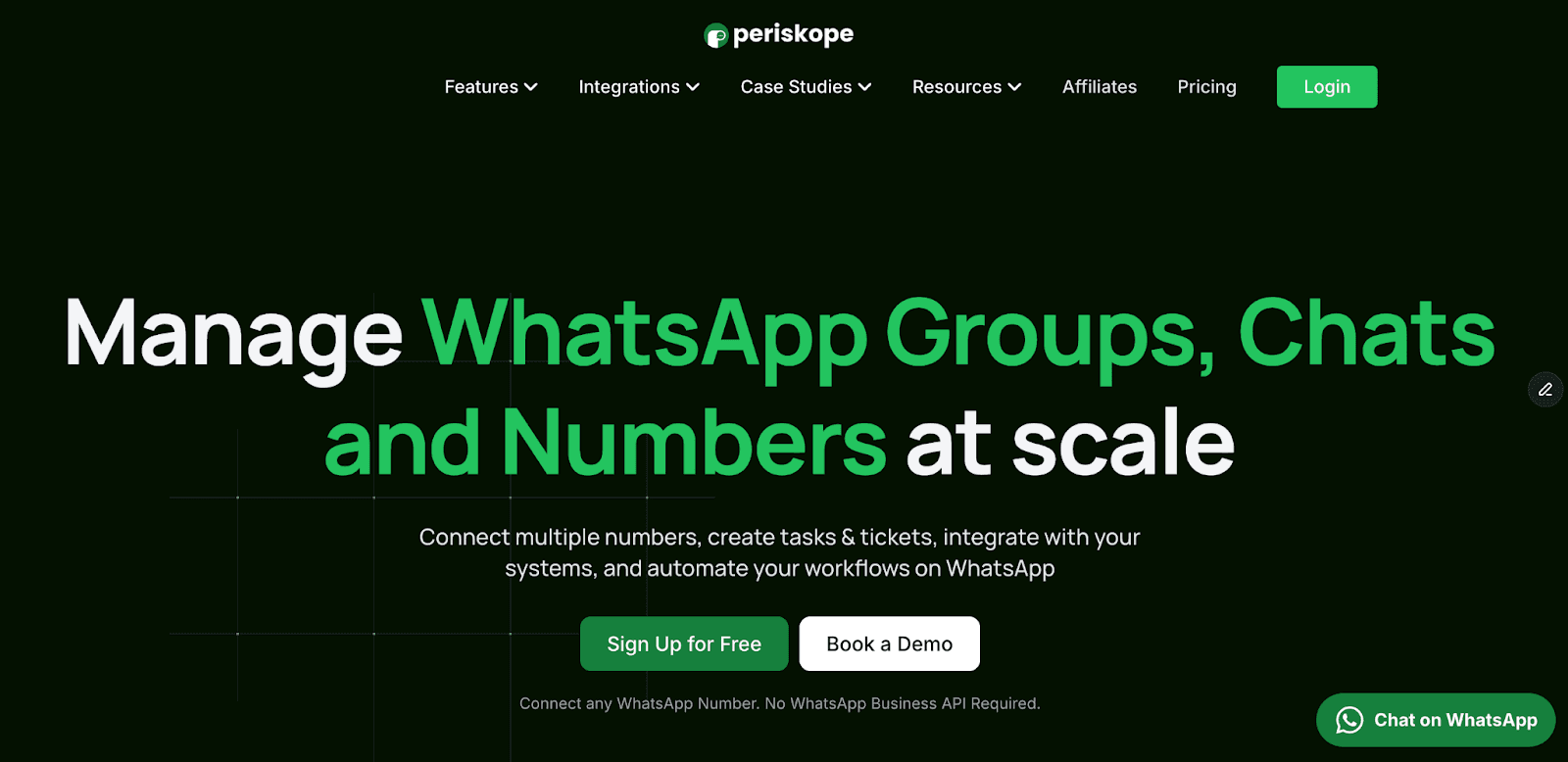
Periskope is the only WhatsApp tool built specifically for group management. While most platforms focus on 1:1 customer chats or marketing broadcasts, Periskope solves the chaos of managing hundreds of WhatsApp groups across your team.
It works with regular WhatsApp numbers—not the Business API—which means no template approvals, no 24-hour conversation windows, and setup in under 5 minutes.
Key Features
1. Multi-Number Shared Inbox
Connect unlimited WhatsApp numbers to one workspace. Your team accesses all chats via email login, no device sharing, works with regular WhatsApp and WhatsApp Business app.
2. Group Management at Scale
Schedule bulk messages across multiple groups and manage members in one click with role-based permissions (who sends, responds, etc.)
3. AI Agent & Automation
Train an AI Agent on your knowledge base to auto-respond to questions. It only activates for real queries, escalates to humans when needed, and works across groups and 1:1 chats.
4. Analytics & Performance Tracking
See which groups have the most activity, which messages go unanswered, and how fast your team responds. Track agent performance, resolution times, and SLA compliance across all groups and conversations in one dashboard.
5. Automation Rules Engine
Auto-create tickets from flagged keywords, SLA breaches, or urgent messages. Auto-assign to team members, send automated replies, and trigger workflows based on content.
6. CRM & Helpdesk Integrations
Native integrations with HubSpot, Freshdesk, Zoho CRM, Zoho Desk, and Google Sheets. Sync WhatsApp conversations automatically to your CRM, create deals from group messages, update contact records in real-time, and connect via Zapier or custom APIs/webhooks for any other tool.
7. Tickets & Task Management
Turn any message into a ticket with one click. Assign ownership, set priority, track resolution, and reply in the group while closing the ticket simultaneously. Tickets sync to your helpdesk or CRM automatically.
8. Team Collaboration
Add private notes to conversations (hidden from customers), use number masking for team privacy, review audit logs (see who responded when), and access from mobile or desktop.
Periskope Pricing
Starter: $20/seat/month
✅ Includes 1 seat + 1 WhatsApp number. Unlimited groups, chats, and messages (no per-message fees). AI Agent, bulk messaging (3,000 credits/month), ticket creation, basic analytics, APIs/webhooks, and mobile app access.
Pro: $30/seat/month
✅ Everything in Starter + HubSpot, Freshdesk, Zoho integrations. Advanced analytics (per-group performance, SLA tracking, team dashboards). 2 automation rules per license.
Enterprise: Custom pricing (minimum 50 seats)
✅ Everything in Pro + unlimited automation rules, custom billing, dedicated customer success manager, and priority support.
What makes this a good deal: Most competitors charge per message or limit conversations. Periskope's flat per-seat pricing means predictable costs even as you scale from 10 to 500+ groups.
Periskope Pros and Cons
✅ Pros | ❌ Cons |
Only tool purpose-built for WhatsApp GROUP operations at scale | Not designed for marketing—no broadcast campaigns, promotional templates, or Meta ad integrations |
Works with regular WhatsApp (no Business API = easier setup, no Meta approval, no template restrictions) | Does not support WABA (WhatsApp Business API) numbers |
Sophisticated AI Agent that auto-responds, escalates, and creates tickets intelligently | |
Bulk group operations: messaging, member management across hundreds of groups | |
Per-group analytics and performance tracking | |
Fast setup: Connect in <5 minutes, no technical knowledge required | |
Integrates with HubSpot, Freshdesk, Zoho, and Google Sheets to sync conversations and tickets | |
Predictable pricing: No per-message costs, unlimited messages |
What Do Real Users Say About Periskope?
Periskope powers over 5,000 businesses across 50+ countries. Here's what users have said:
"Periskope is unbelievable. It lets our 50 CS agents manage hundreds of client WhatsApp groups without missing important messages. It's the only tool that's scaled with us — clean, reliable, and built for how we work."
— Zach R., CEO"Our daily operations run entirely on WhatsApp groups. Before Periskope, we used to routinely miss queries that our ground staff posted on groups leading to operational delays. Now we can easily manage queries and connect to Google sheets & Jira to keep track."
— Omkar J., Head of Customer Experience"With over 250 program managers talking to 30K+ learners, we had zero insight into those conversations. Periskope gave us full visibility across messages, SLAs, and agent-level tracking, all in one place."
— Amit M., Product Manager
Ready to Manage Your WhatsApp Groups Properly?
If you're drowning in WhatsApp group chaos, missed messages, no accountability, zero visibility - Periskope is built for you.
👉 Start your 14-day free trial
👉 Book a demo to see it in action
Best for: Operations, Sales and Customer support teams managing multiple WhatsApp groups at scale.
Periskope is the only WhatsApp tool built specifically for group management. While most platforms focus on 1:1 customer chats or marketing broadcasts, Periskope solves the chaos of managing hundreds of WhatsApp groups across your team.
It works with regular WhatsApp numbers—not the Business API—which means no template approvals, no 24-hour conversation windows, and setup in under 5 minutes.
Key Features
1. Multi-Number Shared Inbox
Connect unlimited WhatsApp numbers to one workspace. Your team accesses all chats via email login, no device sharing, works with regular WhatsApp and WhatsApp Business app.
2. Group Management at Scale
Schedule bulk messages across multiple groups and manage members in one click with role-based permissions (who sends, responds, etc.)
3. AI Agent & Automation
Train an AI Agent on your knowledge base to auto-respond to questions. It only activates for real queries, escalates to humans when needed, and works across groups and 1:1 chats.
4. Analytics & Performance Tracking
See which groups have the most activity, which messages go unanswered, and how fast your team responds. Track agent performance, resolution times, and SLA compliance across all groups and conversations in one dashboard.
5. Automation Rules Engine
Auto-create tickets from flagged keywords, SLA breaches, or urgent messages. Auto-assign to team members, send automated replies, and trigger workflows based on content.
6. CRM & Helpdesk Integrations
Native integrations with HubSpot, Freshdesk, Zoho CRM, Zoho Desk, and Google Sheets. Sync WhatsApp conversations automatically to your CRM, create deals from group messages, update contact records in real-time, and connect via Zapier or custom APIs/webhooks for any other tool.
7. Tickets & Task Management
Turn any message into a ticket with one click. Assign ownership, set priority, track resolution, and reply in the group while closing the ticket simultaneously. Tickets sync to your helpdesk or CRM automatically.
8. Team Collaboration
Add private notes to conversations (hidden from customers), use number masking for team privacy, review audit logs (see who responded when), and access from mobile or desktop.
Periskope Pricing
Starter: $20/seat/month
✅ Includes 1 seat + 1 WhatsApp number. Unlimited groups, chats, and messages (no per-message fees). AI Agent, bulk messaging (3,000 credits/month), ticket creation, basic analytics, APIs/webhooks, and mobile app access.
Pro: $30/seat/month
✅ Everything in Starter + HubSpot, Freshdesk, Zoho integrations. Advanced analytics (per-group performance, SLA tracking, team dashboards). 2 automation rules per license.
Enterprise: Custom pricing (minimum 50 seats)
✅ Everything in Pro + unlimited automation rules, custom billing, dedicated customer success manager, and priority support.
What makes this a good deal: Most competitors charge per message or limit conversations. Periskope's flat per-seat pricing means predictable costs even as you scale from 10 to 500+ groups.
Periskope Pros and Cons
✅ Pros | ❌ Cons |
Only tool purpose-built for WhatsApp GROUP operations at scale | Not designed for marketing—no broadcast campaigns, promotional templates, or Meta ad integrations |
Works with regular WhatsApp (no Business API = easier setup, no Meta approval, no template restrictions) | Does not support WABA (WhatsApp Business API) numbers |
Sophisticated AI Agent that auto-responds, escalates, and creates tickets intelligently | |
Bulk group operations: messaging, member management across hundreds of groups | |
Per-group analytics and performance tracking | |
Fast setup: Connect in <5 minutes, no technical knowledge required | |
Integrates with HubSpot, Freshdesk, Zoho, and Google Sheets to sync conversations and tickets | |
Predictable pricing: No per-message costs, unlimited messages |
What Do Real Users Say About Periskope?
Periskope powers over 5,000 businesses across 50+ countries. Here's what users have said:
"Periskope is unbelievable. It lets our 50 CS agents manage hundreds of client WhatsApp groups without missing important messages. It's the only tool that's scaled with us — clean, reliable, and built for how we work."
— Zach R., CEO"Our daily operations run entirely on WhatsApp groups. Before Periskope, we used to routinely miss queries that our ground staff posted on groups leading to operational delays. Now we can easily manage queries and connect to Google sheets & Jira to keep track."
— Omkar J., Head of Customer Experience"With over 250 program managers talking to 30K+ learners, we had zero insight into those conversations. Periskope gave us full visibility across messages, SLAs, and agent-level tracking, all in one place."
— Amit M., Product Manager
Ready to Manage Your WhatsApp Groups Properly?
If you're drowning in WhatsApp group chaos, missed messages, no accountability, zero visibility - Periskope is built for you.
👉 Start your 14-day free trial
👉 Book a demo to see it in action
Try Periskope
Manage WhatsApp Groups, Chats and Numbers at Scale
2. TimelinesAI
Best for: Teams needing real-time multi-number WhatsApp sync with CRM integration.
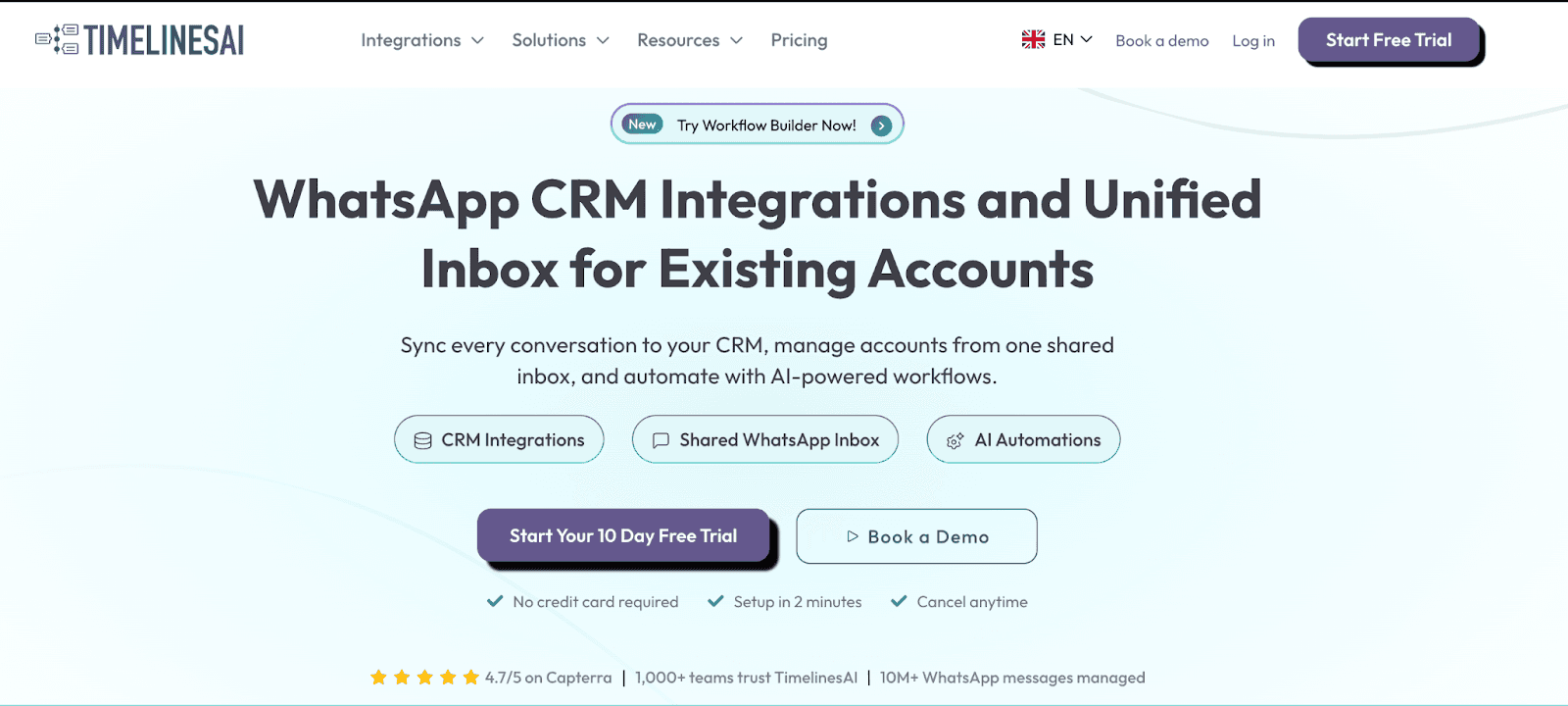
TimelinesAI connects multiple WhatsApp numbers to a shared inbox and syncs everything with your CRM in real-time.
It's designed for teams using regular WhatsApp (not Business API) who need tight CRM integration—especially with Pipedrive, HubSpot, Zoho, Salesforce, and monday.com.
Key Features
Multi-number shared inbox: Connect unlimited WhatsApp numbers to one workspace
Real-time CRM sync: Conversations, media, and contacts sync automatically to Pipedrive, HubSpot, Zoho, Salesforce, monday.com
Chrome extension: View and respond to WhatsApp messages directly inside your CRM
Mass messaging: Upload CSV lists and send bulk messages
ChatGPT integration: AI summaries, auto-responses, and ChatGPT agents
Workflow automation: Connect with Zapier, Make, and native webhooks
Team collaboration: Assign chats, add internal notes, set reminders, use labels
Works with regular WhatsApp: No Business API required
TimelinesAI Pricing
CRM Integration: $25/seat/month - 1,000 workflow actions, CRM integrations, mass messaging
Shared Inbox: $40/seat/month - Everything in CRM + shared inbox interface, analytics
Mass Messaging & Automation: $60/seat/month - Everything + 3,000 workflow actions
10-day free trial available
TimelinesAI Pros and Cons
✅ Pros | ❌ Cons |
Strong CRM integrations with real-time sync | Interface can feel clunky, according to some users |
Works with regular WhatsApp (no Business API) | No file/audio sending mentioned in some reviews |
Chrome extension for in-CRM messaging | Limited automation on lower tiers (workflow actions capped) |
Connectivity issues reported by some users |
What Do Real Users Say About TimelinesAI?
TimelinesAI receives positive reviews from users who value CRM integration.
From a verified Capterra user: "My overall experience with TimelinesAI has been very positive. The customer support team is fast to respond and clearly knows their stuff. All my chats are now synced automatically with our CRM, which saves a lot of time and keeps everything organized." (Capterra)
Users also report that the interface can feel clunky and not very intuitive, according to reviews on Software Advice. Some users mention occasional connectivity issues and limitations around file/audio sending.
Best for: Teams needing real-time multi-number WhatsApp sync with CRM integration.
TimelinesAI connects multiple WhatsApp numbers to a shared inbox and syncs everything with your CRM in real-time.
It's designed for teams using regular WhatsApp (not Business API) who need tight CRM integration—especially with Pipedrive, HubSpot, Zoho, Salesforce, and monday.com.
Key Features
Multi-number shared inbox: Connect unlimited WhatsApp numbers to one workspace
Real-time CRM sync: Conversations, media, and contacts sync automatically to Pipedrive, HubSpot, Zoho, Salesforce, monday.com
Chrome extension: View and respond to WhatsApp messages directly inside your CRM
Mass messaging: Upload CSV lists and send bulk messages
ChatGPT integration: AI summaries, auto-responses, and ChatGPT agents
Workflow automation: Connect with Zapier, Make, and native webhooks
Team collaboration: Assign chats, add internal notes, set reminders, use labels
Works with regular WhatsApp: No Business API required
TimelinesAI Pricing
CRM Integration: $25/seat/month - 1,000 workflow actions, CRM integrations, mass messaging
Shared Inbox: $40/seat/month - Everything in CRM + shared inbox interface, analytics
Mass Messaging & Automation: $60/seat/month - Everything + 3,000 workflow actions
10-day free trial available
TimelinesAI Pros and Cons
✅ Pros | ❌ Cons |
Strong CRM integrations with real-time sync | Interface can feel clunky, according to some users |
Works with regular WhatsApp (no Business API) | No file/audio sending mentioned in some reviews |
Chrome extension for in-CRM messaging | Limited automation on lower tiers (workflow actions capped) |
Connectivity issues reported by some users |
What Do Real Users Say About TimelinesAI?
TimelinesAI receives positive reviews from users who value CRM integration.
From a verified Capterra user: "My overall experience with TimelinesAI has been very positive. The customer support team is fast to respond and clearly knows their stuff. All my chats are now synced automatically with our CRM, which saves a lot of time and keeps everything organized." (Capterra)
Users also report that the interface can feel clunky and not very intuitive, according to reviews on Software Advice. Some users mention occasional connectivity issues and limitations around file/audio sending.
3. Eazybe
Best for: Sales teams and account managers who need CRM integration directly inside WhatsApp Web.
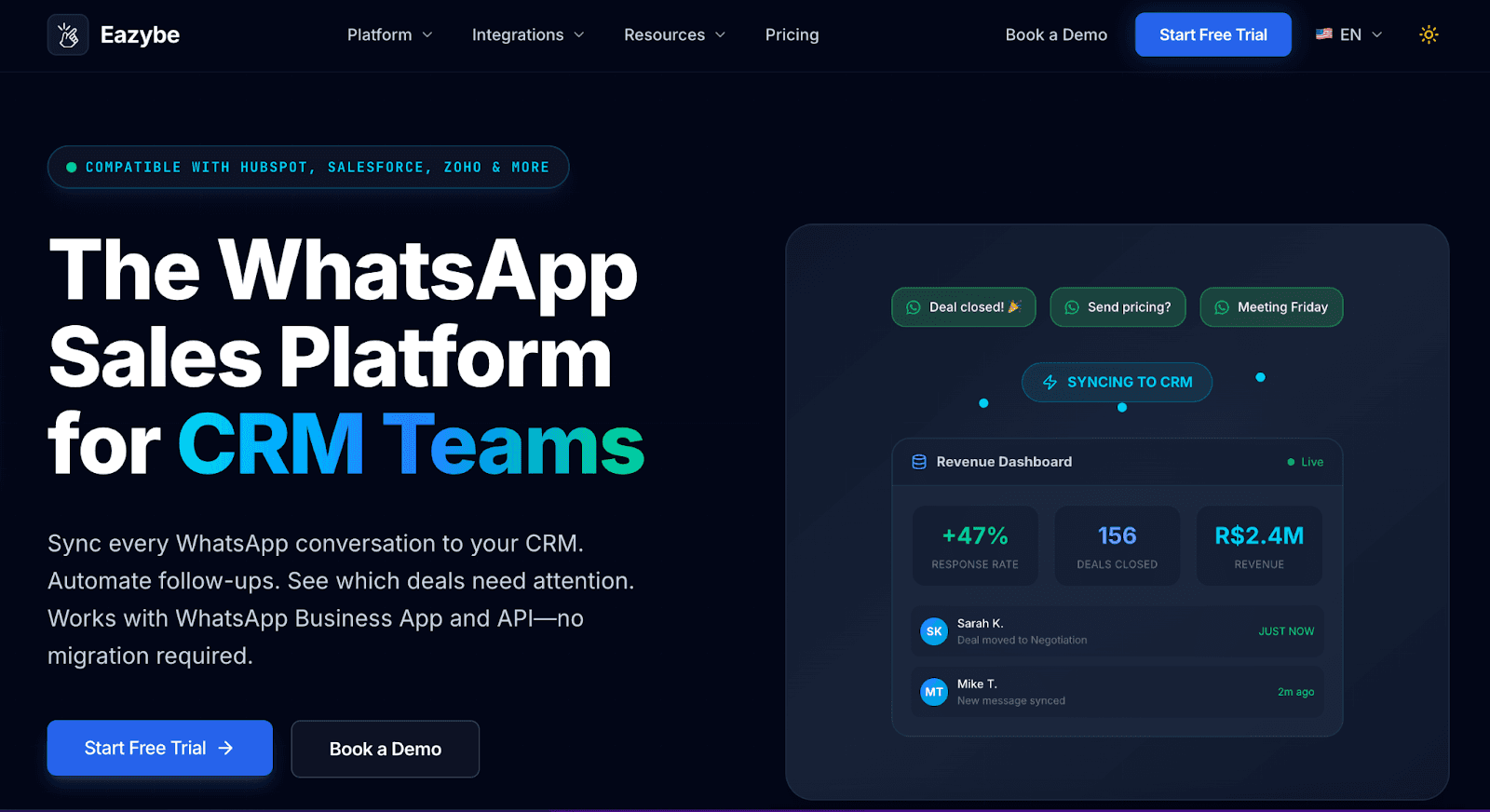
Eazybe is a Chrome extension that turns WhatsApp Web into a sales workspace. It connects WhatsApp with your CRM (HubSpot, Zoho, Salesforce, Google Sheets) so you can see customer data, update deals, and save chats without leaving WhatsApp.
They also offer a web platform for team inbox and real-time sync features.
Key Features
Chrome extension model: Powers WhatsApp Web directly in your browser (also has a web platform for team features)
CRM integration: View and update HubSpot, Zoho, Salesforce, Bitrix, or Google Sheets contacts from WhatsApp
Real-time sync: Syncs every WhatsApp chat (Business and API) directly into CRM and team inbox
Chat backup: Automatically saves WhatsApp conversations (both 1:1 and groups) to your CRM
Quick replies: Save templates with attachments for common responses
Message scheduling: Schedule messages and follow-ups
Labels and funnels: Organize chats by stage or category
Team inbox: Shared access with ownership tracking for accountability
Broadcasting: Send bulk messages to contacts
AI features: Unreplied chat alerts, ChatGPT-powered reply suggestions
Eazybe Pricing
Starter: $13/user/month - Team inbox, CRM integrations (HubSpot, Zoho, Google Sheets), chat backup
Scaler: $22/user/month - Everything in Starter + Salesforce integration, webhooks, dedicated APIs, AI features
Omnis: Custom pricing - Everything in Scaler + Revenue Inbox, AI RevOps Agent
All plans work as a Chrome extension with optional web platform access. Higher plans unlock more CRM integrations and automation features.
Eazybe Pros and Cons
✅ Pros | ❌ Cons |
Very affordable starting at $13/month | Chrome extension dependency — if Chrome updates or WhatsApp Web changes, features can break |
Works with regular WhatsApp (no Business API needed) | Reliability concerns - users report scheduling issues, messages disappearing |
CRM integration right inside WhatsApp Web — no context switching | Limited group management features compared to Periskope |
Chat backup to CRM for both 1:1 and group chats | Customer support issues - slow response times reported |
What Do Real Users Say About Eazy Be?
Eazy Be has 4.6/5 on the Chrome Web Store.
From a verified Software Advice user: "The product is just like its name EAZY and simple yet very effective and powerful in organizing and managing teams." (Software Advice)
Users also report concerns about reliability during critical work hours.
According to reviews, scheduling issues occur frequently: messages disappear, icons vanish, and quick replies or templates become inaccessible for days at a time. Support response times are slow, with issues happening "every single day" according to one reviewer.
While the Chrome extension works well when it's functioning properly, teams should thoroughly test it during the trial period and have backup communication methods ready for when technical problems arise.
Best for: Sales teams and account managers who need CRM integration directly inside WhatsApp Web.
Eazybe is a Chrome extension that turns WhatsApp Web into a sales workspace. It connects WhatsApp with your CRM (HubSpot, Zoho, Salesforce, Google Sheets) so you can see customer data, update deals, and save chats without leaving WhatsApp.
They also offer a web platform for team inbox and real-time sync features.
Key Features
Chrome extension model: Powers WhatsApp Web directly in your browser (also has a web platform for team features)
CRM integration: View and update HubSpot, Zoho, Salesforce, Bitrix, or Google Sheets contacts from WhatsApp
Real-time sync: Syncs every WhatsApp chat (Business and API) directly into CRM and team inbox
Chat backup: Automatically saves WhatsApp conversations (both 1:1 and groups) to your CRM
Quick replies: Save templates with attachments for common responses
Message scheduling: Schedule messages and follow-ups
Labels and funnels: Organize chats by stage or category
Team inbox: Shared access with ownership tracking for accountability
Broadcasting: Send bulk messages to contacts
AI features: Unreplied chat alerts, ChatGPT-powered reply suggestions
Eazybe Pricing
Starter: $13/user/month - Team inbox, CRM integrations (HubSpot, Zoho, Google Sheets), chat backup
Scaler: $22/user/month - Everything in Starter + Salesforce integration, webhooks, dedicated APIs, AI features
Omnis: Custom pricing - Everything in Scaler + Revenue Inbox, AI RevOps Agent
All plans work as a Chrome extension with optional web platform access. Higher plans unlock more CRM integrations and automation features.
Eazybe Pros and Cons
✅ Pros | ❌ Cons |
Very affordable starting at $13/month | Chrome extension dependency — if Chrome updates or WhatsApp Web changes, features can break |
Works with regular WhatsApp (no Business API needed) | Reliability concerns - users report scheduling issues, messages disappearing |
CRM integration right inside WhatsApp Web — no context switching | Limited group management features compared to Periskope |
Chat backup to CRM for both 1:1 and group chats | Customer support issues - slow response times reported |
What Do Real Users Say About Eazy Be?
Eazy Be has 4.6/5 on the Chrome Web Store.
From a verified Software Advice user: "The product is just like its name EAZY and simple yet very effective and powerful in organizing and managing teams." (Software Advice)
Users also report concerns about reliability during critical work hours.
According to reviews, scheduling issues occur frequently: messages disappear, icons vanish, and quick replies or templates become inaccessible for days at a time. Support response times are slow, with issues happening "every single day" according to one reviewer.
While the Chrome extension works well when it's functioning properly, teams should thoroughly test it during the trial period and have backup communication methods ready for when technical problems arise.
4. Interakt
Best for: E-commerce and D2C brands (especially Shopify stores) needing WhatsApp marketing + basic operations.
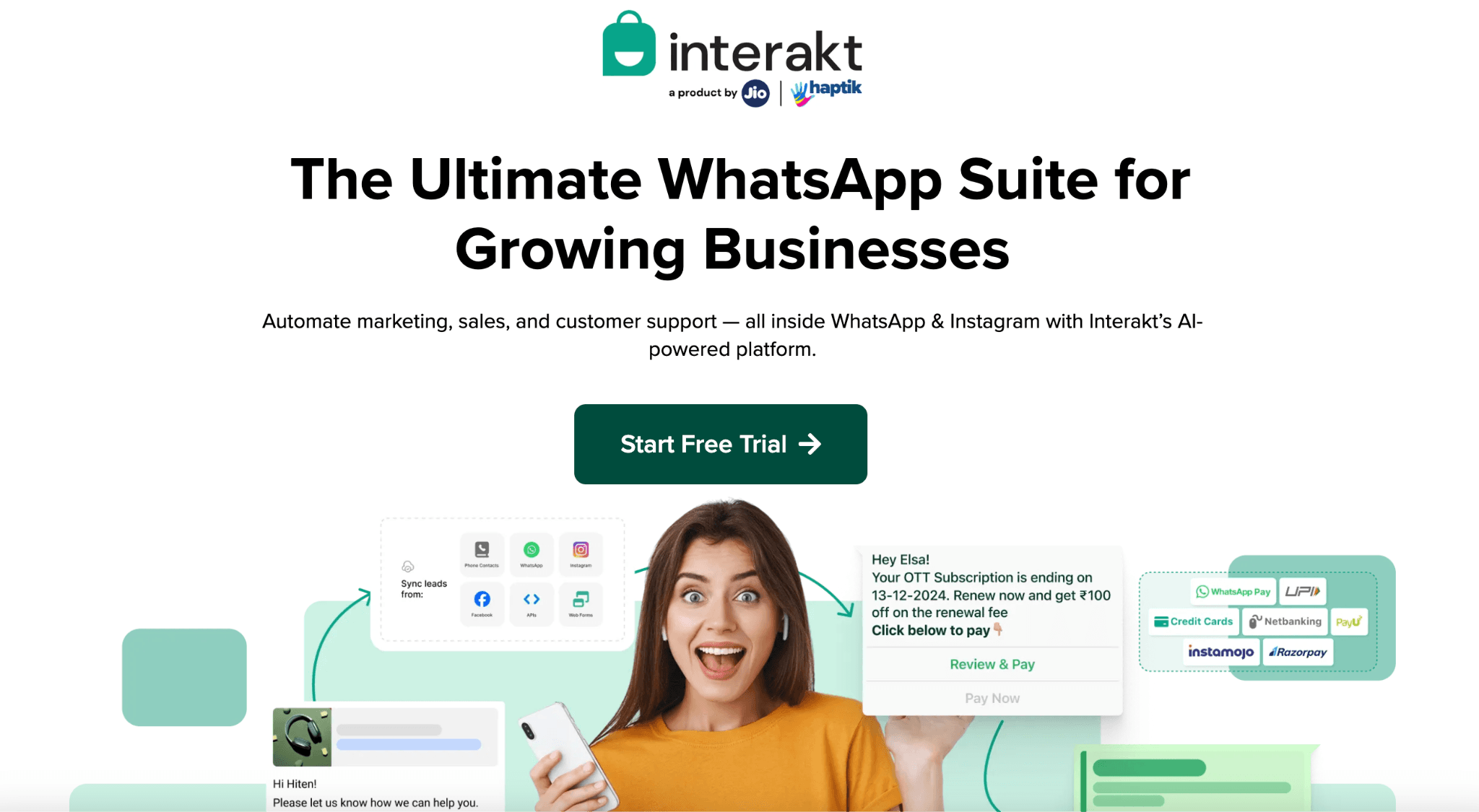
Interakt is a full-stack WhatsApp platform built for marketing, sales, and support. It's backed by Jio-Haptik and popular among Indian SMBs and e-commerce brands.
While it includes operations features like a shared inbox and chatbots, its strength is in marketing campaigns and Shopify integration.
⚠️ Important: Uses WhatsApp Business API, which means group support is limited.
Key Features
Shared team inbox: Multi-agent support for WhatsApp and Instagram DMs
WhatsApp chatbot builder: No-code, drag-and-drop chatbot flows
Broadcast campaigns: Bulk messaging with targeting and retargeting
Shopify integration: Sync catalog, send abandoned cart reminders, order confirmations
Click-to-WhatsApp ads: Run Meta ads that start WhatsApp conversations
Sales CRM: Track leads, deals, and sales pipeline
E-commerce features: In-chat ordering, catalog sharing, payment links
AI agents: Optional add-on via Haptik (starts at ~₹10,000/month or $115)
Integrations: WooCommerce, Zoho, Google Sheets, Razorpay, PayU, Pabbly
Interakt Pricing
Interakt has two separate pricing tracks: Marketing & Support Hub and Sales CRM (both billed separately).
Marketing & Support Hub:
Starter: $11/month - Not applicable for WhatsApp (Instagram only)
Growth: $31/month - WhatsApp + Instagram, FAQ automations, chatbot flows, campaigns, 25 custom fields
Advanced: $42/month - Everything in Growth + advanced chatbot flows with branching, API calls, webhooks, 30 custom fields
Enterprise: On request - no markup charges, dedicated account manager
Important: WhatsApp conversation charges (Meta fees) are billed separately, with Interakt adding a markup. Sales CRM requires a separate subscription.
Interakt Pros and Cons
✅ Pros | ❌ Cons |
Excellent Shopify integration with catalog sync and abandoned cart recovery | Requires WhatsApp Business API (no group messaging support) |
Full-stack platform (marketing + sales + support in one) | Customer support issues reported frequently in reviews |
14-day free trial | Separate subscriptions needed for Marketing Hub and Sales CRM |
Setup can be complex for non-technical users | |
Starter plan is Instagram-only | |
Adds markup to Meta conversation charges (not transparent on exact rates) |
What Do Real Users Say About Interakt?
From a verified Capterra user: "Seamless integration with Shopify & the WhatsApp Commerce are my most favorite features. One can easily sync their Shopify catalog with Interakt and start selling products on WhatsApp." (Capterra)
Users also report significant customer support issues. Multiple reviews mention slow email response times (24+ hours), lack of live chat support, and delays of 4-5 days just to schedule a support call.
Some users also complain about app stability, including frequent logouts and slow performance. While the Shopify integration works well, teams needing responsive support should weigh this carefully before committing.
Best for: E-commerce and D2C brands (especially Shopify stores) needing WhatsApp marketing + basic operations.
Interakt is a full-stack WhatsApp platform built for marketing, sales, and support. It's backed by Jio-Haptik and popular among Indian SMBs and e-commerce brands.
While it includes operations features like a shared inbox and chatbots, its strength is in marketing campaigns and Shopify integration.
⚠️ Important: Uses WhatsApp Business API, which means group support is limited.
Key Features
Shared team inbox: Multi-agent support for WhatsApp and Instagram DMs
WhatsApp chatbot builder: No-code, drag-and-drop chatbot flows
Broadcast campaigns: Bulk messaging with targeting and retargeting
Shopify integration: Sync catalog, send abandoned cart reminders, order confirmations
Click-to-WhatsApp ads: Run Meta ads that start WhatsApp conversations
Sales CRM: Track leads, deals, and sales pipeline
E-commerce features: In-chat ordering, catalog sharing, payment links
AI agents: Optional add-on via Haptik (starts at ~₹10,000/month or $115)
Integrations: WooCommerce, Zoho, Google Sheets, Razorpay, PayU, Pabbly
Interakt Pricing
Interakt has two separate pricing tracks: Marketing & Support Hub and Sales CRM (both billed separately).
Marketing & Support Hub:
Starter: $11/month - Not applicable for WhatsApp (Instagram only)
Growth: $31/month - WhatsApp + Instagram, FAQ automations, chatbot flows, campaigns, 25 custom fields
Advanced: $42/month - Everything in Growth + advanced chatbot flows with branching, API calls, webhooks, 30 custom fields
Enterprise: On request - no markup charges, dedicated account manager
Important: WhatsApp conversation charges (Meta fees) are billed separately, with Interakt adding a markup. Sales CRM requires a separate subscription.
Interakt Pros and Cons
✅ Pros | ❌ Cons |
Excellent Shopify integration with catalog sync and abandoned cart recovery | Requires WhatsApp Business API (no group messaging support) |
Full-stack platform (marketing + sales + support in one) | Customer support issues reported frequently in reviews |
14-day free trial | Separate subscriptions needed for Marketing Hub and Sales CRM |
Setup can be complex for non-technical users | |
Starter plan is Instagram-only | |
Adds markup to Meta conversation charges (not transparent on exact rates) |
What Do Real Users Say About Interakt?
From a verified Capterra user: "Seamless integration with Shopify & the WhatsApp Commerce are my most favorite features. One can easily sync their Shopify catalog with Interakt and start selling products on WhatsApp." (Capterra)
Users also report significant customer support issues. Multiple reviews mention slow email response times (24+ hours), lack of live chat support, and delays of 4-5 days just to schedule a support call.
Some users also complain about app stability, including frequent logouts and slow performance. While the Shopify integration works well, teams needing responsive support should weigh this carefully before committing.
5. Respond.io
Best for: Large businesses needing omnichannel customer engagement across WhatsApp, Instagram, Facebook, and other messaging platforms.
Respond.io is an enterprise-grade omnichannel messaging platform that centralizes conversations from WhatsApp, Instagram, Facebook Messenger, Telegram, Viber, email, and more into one inbox.
It's built on the WhatsApp Business API and designed for businesses that need workflow automation, AI agents, and lifecycle management across multiple channels.
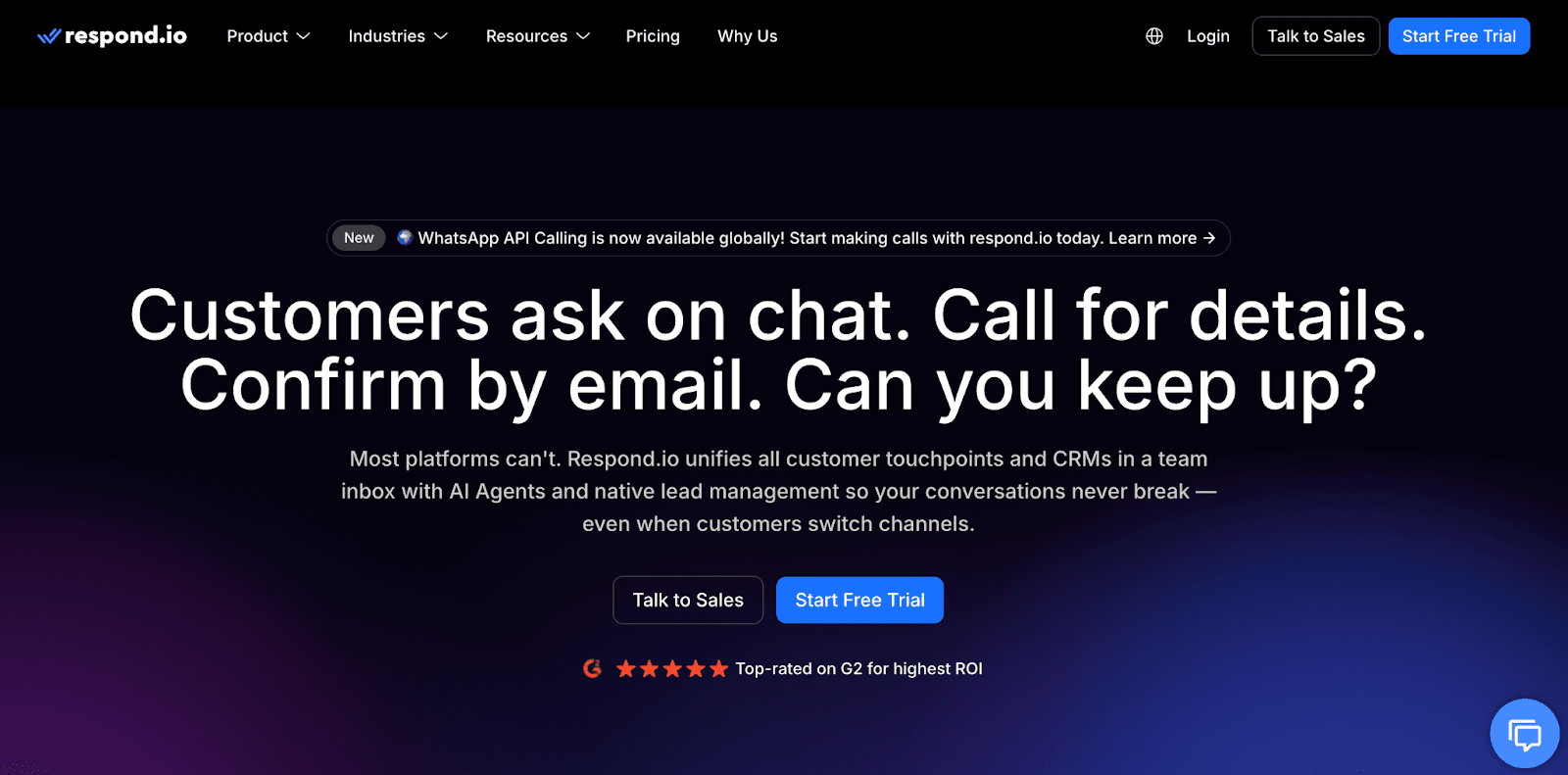
⚠️ Critical Limitation for Group Management: Respond.io has limited WhatsApp group support. Groups are only available for Business API accounts with over 100,000 monthly conversations.
Key Features
Omnichannel inbox: Manage WhatsApp, Instagram, Facebook, Telegram, Viber, LINE, email, and more from one platform
WhatsApp Business API: Official API access with blue/green tick verification
AI Agents: Train AI on your knowledge base to auto-respond, qualify leads, and handle sales conversations
Workflow automation: Visual flow builder for routing, qualifying, and nurturing contacts
Lifecycle management: Track contacts from lead → customer with deal stages and tags
Broadcast messaging: Send bulk messages to re-engage contacts
Team collaboration: Unlimited users, chat assignment, internal notes, performance tracking
Integrations: Zapier, Make, HubSpot, Salesforce, Shopify, webhooks, developer API
Respond.io Pricing
Starter: $79/month - 5 users, 1,000 Monthly Active Contacts, team inbox, AI features, basic reports
Growth: $159/month - 10 users, 1,000 MACs, everything in Starter + broadcasts, workflows, AI Agents
Advanced: $279/month - 10 users, 1,000 MACs, everything in Growth + phone/email masking, webhooks, SSO
Pricing based on Monthly Active Contacts. Exceeding limits results in on-demand billing at $12-15 per 100 contacts. WhatsApp message charges (Meta fees) billed separately. 7-day free trial.
Respond.io Pros and Cons
✅ Pros | ❌ Cons |
True omnichannel platform - manage 10+ messaging channels in one inbox | WhatsApp groups LIMITED - only available for accounts with 100K+ monthly conversations |
Unlimited users on all plans - good for large teams | Expensive - starts at $79/month, can get costly as contacts grow |
Strong AI features - AI Agents, workflow automation, lifecycle tracking | Requires WhatsApp Business API - setup can be complex |
Not designed for group operations - use Periskope if you need group management |
What Do Real Users Say About Respond.io?
Respond.io has 4.8/5 on Capterra.
From a verified Capterra user: "My overall experience with Respond.io has been completely positive -- from functionality to customer support. Hands down, one of the best tools we use for our business. It works! It's user-friendly, and they continuously make improvements to the product based on customer feedback. The support is also top notch." (Capterra)
Users also report that while the platform excels at omnichannel support and 1:1 customer conversations, the WhatsApp group limitation is a dealbreaker for teams running operations on groups.
The desktop interface is smooth and intuitive, but the mobile app is limited compared to the full web experience. Additionally, while Respond.io has excellent customer support, some users mention that new features take time to implement, and the latest chat doesn't always auto-refresh, causing occasional delays.
6. Wati
Best for: B2C businesses needing WhatsApp broadcasts and chatbot automation.
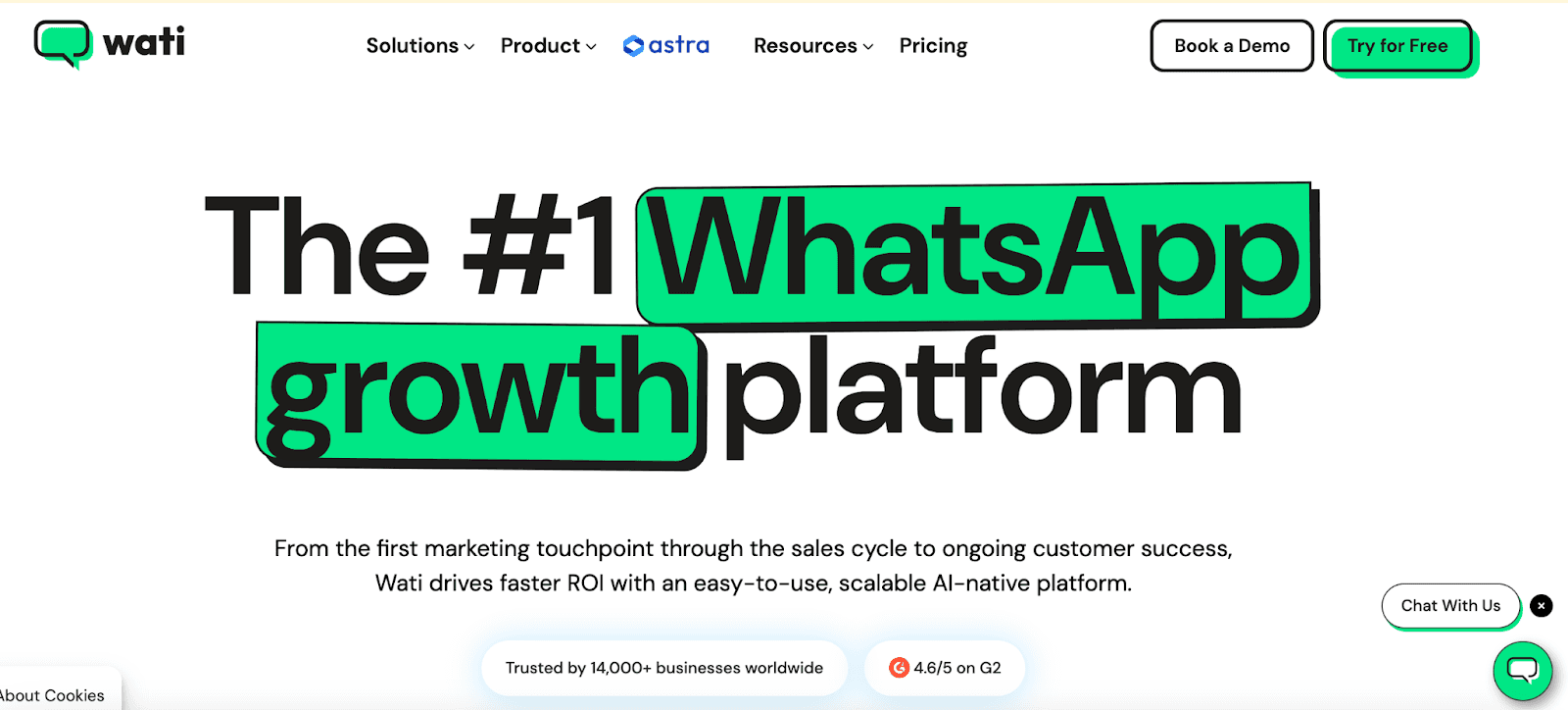
WATI is a popular WhatsApp Business API platform designed for customer engagement, sales, and marketing.
It's especially strong in e-commerce, education, and healthcare sectors. However, it's important to note that WATI does NOT support WhatsApp group messaging because it's built on the Business API, which has strict group limitations.
Key Features
WhatsApp Business API access: Official API with blue tick verification
No-code chatbot builder: Drag-and-drop flow builder for automated responses
Broadcast campaigns: Send rich media messages to thousands with segmentation
Team inbox: Multi-agent support with chat assignment, tagging, and tracking
Click-to-WhatsApp ads: Official Google Ads partner (Asia's only Google-to-WhatsApp provider)
Commerce integrations: Shopify, HubSpot, Salesforce, WooCommerce, Zapier
WhatsApp Business Calling: Turn WhatsApp into a voice channel
Analytics: Open/read rates, response times, agent performance
WATI Pricing
Growth: $28/month - 3 users, 15k broadcasts/month, 1,000 automation triggers, 2 integrations
Pro: $66/month - 5 users, unlimited broadcasts, 2,000 automation triggers, 5 integrations including HubSpot, AI automation
Business: $187/month - 5 users, unlimited broadcasts, 5,000 automation triggers, unlimited integrations including Salesforce, dedicated CSM
WhatsApp message charges (Meta fees) are billed separately. WATI adds ~20% markup on Meta's conversation rates. Additional costs apply for extra users and features like the Shopify app.
WATI Pros and Cons
✅ Pros | ❌ Cons |
Official Meta and Google partner with fast onboarding | Does NOT support WhatsApp groups - Business API limitation |
User-friendly interface with minimal learning curve | 20% markup on Meta fees - adds up on high volumes |
Good for e-commerce with Shopify and WooCommerce integrations | Customer support delays reported in reviews |
What Do Real Users Say About WATI?
WATI has 4.6/5 on Capterra.
From a verified Capterra user: "WATI was the only software that provided what we needed. We were looking for a simple tool that will help us centralize all communications of our sales team with our clients via WhatsApp. The interface is user-friendly and the onboarding process was smooth." (Capterra)
Users also report concerns about pricing transparency and hidden charges not clearly disclosed during signup.
Multiple reviews mention that "costs are higher when compared with competitors" and some users feel locked into inflexible annual contracts.
7. AiSensy
Best for: E-commerce brands (especially on Shopify) needing WhatsApp marketing campaigns with basic operations features.
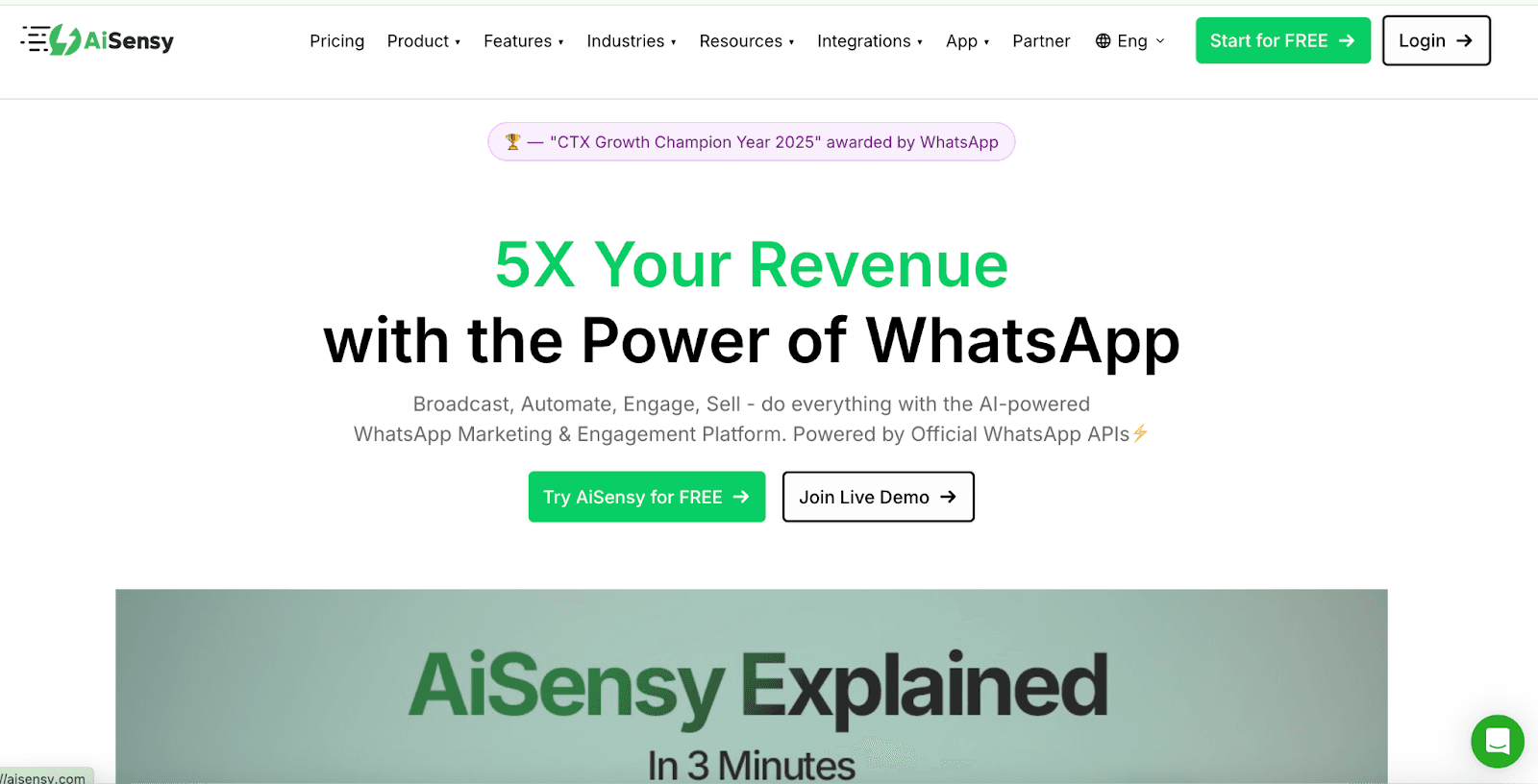
AiSensy is a WhatsApp marketing platform built on the WhatsApp Business API. It's popular among Indian SMBs and e-commerce businesses for running promotional campaigns, abandoned cart recovery, and COD confirmations.
While it includes team inbox and chatbot features, its core strength is in marketing automation.
Key Features
WhatsApp Business API: Official API access with green tick verification
Broadcast campaigns: Send promotional messages with targeting and smart retargeting features
No-code chatbot builder: Drag-and-drop flow builder for automated conversations
Multi-agent live chat: Team inbox with smart agent routing by tags, campaigns, and attributes
Click-to-WhatsApp ads: Run Facebook/Instagram ads that start WhatsApp conversations
E-commerce integrations: Shopify, WooCommerce, Razorpay, PayU for abandoned cart and order notifications
Campaign analytics: Track delivery, read rates, and clicks in real-time
AI features: Available as a paid add-on
AiSensy Pricing
AiSensy has two types of costs: platform subscription + WhatsApp message charges (Meta fees).
Platform Subscription:
Free: Basic features, limited to 9 users per broadcast
Basic: $45/month - Shared inbox, unlimited agents, basic chatbot, 1,000 workflow actions
Pro: $99/month - Everything in Basic + campaign scheduler, smart agent routing, 2,000 workflow actions
WhatsApp message charges (Meta fees) billed separately. Some users report that the chatbot builder costs an additional ~$24/month. 14-day free trial.
AiSensy Pros and Cons
✅ Pros | ❌ Cons |
Free forever plan available for small businesses to get started | Requires WhatsApp Business API (no group messaging support) |
Unlimited agents even on the Basic plan | Adds markup to Meta's message charges (around 12-15% on top of Meta rates) |
Good Shopify integration for e-commerce workflows | Stability issues reported - auto-refresh problems, image upload failures |
No direct Shopify order creation from WhatsApp (missing feature per reviews) |
What Do Real Users Say About AiSensy?
From a verified Shopify user (January 2026): "Our experience with AiSensy has been mixed and, overall, below expectations considering the pricing. The platform is relatively expensive, and the overall user experience feels complex and unintuitive. During daily usage, we encountered stability issues, such as new chats not auto-refreshing consistently, which can impact response times." (Shopify App Store)
Users also report that catalog functionality lacks key features, specifically, the ability to place orders directly from WhatsApp and have them automatically created in Shopify.
While the platform works well for abandoned cart recovery and basic broadcast campaigns, teams expecting end-to-end WhatsApp commerce flows or stable daily performance may find it falls short compared to alternatives.
Which WhatsApp Group Management Tool Is Right for You?
Choosing the right WhatsApp group management software depends on whether you actually need group functionality or if your primary focus is 1:1 customer conversations and marketing.
Tool | Can Send Messages to Groups? | Can Manage Group Members? | Can Track Group Analytics?* | Works Without Business API? |
Periskope | ✅ Yes | ✅ Yes | ✅ Yes | ✅ Yes |
TimelinesAI | ✅ Yes | ✅ Yes | ❌ No | ✅ Yes |
Eazybe | ✅ Yes | ⚠️ Limited | ❌ No | ✅ Yes |
Interakt | ⚠️ Limited | ❌ No | ❌ No | ❌ No |
AiSensy | ⚠️ Limited | ❌ No | ❌ No | ❌ No |
WATI | ❌ No | ❌ No | ❌ No | ❌ No |
Respond.io | ❌ No (unless 100K+ conversations) | ❌ No | ❌ No | ❌ No |
*Group analytics = Track which groups have unanswered messages, response times per group, message volume per group
➤ Managing 5+ WhatsApp groups? → Use Periskope, TimelinesAI, or Eazybe
➤ Just need marketing/1:1 support? → Use Interakt, AiSensy, WATI, or Respond.io
➤ Groups are mission-critical? → Periskope is the only tool built specifically for this
The other tools can't handle WhatsApp team management on groups because WhatsApp Business API fundamentally doesn't support group operations properly.
Over 5,000 businesses across 50+ countries use Periskope to manage their WhatsApp group operations at scale.
👉 Start your 14-day free trial
👉 Book a demo to see how teams manage 250+ groups with 30K+ users
FAQs
1. Do these WhatsApp group management tools work with WhatsApp groups?
No. Only 3 tools properly support WhatsApp groups: Periskope, TimelinesAI, and Eazybe. These work with regular WhatsApp (not Business API), which allows full group functionality.
The other tools (Interakt, AiSensy, WATI, Respond.io) use WhatsApp Business API, which has severe group limitations:
WATI: Does NOT support groups at all
Respond.io: Groups only available for accounts with 100,000+ monthly conversations
Interakt & AiSensy: Limited group support, primarily designed for 1:1 chats and broadcasts
2. Which tools require WhatsApp Business API?
Interakt, AiSensy, WATI, and Respond.io require WhatsApp Business API. This means:
Setup is more complex (requires Meta approval)
You're limited to approved message templates outside 24-hour windows
WhatsApp conversation charges (Meta fees) are billed separately
Group support is severely limited or non-existent
Periskope works with regular WhatsApp, making setup faster and giving you full group functionality.
3. What's the cheapest WhatsApp group management tool?
For tools that actually support groups:
Cheapest with free plan: AiSensy has a free forever plan, but group support is limited
Cheapest paid option: Eazybe at $13/month, but has reliability concerns
Best value for group operations: Periskope at $20/seat/month with unlimited groups, messages, and AI features
4. Can I try these WhatsApp group tools before buying?
Yes! Most tools offer free trials:
Periskope: 14-day free trial
TimelinesAI: 10-day free trial
Eazybe: 14-day free trial
Interakt: 14-day free trial
AiSensy: Free forever plan
WATI: 7-day free trial
Respond.io: 7-day free trial
5. Do these tools charge per message?
It depends on whether they use WhatsApp Business API:
No per-message charges:
Periskope: Flat per-seat pricing, unlimited messages
TimelinesAI: Flat per-seat pricing
Eazybe: Flat monthly pricing
Per-message charges (Meta fees):
Interakt, AiSensy, WATI, Respond.io: All charge WhatsApp conversation fees separately (Meta's rates + platform markup of 12-20%)
6. Which tool is best for CRM integration?
For teams prioritizing CRM integration:
Periskope: Strong integrations with HubSpot, Freshdesk, Zoho Desk, Google Sheets, especially for ticket management from group messages
TimelinesAI: Real-time CRM sync (Pipedrive, HubSpot, Zoho, Salesforce, monday.com)
Eazybe: Basic CRM integration inside WhatsApp Web
7. Can I manage multiple WhatsApp numbers with these tools?
Yes, most tools support multiple WhatsApp numbers:
Periskope: Unlimited numbers in one shared inbox
TimelinesAI: Unlimited numbers with real-time sync
Respond.io: Multi-number support with omnichannel inbox
Eazybe: Supports multiple numbers via Chrome extension
However, only Periskope and TimelinesAI allow you to manage multiple numbers across WhatsApp groups effectively.
8. What's the difference between regular WhatsApp and WhatsApp Business API?
Regular WhatsApp (used by Periskope, TimelinesAI, Eazybe):
✅ Full group support (create, manage, message groups)
✅ Quick setup (under 5 minutes)
✅ No Meta approval needed
✅ No message template restrictions
✅ No per-message charges
WhatsApp Business API (used by Interakt, AiSensy, WATI, Respond.io):
❌ Severely limited or no group support
❌ Complex setup (requires Meta approval)
❌ Message templates must be pre-approved by Meta
❌ 24-hour conversation window restrictions
❌ Per-message charges (Meta fees + platform markup)
For WhatsApp team management on groups, regular WhatsApp tools are the only viable option.
Best for: Large businesses needing omnichannel customer engagement across WhatsApp, Instagram, Facebook, and other messaging platforms.
Respond.io is an enterprise-grade omnichannel messaging platform that centralizes conversations from WhatsApp, Instagram, Facebook Messenger, Telegram, Viber, email, and more into one inbox.
It's built on the WhatsApp Business API and designed for businesses that need workflow automation, AI agents, and lifecycle management across multiple channels.
⚠️ Critical Limitation for Group Management: Respond.io has limited WhatsApp group support. Groups are only available for Business API accounts with over 100,000 monthly conversations.
Key Features
Omnichannel inbox: Manage WhatsApp, Instagram, Facebook, Telegram, Viber, LINE, email, and more from one platform
WhatsApp Business API: Official API access with blue/green tick verification
AI Agents: Train AI on your knowledge base to auto-respond, qualify leads, and handle sales conversations
Workflow automation: Visual flow builder for routing, qualifying, and nurturing contacts
Lifecycle management: Track contacts from lead → customer with deal stages and tags
Broadcast messaging: Send bulk messages to re-engage contacts
Team collaboration: Unlimited users, chat assignment, internal notes, performance tracking
Integrations: Zapier, Make, HubSpot, Salesforce, Shopify, webhooks, developer API
Respond.io Pricing
Starter: $79/month - 5 users, 1,000 Monthly Active Contacts, team inbox, AI features, basic reports
Growth: $159/month - 10 users, 1,000 MACs, everything in Starter + broadcasts, workflows, AI Agents
Advanced: $279/month - 10 users, 1,000 MACs, everything in Growth + phone/email masking, webhooks, SSO
Pricing based on Monthly Active Contacts. Exceeding limits results in on-demand billing at $12-15 per 100 contacts. WhatsApp message charges (Meta fees) billed separately. 7-day free trial.
Respond.io Pros and Cons
✅ Pros | ❌ Cons |
True omnichannel platform - manage 10+ messaging channels in one inbox | WhatsApp groups LIMITED - only available for accounts with 100K+ monthly conversations |
Unlimited users on all plans - good for large teams | Expensive - starts at $79/month, can get costly as contacts grow |
Strong AI features - AI Agents, workflow automation, lifecycle tracking | Requires WhatsApp Business API - setup can be complex |
Not designed for group operations - use Periskope if you need group management |
What Do Real Users Say About Respond.io?
Respond.io has 4.8/5 on Capterra.
From a verified Capterra user: "My overall experience with Respond.io has been completely positive -- from functionality to customer support. Hands down, one of the best tools we use for our business. It works! It's user-friendly, and they continuously make improvements to the product based on customer feedback. The support is also top notch." (Capterra)
Users also report that while the platform excels at omnichannel support and 1:1 customer conversations, the WhatsApp group limitation is a dealbreaker for teams running operations on groups.
The desktop interface is smooth and intuitive, but the mobile app is limited compared to the full web experience. Additionally, while Respond.io has excellent customer support, some users mention that new features take time to implement, and the latest chat doesn't always auto-refresh, causing occasional delays.
6. Wati
Best for: B2C businesses needing WhatsApp broadcasts and chatbot automation.
WATI is a popular WhatsApp Business API platform designed for customer engagement, sales, and marketing.
It's especially strong in e-commerce, education, and healthcare sectors. However, it's important to note that WATI does NOT support WhatsApp group messaging because it's built on the Business API, which has strict group limitations.
Key Features
WhatsApp Business API access: Official API with blue tick verification
No-code chatbot builder: Drag-and-drop flow builder for automated responses
Broadcast campaigns: Send rich media messages to thousands with segmentation
Team inbox: Multi-agent support with chat assignment, tagging, and tracking
Click-to-WhatsApp ads: Official Google Ads partner (Asia's only Google-to-WhatsApp provider)
Commerce integrations: Shopify, HubSpot, Salesforce, WooCommerce, Zapier
WhatsApp Business Calling: Turn WhatsApp into a voice channel
Analytics: Open/read rates, response times, agent performance
WATI Pricing
Growth: $28/month - 3 users, 15k broadcasts/month, 1,000 automation triggers, 2 integrations
Pro: $66/month - 5 users, unlimited broadcasts, 2,000 automation triggers, 5 integrations including HubSpot, AI automation
Business: $187/month - 5 users, unlimited broadcasts, 5,000 automation triggers, unlimited integrations including Salesforce, dedicated CSM
WhatsApp message charges (Meta fees) are billed separately. WATI adds ~20% markup on Meta's conversation rates. Additional costs apply for extra users and features like the Shopify app.
WATI Pros and Cons
✅ Pros | ❌ Cons |
Official Meta and Google partner with fast onboarding | Does NOT support WhatsApp groups - Business API limitation |
User-friendly interface with minimal learning curve | 20% markup on Meta fees - adds up on high volumes |
Good for e-commerce with Shopify and WooCommerce integrations | Customer support delays reported in reviews |
What Do Real Users Say About WATI?
WATI has 4.6/5 on Capterra.
From a verified Capterra user: "WATI was the only software that provided what we needed. We were looking for a simple tool that will help us centralize all communications of our sales team with our clients via WhatsApp. The interface is user-friendly and the onboarding process was smooth." (Capterra)
Users also report concerns about pricing transparency and hidden charges not clearly disclosed during signup.
Multiple reviews mention that "costs are higher when compared with competitors" and some users feel locked into inflexible annual contracts.
7. AiSensy
Best for: E-commerce brands (especially on Shopify) needing WhatsApp marketing campaigns with basic operations features.
AiSensy is a WhatsApp marketing platform built on the WhatsApp Business API. It's popular among Indian SMBs and e-commerce businesses for running promotional campaigns, abandoned cart recovery, and COD confirmations.
While it includes team inbox and chatbot features, its core strength is in marketing automation.
Key Features
WhatsApp Business API: Official API access with green tick verification
Broadcast campaigns: Send promotional messages with targeting and smart retargeting features
No-code chatbot builder: Drag-and-drop flow builder for automated conversations
Multi-agent live chat: Team inbox with smart agent routing by tags, campaigns, and attributes
Click-to-WhatsApp ads: Run Facebook/Instagram ads that start WhatsApp conversations
E-commerce integrations: Shopify, WooCommerce, Razorpay, PayU for abandoned cart and order notifications
Campaign analytics: Track delivery, read rates, and clicks in real-time
AI features: Available as a paid add-on
AiSensy Pricing
AiSensy has two types of costs: platform subscription + WhatsApp message charges (Meta fees).
Platform Subscription:
Free: Basic features, limited to 9 users per broadcast
Basic: $45/month - Shared inbox, unlimited agents, basic chatbot, 1,000 workflow actions
Pro: $99/month - Everything in Basic + campaign scheduler, smart agent routing, 2,000 workflow actions
WhatsApp message charges (Meta fees) billed separately. Some users report that the chatbot builder costs an additional ~$24/month. 14-day free trial.
AiSensy Pros and Cons
✅ Pros | ❌ Cons |
Free forever plan available for small businesses to get started | Requires WhatsApp Business API (no group messaging support) |
Unlimited agents even on the Basic plan | Adds markup to Meta's message charges (around 12-15% on top of Meta rates) |
Good Shopify integration for e-commerce workflows | Stability issues reported - auto-refresh problems, image upload failures |
No direct Shopify order creation from WhatsApp (missing feature per reviews) |
What Do Real Users Say About AiSensy?
From a verified Shopify user (January 2026): "Our experience with AiSensy has been mixed and, overall, below expectations considering the pricing. The platform is relatively expensive, and the overall user experience feels complex and unintuitive. During daily usage, we encountered stability issues, such as new chats not auto-refreshing consistently, which can impact response times." (Shopify App Store)
Users also report that catalog functionality lacks key features, specifically, the ability to place orders directly from WhatsApp and have them automatically created in Shopify.
While the platform works well for abandoned cart recovery and basic broadcast campaigns, teams expecting end-to-end WhatsApp commerce flows or stable daily performance may find it falls short compared to alternatives.
Which WhatsApp Group Management Tool Is Right for You?
Choosing the right WhatsApp group management software depends on whether you actually need group functionality or if your primary focus is 1:1 customer conversations and marketing.
Tool | Can Send Messages to Groups? | Can Manage Group Members? | Can Track Group Analytics?* | Works Without Business API? |
Periskope | ✅ Yes | ✅ Yes | ✅ Yes | ✅ Yes |
TimelinesAI | ✅ Yes | ✅ Yes | ❌ No | ✅ Yes |
Eazybe | ✅ Yes | ⚠️ Limited | ❌ No | ✅ Yes |
Interakt | ⚠️ Limited | ❌ No | ❌ No | ❌ No |
AiSensy | ⚠️ Limited | ❌ No | ❌ No | ❌ No |
WATI | ❌ No | ❌ No | ❌ No | ❌ No |
Respond.io | ❌ No (unless 100K+ conversations) | ❌ No | ❌ No | ❌ No |
*Group analytics = Track which groups have unanswered messages, response times per group, message volume per group
➤ Managing 5+ WhatsApp groups? → Use Periskope, TimelinesAI, or Eazybe
➤ Just need marketing/1:1 support? → Use Interakt, AiSensy, WATI, or Respond.io
➤ Groups are mission-critical? → Periskope is the only tool built specifically for this
The other tools can't handle WhatsApp team management on groups because WhatsApp Business API fundamentally doesn't support group operations properly.
Over 5,000 businesses across 50+ countries use Periskope to manage their WhatsApp group operations at scale.
👉 Start your 14-day free trial
👉 Book a demo to see how teams manage 250+ groups with 30K+ users
FAQs
1. Do these WhatsApp group management tools work with WhatsApp groups?
No. Only 3 tools properly support WhatsApp groups: Periskope, TimelinesAI, and Eazybe. These work with regular WhatsApp (not Business API), which allows full group functionality.
The other tools (Interakt, AiSensy, WATI, Respond.io) use WhatsApp Business API, which has severe group limitations:
WATI: Does NOT support groups at all
Respond.io: Groups only available for accounts with 100,000+ monthly conversations
Interakt & AiSensy: Limited group support, primarily designed for 1:1 chats and broadcasts
2. Which tools require WhatsApp Business API?
Interakt, AiSensy, WATI, and Respond.io require WhatsApp Business API. This means:
Setup is more complex (requires Meta approval)
You're limited to approved message templates outside 24-hour windows
WhatsApp conversation charges (Meta fees) are billed separately
Group support is severely limited or non-existent
Periskope works with regular WhatsApp, making setup faster and giving you full group functionality.
3. What's the cheapest WhatsApp group management tool?
For tools that actually support groups:
Cheapest with free plan: AiSensy has a free forever plan, but group support is limited
Cheapest paid option: Eazybe at $13/month, but has reliability concerns
Best value for group operations: Periskope at $20/seat/month with unlimited groups, messages, and AI features
4. Can I try these WhatsApp group tools before buying?
Yes! Most tools offer free trials:
Periskope: 14-day free trial
TimelinesAI: 10-day free trial
Eazybe: 14-day free trial
Interakt: 14-day free trial
AiSensy: Free forever plan
WATI: 7-day free trial
Respond.io: 7-day free trial
5. Do these tools charge per message?
It depends on whether they use WhatsApp Business API:
No per-message charges:
Periskope: Flat per-seat pricing, unlimited messages
TimelinesAI: Flat per-seat pricing
Eazybe: Flat monthly pricing
Per-message charges (Meta fees):
Interakt, AiSensy, WATI, Respond.io: All charge WhatsApp conversation fees separately (Meta's rates + platform markup of 12-20%)
6. Which tool is best for CRM integration?
For teams prioritizing CRM integration:
Periskope: Strong integrations with HubSpot, Freshdesk, Zoho Desk, Google Sheets, especially for ticket management from group messages
TimelinesAI: Real-time CRM sync (Pipedrive, HubSpot, Zoho, Salesforce, monday.com)
Eazybe: Basic CRM integration inside WhatsApp Web
7. Can I manage multiple WhatsApp numbers with these tools?
Yes, most tools support multiple WhatsApp numbers:
Periskope: Unlimited numbers in one shared inbox
TimelinesAI: Unlimited numbers with real-time sync
Respond.io: Multi-number support with omnichannel inbox
Eazybe: Supports multiple numbers via Chrome extension
However, only Periskope and TimelinesAI allow you to manage multiple numbers across WhatsApp groups effectively.
8. What's the difference between regular WhatsApp and WhatsApp Business API?
Regular WhatsApp (used by Periskope, TimelinesAI, Eazybe):
✅ Full group support (create, manage, message groups)
✅ Quick setup (under 5 minutes)
✅ No Meta approval needed
✅ No message template restrictions
✅ No per-message charges
WhatsApp Business API (used by Interakt, AiSensy, WATI, Respond.io):
❌ Severely limited or no group support
❌ Complex setup (requires Meta approval)
❌ Message templates must be pre-approved by Meta
❌ 24-hour conversation window restrictions
❌ Per-message charges (Meta fees + platform markup)
For WhatsApp team management on groups, regular WhatsApp tools are the only viable option.
Automate your WhatsApp with Periskope
Automate your WhatsApp with Periskope
Automate your WhatsApp with Periskope

Features
Integrations


Features
Integrations
Features
Integrations