
Thushyanth Nachappa
WhatsApp AI Agents for Operations: Use Cases and Setup (2026)
Sales teams have a CRM. Support teams have a ticketing system. Operations teams have a group chat and a phone.
That gap has real consequences. WhatsApp is the primary communication channel for operations teams across India, Southeast Asia, and most mobile-first markets. The volume of messages is enormous. The structure around them is almost nonexistent.
Messages get buried. SLAs get missed. Field updates sit unread. Vendor issues go unescalated until someone notices. And managers spend the first hour of every day scrolling through dozens of groups just to figure out what happened overnight.
The problem is not WhatsApp. The channel works. The problem is that WhatsApp produces unstructured data at high volume, and there is no system sitting behind it to make that data actionable.
WhatsApp AI agents for operations are built to fix exactly that.
TL;DR
What Does "WhatsApp AI Agents for Operations" Actually Mean?
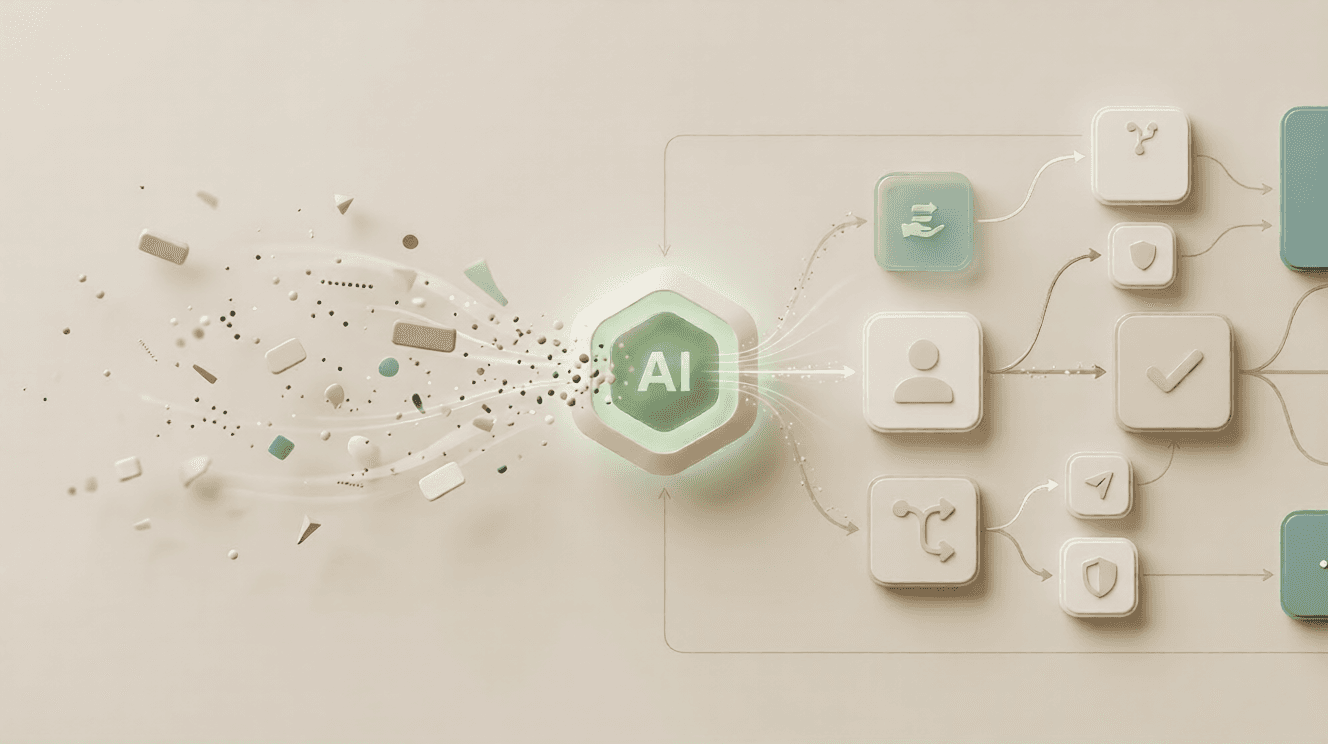
WhatsApp AI agents for operations refers to AI-powered systems that automate coordination, task management, vendor communication, and SLA tracking directly inside WhatsApp, across both individual chats and group conversations.
They use large language models to read conversation context, detect intent, and take structured actions.
Creating tickets, assigning tasks, escalating issues, fetching live data from connected systems. None of this requires your team to change how they already communicate.
This is not about sending automated broadcast messages. It is about making two-way, multi-party conversations structured and actionable, at the scale most operations teams are working at today.
Try Periskope
Manage WhatsApp Groups, Chats and Numbers at Scale
5 Use Cases for WhatsApp AI Agents in Operations
The clearest way to understand what a WhatsApp AI agent does is to look at where operations teams spend most of their time. These five workflows tend to show the fastest results.
1. WhatsApp Group Management and Coordination
Most operations teams manage dozens, sometimes hundreds, of WhatsApp groups. Client groups, vendor groups, project groups, field team groups. At that volume, manually monitoring each one becomes impossible.
The AI Agent monitors all groups simultaneously and flags every message that needs a response
Tickets are created automatically from group messages based on keywords, triggers, or message type
Issues are routed to the right team member without any manual assignment
Open and resolved messages are tracked across every group from a single dashboard
Treebo Hotels uses Periskope to manage over 3,000 WhatsApp groups and handle more than 10,000 tickets per month across their hotel operations in India.
Before deployment, their team monitored each group manually, which required a dedicated coordination layer just to stay on top of inbound messages.
After deployment, ticket creation became automatic, SLAs became trackable, and the team scaled group volume without adding headcount.
2. Internal Team Communication and Task Assignment
Operations managers spend a significant part of every day reading through internal team groups, deciding what needs to happen, and figuring out who should handle it. That overhead adds up fast across large or distributed teams.
The AI Agent reads all incoming messages and identifies action items automatically
Tasks are assigned to the right person based on message content, keywords, and workload context
Automated follow-up reminders go out for pending tasks without a manager chasing anyone
Private internal notes can be added inside conversations, visible only to the team
3. Vendor and Supplier Communication
Vendor relationships in most supply-chain businesses run through WhatsApp groups. Delivery confirmations, pricing queries, issue reports: all of it lands in chat. Without a system behind those conversations, things fall through the cracks quietly.
The AI Agent monitors vendor groups and flags delivery delays, unresolved queries, and pricing discrepancies
Escalation tickets are created automatically when a vendor issue crosses a defined threshold
Live order and delivery data can be fetched from your supply chain system and surfaced directly in the conversation
SLA windows are tracked across all vendor conversations with automatic reminders and escalations
4. Field Team Coordination and Updates
For businesses with on-ground staff, whether logistics drivers, site supervisors, delivery agents, or real estate coordinators, WhatsApp is how updates get sent. The challenge is that those updates arrive as unstructured messages with no system behind them.
Field updates are converted into structured records automatically: status, location, completion flag, issue type
Incoming tasks are assigned to the right team member based on message content and availability
Automated reminders go out for pending tasks
Exceptions, delays, and issues are flagged in real time before they turn into bigger problems
5. SLA Tracking and Escalations
Operations teams are accountable to SLAs across response windows, resolution timelines, and delivery commitments. Tracking these manually across active WhatsApp groups is not feasible at real volume. This is one of the areas where the Periskope AI Agent makes the most immediate difference.
An SLA clock starts automatically when a message comes in and tracks whether a response has been sent within the defined window
Reminders go out to the assigned agent before the window closes, preventing breaches rather than flagging them after
When an SLA is breached, escalation happens automatically with the full conversation context passed to the right person
SLA performance reports are generated from conversation data with no manual extraction required
How WhatsApp AI Agents Solve Operational Bottlenecks
The structural problem in most operations teams is that WhatsApp produces unstructured data at high volume, and there is nothing sitting behind it to make that data actionable. Here is how that changes once the AI Agent is in place.
Operational impact before and after WhatsApp AI agent deployment
Problem | Without AI | With Periskope AI Agent |
Messages missed in busy groups | 15 to 30 percent of inbound messages go unresponded during peak hours | 80 to 95 percent reduction in missed messages based on monitored queue data |
No SLA tracking | Manager chases team manually; breaches are identified after the fact | 50 to 70 percent reduction in SLA breaches with automated reminders and escalations |
Unstructured field updates | Updates sit in chat with no actionable record attached | AI converts updates into structured records; exceptions flagged within minutes |
Vendor issue delays | Issue sits in a group until someone notices | AI detects issue keywords and escalates automatically |
No visibility for managers | Requires joining and scrolling every active group | Structured summaries and threshold alerts delivered automatically |
Manual task assignment | Team lead reads every message and assigns manually | AI reads intent and routes to the right person automatically |
How to Set Up WhatsApp AI Agents for Operations Using Periskope
Periskope connects to your existing WhatsApp number and groups via QR code. No new number, no Meta approval process, no per-message fees. Here is the full setup from start to finish.
Step 1: Connect Your WhatsApp Number and Groups
Open Periskope and scan the QR code using your existing WhatsApp, the same way you would connect WhatsApp Web. All your existing groups, contacts, and conversation history appear in the Periskope dashboard immediately. Your phone stays active throughout.
Step 2: Build Your Automation Rules
Automation rules are trigger-based instructions that run across all your connected groups alongside the AI Agent. They handle structured, predictable scenarios. Common examples for operations teams:
Message contains 'delayed' or 'not delivered': create ticket, assign to ops manager, notify procurement
No response within 30 minutes in a client group: send reminder to assigned agent
Field update message received: parse into structured record, update project dashboard
Vendor query unresolved after 2 hours: escalate to senior ops lead
Step 3: Configure the AI Agent
Upload your SOPs, escalation protocols, vendor contact lists, and standard response templates to the AI Agent's Knowledge Base. Then configure what the agent is allowed to do using the Built-in Tools settings:
Allow AI to Send Messages: the agent responds to routine queries automatically in chat
Allow AI to Create Tickets: every flagged message becomes a tracked, assigned ticket
Allow AI to Create Private Notes: internal context for team members, invisible to external contacts
Enable AI Training: the agent learns from every reply your team sends and improves over time
Step 4: Connect Your Operational Systems via Custom Tools
Custom Tools let you connect Periskope to any system with an API: your logistics platform, supply chain tool, project management software, or CRM.
For example: a vendor asks about a delivery status. The AI Agent calls your logistics API and responds with live tracking data in the chat, without anyone on your team needing to look it up.
Step 5: Configure SLA Windows
Define SLA response windows by group type: client groups, vendor groups, field team groups, internal coordination groups. Periskope monitors each conversation against the defined window and triggers reminders or escalations automatically. SLA performance reports are generated from conversation data with no manual extraction needed.
Step 6: Review Performance with AI Logs
AI Logs record every action the agent took in each session: which tools were called, what data was fetched, which tickets were created, what escalations were triggered.
Review these weekly in the first month to identify gaps in your Knowledge Base and refine your automation rules. This is how the system gets more accurate over time.
Setup time: Most operations teams have their groups connected and first automation rules live in under 30 minutes. No developer required for standard setups. |
Common Mistakes to Avoid When Deploying WhatsApp AI Agents
Most setup failures come down to the same handful of decisions. These are the ones worth watching out for.
Connecting all groups at once before testing
Start with one group type, either vendor groups or client groups, get the automation working properly, then expand. Broad deployment before validation leads to noise, missed configurations, and a harder cleanup job later.
Not defining escalation paths upfront
Every operational workflow needs a clear escalation chain. An AI Agent that cannot escalate when it should is worse than no automation at all because it creates a false sense of coverage. Define who handles what before you go live.
Skipping SLA configuration
SLA tracking is one of the highest-value capabilities in the system. Skipping it at setup means retrofitting it later, which is harder once conversations are already flowing through the platform.
Not reviewing AI Logs in the first month
The AI Agent will make mistakes early, particularly on edge cases and unusual phrasing. Weekly log review in the first four weeks is how you catch gaps in your Knowledge Base before they become patterns.
Treating it like a broadcast tool
Operations AI agents are about structured, two-way workflows. Teams that approach this as a broadcast channel miss most of the value and often create problems with their contacts in the process.
Where WhatsApp AI Agents Have Limits
The AI Agent handles volume, structure, and consistency well. But there are situations where it falls short, and being clear about those upfront will save time later.
Sensitive conversations still need humans
Contract negotiations, compliance discussions, and crisis communication should always involve a person. The AI Agent is not equipped to handle legal or reputational risk.
Custom Tools require API setup
Connecting Periskope to operational systems like logistics platforms or ERPs requires some technical configuration upfront. It is not complex, but budget time for it.
Agent quality depends on Knowledge Base quality
The AI Agent is only as good as what you put into it. Poorly documented SOPs or incomplete escalation protocols will produce poor responses. Invest in the Knowledge Base before you go live.
High-volume groups need SLA tuning
Groups with very high message frequency can generate alert noise if SLA thresholds are not calibrated for that specific context. Spend time on SLA configuration for your busiest groups before enabling escalations.
Complex multi-party coordination still benefits from oversight
For workflows involving many external stakeholders, human oversight is still valuable. Use the AI Agent for volume and structure. Keep humans in the loop for judgment and relationships.
Frequently Asked Questions
1. What are WhatsApp AI agents for operations?
WhatsApp AI agents for operations are AI-powered systems that automate coordination, task management, vendor communication, SLA tracking, and escalation workflows directly inside WhatsApp.
They use large language models to read conversation context, detect intent, and take structured actions without requiring human input for routine workflows.
2. How is Periskope different from the WhatsApp Business API?
The WhatsApp Business API has no support for group chats, requires a separate new phone number, and charges per conversation.
Periskope connects to your existing number and groups via QR code, uses flat per-seat pricing with no per-message fees, and is built specifically for operational workflows rather than marketing broadcasts.
3. Can the AI Agent monitor multiple groups at the same time?
Yes. The Periskope AI Agent monitors all connected groups simultaneously in real time. It reads incoming messages, creates tickets, assigns them, and escalates based on predefined rules across every group at once.
4. How does SLA tracking on WhatsApp work?
You define SLA windows per group type in Periskope. The system starts a clock when a message arrives, sends a reminder before the window closes, and escalates automatically if the SLA is breached, passing the full conversation context to the escalation recipient.
5. Is using WhatsApp automation tools legal and safe in India?
Yes. Periskope connects via WhatsApp's official multi-device protocol, the same technology that powers WhatsApp Web and Desktop.
Standard compliance requirements apply: do not send unsolicited messages, stay within reasonable volumes, and only contact opted-in users.
6. Does field team management on WhatsApp require a new app?
No. Field teams continue sending updates as normal WhatsApp messages from their existing phones.
The AI Agent on the backend reads those messages, converts them into structured records, and triggers follow-up actions without the field team needing to install anything new.
7. How long does it take to set up Periskope for an operations team?
Connecting a WhatsApp number and groups takes under five minutes via QR code.
Configuring automation rules, SLA windows, and the Knowledge Base typically takes 20 to 30 minutes for a standard operations setup. Most teams are fully operational within a few hours.
8. What happens when the AI Agent cannot handle a query?
The AI Agent escalates to a designated human agent automatically and passes the full conversation history and relevant context.
The human picks up without needing background from the customer or colleague. No conversation falls through without a resolution path.
Final Take
Operations teams have been running on WhatsApp for years. Managing vendors, coordinating field teams, tracking deliveries, handling client escalations, all of it through group chats with no supporting infrastructure. The channel works. The lack of structure around it is what causes the problems.
Periskope's AI Agent brings that structure without changing how your team works. Messages get caught. SLAs get tracked. Escalations happen on time. Managers see what is happening without needing to join every group.
For businesses running operations on WhatsApp, particularly in India and Southeast Asia where this channel has become core infrastructure, the gap between where most teams are today and what is possible is smaller than it looks.
Ready to structure your operations workflows? Book a demo with Periskope to see how the AI Agent handles SLA tracking, vendor group management, and field team coordination for your specific setup. |



