
Swapnika Nag
If you've ever tried to build something smart that works with WhatsApp — like an AI assistant or a bot that can read and reply to messages — you've probably hit a wall.
WhatsApp doesn't make it easy. The official API is limited, expensive, and not really built for developers and users who want to build AI-powered workflows. That’s where the WhatsApp MCP Server comes in.
But before we jump into that, let’s unpack a few things.
First, What Even Is MCP?
MCP stands for Model Context Protocol — basically, a standardized way to connect large language models (like Claude or ChatGPT) to external systems, such as your inbox, calendar, or in this case... WhatsApp.
Think of it as a layer between your AI assistant and the data it needs to do something useful.
The MCP protocol defines things like:
- How the assistant can ask for a list of messages
- How it can send replies
- How it can fetch files, find contacts, or check group members
It’s like giving your AI assistant a driver’s license — it now knows the rules of the road for interacting with a system.
So What Is a WhatsApp MCP Server?
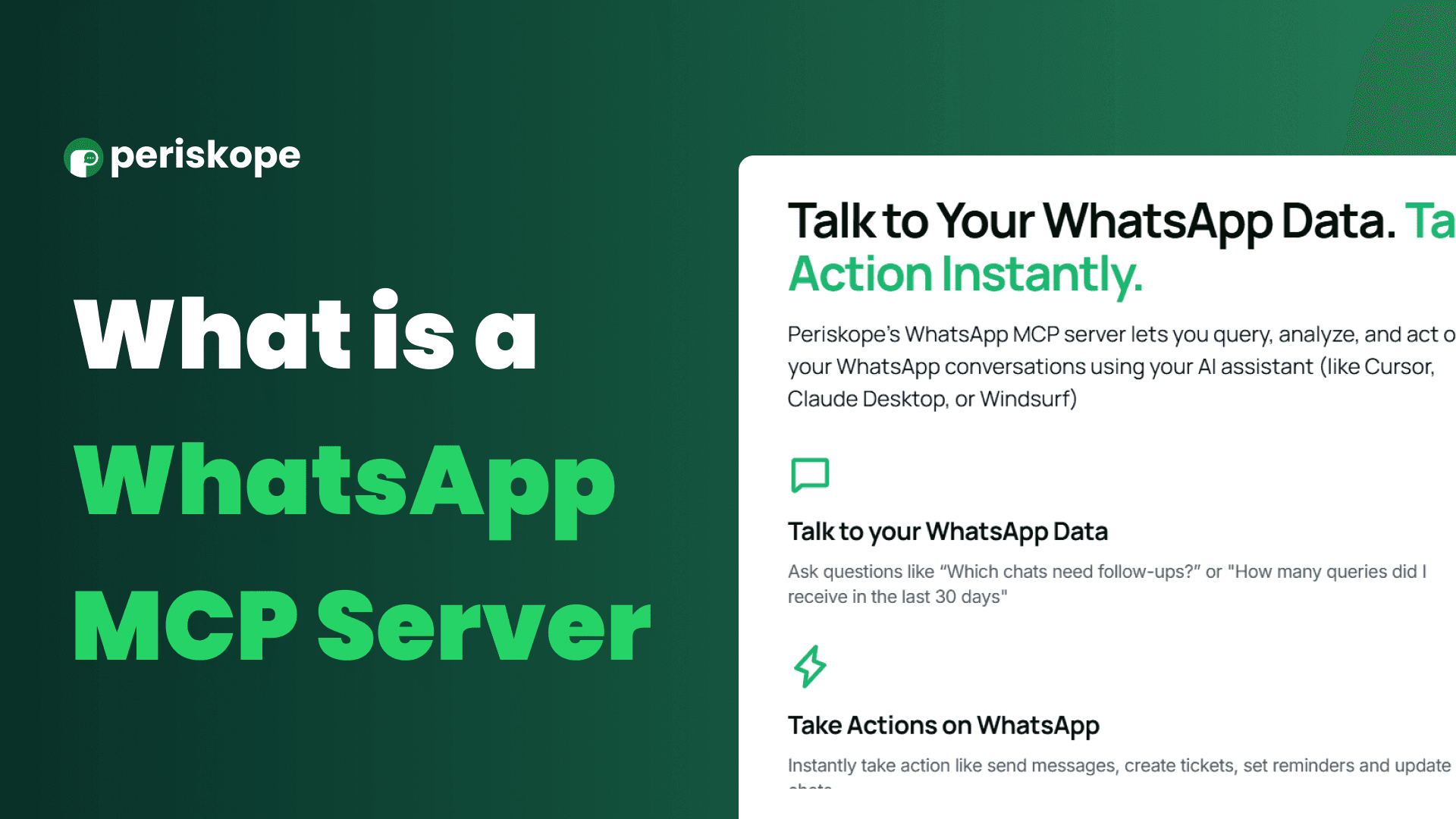
A WhatsApp MCP Server is a bridge that makes WhatsApp data accessible to your AI tools.
It is a local service that:
1. Connects to your actual WhatsApp account
2. Stores your messages, contacts, and media locally
3. Exposes all that info in a standard, AI-friendly way
You can run it on your laptop, on a local server, or in the cloud — and once it's up, your AI assistant can actually do things like:
- Read your incoming WhatsApp messages
- Reply to them
- Understand your conversations
- Take action based on what’s said
All locally. All securely. All using your own WhatsApp account.
Try Periskope
Manage WhatsApp Groups, Chats and Numbers at Scale
Why Is This Valuable?
Because it unlocks real control over WhatsApp in a way the official APIs just don’t.
Let’s say you're:
- A solo founder who wants a bot to help with support messages
- A power user who wants your AI assistant to summarize or tag WhatsApp chats
- A dev building tools for sales teams who live inside WhatsApp
Normally, there’s no great way to do any of that.
But with a WhatsApp MCP Server, you can:
- Give your AI assistant access to all your conversations
- Ask it “Hey, what did that person say last week about shipping delays?”
- Have it auto-reply to common questions like “Are you available for a quick call?”
- Set up workflows like: “If a message contains 'invoice' → forward it to my accountant.”
That’s all possible because your assistant finally has access to your real message history — not just prompts or fake memory.
How Is It Set Up?
Isn’t This Just Like a WhatsApp Bot?
Not really. WhatsApp bots are usually dumb scripts — maybe they reply to a few keywords or send templated messages. They don’t understand your message history, and they don’t reason or learn.
But with a WhatsApp MCP-powered assistant, you’re plugging into an AI that can:
- Understand full chat context across multiple threads
- Maintain memory (even if limited)
- Take intelligent actions on your behalf
It’s closer to having a WhatsApp-native AI coworker than a glorified auto-responder.
Why 2025 Is the Perfect Time for This
AI assistants are getting better every month — but most of them are still stuck in a browser tab with no real access to your life.
The WhatsApp MCP Server changes that. It’s one of the first “real world” interfaces that lets an AI interact with something important and deeply personal: your conversations.
Whether you want to build smarter personal tools, automate repetitive workflows, or create entirely new products that use WhatsApp in a deeper way, MCP gives you the foundation to do that.
And best of all? You can do it locally, privately, and on your own terms.



