
A Practical Guide to Scheduling Messages on WhatsApp
Learn how to master scheduling messages on WhatsApp for your team. This guide covers native workarounds, third-party tools, and scalable platform solutions.
Feb 1, 2026
This guide is for team leaders and operators evaluating tools for scheduling WhatsApp messages. It provides a direct comparison of native workarounds, third-party apps, and professional platforms to help you decide which solution fits your team's need for reliability, security, and scale.
Why Schedule WhatsApp Messages?
For businesses using WhatsApp, manual messaging creates bottlenecks. Teams struggle with time zones, follow-ups get missed, and the customer experience becomes inconsistent. Scheduling messages on WhatsApp is an operational necessity, not a convenience. It automates critical touchpoints like appointment reminders and welcome messages, ensuring timely and professional communication.
Manual work drains resources. The high costs associated with manual scheduling can impact your budget significantly.
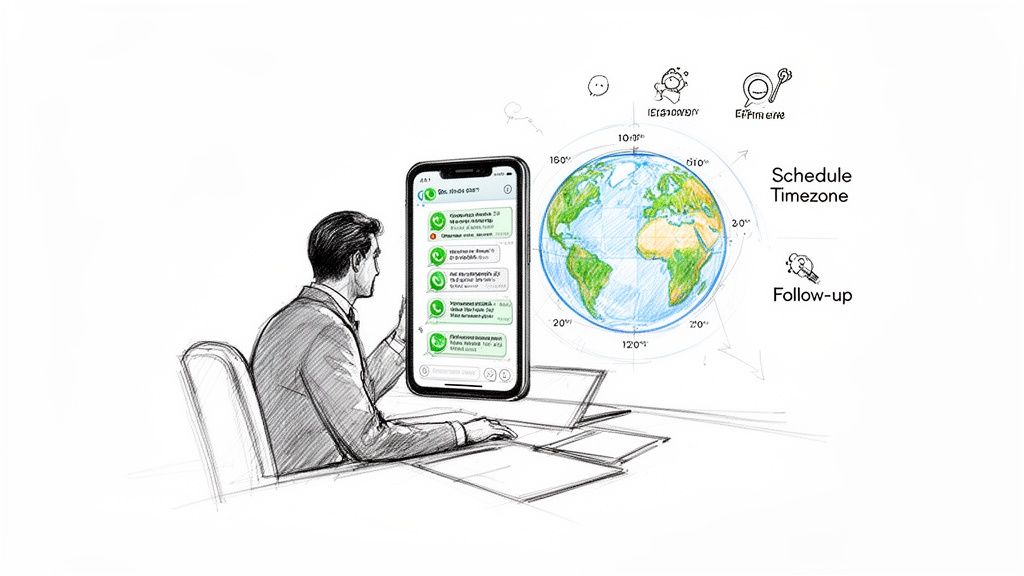
Key Use Cases for Scheduled Messages
Global Teams: Schedule messages to arrive during a customer's business hours (e.g., 9 AM PST), not in the middle of their night.
Sales Follow-ups: Queue a sequence of check-in messages after a demo to ensure consistent engagement without manual reminders.
Appointment Reminders: Automatically send a confirmation 24 hours before an appointment to reduce no-show rates.
Event Updates: Schedule a series of updates for attendees to deliver timely information.
Relying on individual agents to send messages is not a scalable strategy. It introduces human error, provides zero oversight, and makes performance tracking impossible. Platforms like Periskope centralize control, allowing managers to oversee all scheduled communications, track delivery and read rates, and maintain a consistent standard of service.
Native WhatsApp Scheduling: Options & Limitations
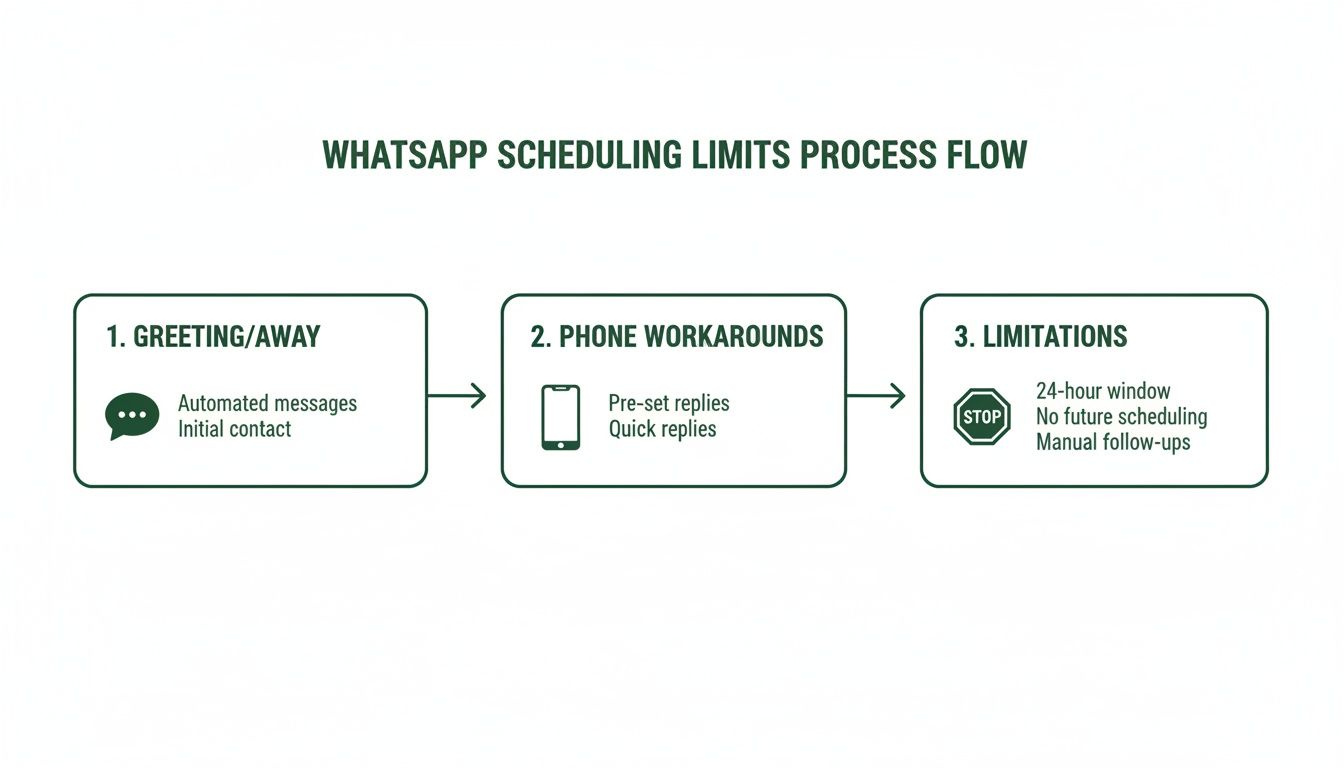
Neither the standard WhatsApp app nor the WhatsApp Business app has a native scheduling feature. They offer basic, reactive auto-replies that are often mistaken for scheduling tools.
These were designed for solo operators, not for teams running proactive, scheduled campaigns.
WhatsApp Business App Features
Greeting Messages: Sends a pre-set message when a customer messages you for the first time or after 14 days of inactivity. It's a one-time welcome, not a scheduling tool.
Away Messages: Sends an auto-reply when your status is "away." You cannot control the specific send time beyond setting business hours.
Both features are reactive. They are triggered by a customer's action, not your strategic plan. They cannot send an appointment reminder for next Tuesday at 9 AM.
The Problem with Third-Party "Workaround" Apps
Apps like [SKEDit] leverage your phone's accessibility services to tap the send button for you at a set time. This method is unstable and insecure for professional use.
Cons of Workaround Apps:
Phone Must Be Unlocked: The app requires your phone to be on, charged, and unlocked for the message to send. This is a significant security risk for any business device.
Unreliable: OS updates or changes to the WhatsApp interface can cause scheduled messages to fail without warning.
Major Security Risks: Granting accessibility permissions gives the app the ability to view and interact with everything on your screen, creating a compliance and data privacy liability. Learn more about WhatsApp governance for teams.
Who it's for: Individuals sending personal reminders who accept the risk of failure. Who it's not for: Any business team that requires reliability, security, and handles customer data.
Using a Professional Platform to Schedule Messages
When reliability and scale are required, teams use dedicated WhatsApp operations platforms. These are cloud-based solutions that allow managers to schedule everything from one-on-one follow-ups to large-scale broadcasts across multiple agents and phone numbers. They typically integrate with a WhatsApp Team Inbox to centralize communication.
These systems work regardless of whether an agent's phone is on or connected. Messages are sent reliably at the scheduled time.
Platform Capabilities
A professional platform provides centralized control over all scheduled communications. Managers can use a single dashboard to schedule, view, and edit outgoing messages across the entire team.
Key Benefits:
Centralized Control: A manager can queue a follow-up sequence for the entire sales team, ensuring consistent timing and content while personalizing it for each lead.
Team Visibility: Authorized users can see all scheduled messages, preventing duplicate sends or conflicting information.
Operational Continuity: If an agent is unavailable, a manager can reassign their scheduled messages to another team member in a few clicks.
Scheduling Use Cases on a Platform
1:1 Sales Follow-ups: After a demo, a sales rep schedules a personalized sequence: a "thank you" message 2 hours later, a Q&A check-in 2 days later, and a final offer 1 week later.
Support Ticket Updates: A support agent schedules a follow-up for 24 hours after resolving an issue to ask, "Just checking in to ensure the issue is still resolved." For recurring needs, see how to set up recurring scheduled messages on WhatsApp.
Broadcasts to Field Staff: An operations manager schedules a daily 7 AM broadcast to a specific WhatsApp group with the day's schedule and safety reminders.
Performance Analytics
Professional platforms provide data on message performance, turning scheduling from a logistical task into a strategic tool.
Metrics to Track:
Delivery Rate: Percentage of messages that reached the contact. Identifies bad phone numbers.
Read Rate: Percentage of recipients who opened the message. Measures content engagement.
Reply Rate: Percentage of recipients who responded. Gauges interest and identifies leads for follow-up.
This data allows you to optimize send times, A/B test message copy, and improve your overall outreach strategy.
Comparison of WhatsApp Scheduling Methods
Choosing the right scheduling tool depends on your team's requirements for reliability, security, and collaboration. A free workaround is suitable for personal use, but teams require a dedicated platform.
Feature Comparison Table
Feature | Native WhatsApp Business | Third-Party Phone Apps | Periskope Platform |
|---|---|---|---|
Cost | Free | Free to Freemium | Subscription-based |
Reliability | Not applicable | Low (phone must be on/unlocked) | High (cloud-based) |
Security | High | Low (requires screen access) | High (secure integration) |
Scalability | Very Low (single user) | Low (single user) | High (multi-agent, multi-number) |
Team Collaboration | None | None | Full (shared inbox, assignments) |
Analytics | None | None | Detailed (delivery, read, reply rates) |
When to Use Each Method
Native & Third-Party Apps: Use when sending a non-critical, personal reminder to yourself. The risk of failure is high, and security is low. Not suitable for business operations.
Dedicated Platform: Use when your team needs a reliable, secure, and scalable way to manage customer communications. Essential for multi-agent teams, sales follow-ups, appointment reminders, and any scenario where message delivery is critical. A platform is also necessary for comprehensive WhatsApp automation.
Practical Takeaway
For any business that views WhatsApp as a core communication channel, the limitations of free workarounds are liabilities. They lack the security, reliability, and team features required for a professional operation. Investing in a dedicated platform provides the centralized control, analytics, and scalability needed to build a measurable communication strategy.
Best Practices for Scheduling WhatsApp Messages
Using a scheduling tool is not enough. A clear strategy ensures your messages are effective and compliant, preventing you from being marked as spam.
1. Create Clear Message Templates
Templates save time and ensure brand consistency. A good template is simple, has one clear purpose, and includes a direct call-to-action.
Example: Appointment Reminder
"Hi
{{customer_name}}, this is a reminder for your appointment with Dr. Smith on{{appointment_date}}at{{appointment_time}}. Please reply YES to confirm or NO to reschedule. Thank you."
2. Personalize and Time Your Messages
Generic broadcasts are ineffective. Use variables like customer name, order number, or appointment details to personalize messages.
Timing is equally important. Schedule messages based on the recipient's time zone, not yours.
B2B: Send during business hours (9 AM - 5 PM). Early morning and lunchtime often see high engagement.
B2C: Early evenings (6 PM - 8 PM) are often effective. Avoid late nights unless the message is urgent.
3. Manage Replies and Maintain Compliance
Have a plan for handling replies. A shared inbox tool like Periskope can automatically assign incoming replies to the correct agent or team, ensuring a timely response.
All scheduled messages must comply with WhatsApp's Business Policy and data privacy laws.
Get Opt-In: You must have documented consent before sending proactive messages.
Provide Opt-Out: Include a simple way for users to unsubscribe (e.g., reply "STOP").
Use Approved Templates: For proactive outreach, use templates pre-approved by WhatsApp to avoid being flagged or blocked.
FAQ: Scheduling Messages on WhatsApp
Here are direct answers to common questions about scheduling WhatsApp messages.
Can I schedule a message if my phone is off?
With third-party apps: No. The phone must be on, unlocked, and connected to the internet.
With a platform like Periskope: Yes. Professional platforms are cloud-based and operate independently of your phone. Messages send at the scheduled time, regardless of your device's status.
Are third-party scheduling apps safe?
Most are not safe for business use. They often require broad accessibility permissions, giving them access to everything on your screen, including sensitive customer data. This creates a significant security and compliance risk. The only safe method is to use a platform with official, authorized WhatsApp integrations.
How do I schedule a recurring message on WhatsApp?
The native WhatsApp app does not support recurring messages. A professional platform is required. In a tool like Periskope, you can set up workflows to send messages at a defined frequency (e.g., every Monday at 9 AM) to individuals or groups automatically.
Can I track if my scheduled messages were read?
With third-party apps: No. You can only check for blue ticks manually, which is not scalable for analysis.
With a professional platform: Yes. You get detailed analytics, including delivery, read, and reply rates for every message and campaign. This data is essential for measuring engagement and optimizing your strategy.
What happens when someone replies to a scheduled message?
With third-party apps: Replies go to the individual phone that sent the message, creating communication silos.
With a professional platform: Replies are routed to a centralized shared inbox. You can create rules to automatically assign conversations to the correct agent or team, ensuring fast and organized responses.
Move beyond unreliable workarounds. Periskope provides a secure, multi-agent platform with advanced scheduling and analytics for your sales, support, and operations teams. Start managing WhatsApp professionally today.
Automate your WhatsApp with Periskope

Features
Integrations


