
The 12 Best WhatsApp Group Creator Software Options for 2024
Tired of manual invites? Find the right whatsapp group creator software to bulk-create groups, add members from CSV, and automate management at scale.

This article is for operations managers, community builders, and sales teams evaluating tools to create and manage WhatsApp groups at scale. It will help you choose the right software if you're spending too much time manually creating groups, adding members, or coordinating communications.
Manual group administration is not scalable. It leads to errors, wasted time, and a poor experience for your members. The right whatsapp group creator software automates these tasks, letting you focus on engagement instead of admin work.
This guide directly compares 12 software options, from simple browser extensions to comprehensive platforms.
What you will find inside:
Key Features: A direct look at bulk creation, member management, and automation.
Who It's For: Clear guidance on which tool fits specific roles, like support teams or community managers.
Pros & Cons: A straightforward assessment of what each tool does well and where it falls short.
Pricing: Actionable information on cost and implementation.
Each review includes screenshots and links to help you quickly evaluate the best options for your operational needs.
1. Periskope
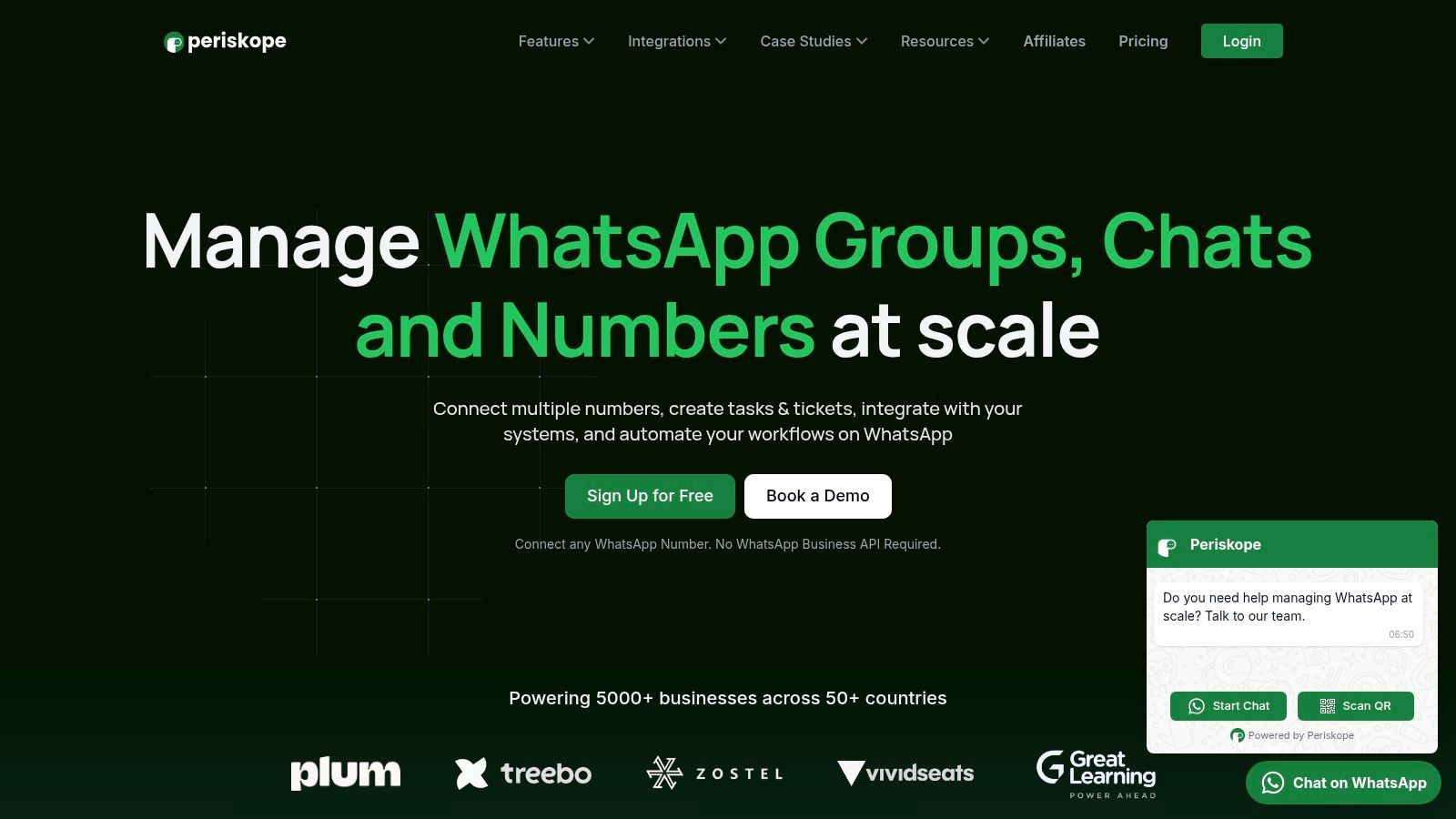
Periskope is a WhatsApp operations platform built for teams that manage customer interactions at scale. It turns standard WhatsApp numbers into a centralized, multi-agent shared inbox, making it a strong solution for organizations using group chats for sales, support, and operations.
A key feature of Periskope is its independence from the WhatsApp Business API (WABA). This lets teams use their existing phone numbers without needing template message approvals, per-message fees, or the 24-hour conversation window. This is a major benefit for businesses that rely on proactive communication in dynamic group conversations.
Key Features
Shared Inbox for Groups & 1:1 Chats: Connect hundreds of numbers to a single dashboard where multiple agents can view, assign, and respond to messages. This gives managers full visibility and prevents missed conversations.
Ticketing & SLA Management: Messages are treated as support tickets. You can assign owners, track response times, and set Service Level Agreement (SLA) alerts to ensure timely replies.
AI-Powered Automation: The platform uses AI to auto-flag important messages, route conversations to the right agent, and power automated replies.
Deep Integrations: Periskope connects with business tools like HubSpot, Freshdesk, Zoho, and Slack, turning WhatsApp into a layer of your existing CRM or helpdesk.
Detailed Analytics: Managers get access to performance metrics, including agent response times, ticket resolution rates, and unanswered query volumes.
Who It’s For / Not For
When to use: Ideal for sales and support teams where agents use individual WhatsApp numbers but need central oversight. Also for operations teams coordinating logistics in groups and community managers managing large cohorts.
When not to use: Not suitable for companies already invested in or requiring WABA-exclusive features.
Pros and Cons
Pros | Cons |
|---|---|
No WABA Required: Works with regular WhatsApp, avoiding template restrictions and per-message costs. | No WABA Support: Does not support features exclusive to the WhatsApp Business API. |
Built for Groups: Features are designed specifically for managing and scaling group conversations. | No Public Pricing: Requires contacting sales or booking a demo to get cost details. |
Powerful Automation & AI: Advanced workflow automation, auto-assignment, and AI-assisted responses. | Potential Overhead: Managing a large number of physical SIMs or phone lines can add operational complexity. |
Robust Integrations: Connects WhatsApp workflows to essential CRMs and helpdesks. |
Website: https://periskope.app
2. WhatsApp Quick Group (WhatsABot)
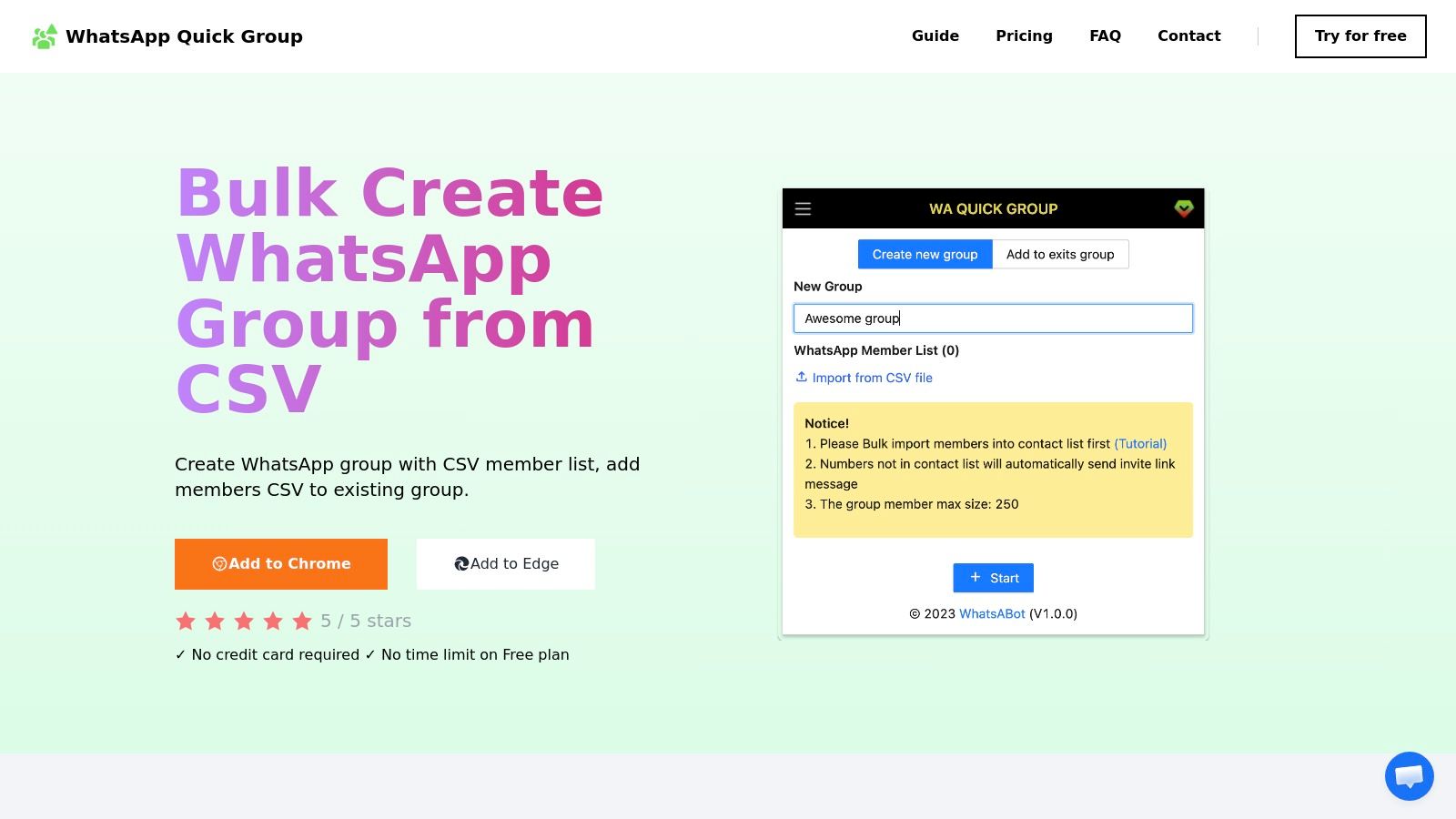
WhatsApp Quick Group (WhatsABot) is a focused solution for teams whose main challenge is the initial, manual process of creating and populating multiple groups. It is not an all-in-one platform but a utility designed for bulk group creation and participant import.
The tool is a browser extension for Chrome and Edge that integrates with WhatsApp Web. Users upload a CSV file with group names and participant phone numbers, and the extension automates the creation process. Its strength is its simplicity and direct approach to solving one repetitive task.
Key Features & Use Case
WhatsABot is best for rapid setup of distinct cohorts, like onboarding new employees, organizing event attendees, or setting up project teams. The workflow is simple: prepare your data, upload the CSV, and let the extension create the groups. You can use WhatsApp group creation templates to format your CSVs correctly.
Who It’s For / Not For
When to use: For admins, event coordinators, and HR managers who need a simple tool to quickly create 10-50 groups at once.
When not to use: Not for teams needing ongoing group management, messaging automation, or analytics.
Pros and Cons
Pros | Cons |
|---|---|
Specialized and efficient for its core task. | Limited to group creation and member import. |
Free tier is good for small-scale tests. | Relies on an active WhatsApp Web session; connection issues can interrupt it. |
Simple user interface. | No advanced management features. |
Link: WhatsApp Quick Group
3. WAGroupManager (Chrome Web Store)
WAGroupManager is a Chrome extension that offers more granular control over group settings beyond just creation. It is designed for both bulk creation and ongoing administration, making it a whatsapp group creator software focused on structured management.
The extension’s key feature is its focus on administrative functions. Users can import members from a CSV or existing groups, making it easy to migrate or segment communities. It also provides features to manage group avatars, descriptions, and admin roles in bulk.
Key Features & Use Case
WAGroupManager is ideal for structured environments like corporate onboarding, training cohorts, or event management where clear roles and consistent group settings are needed. The ability to import members from other groups is useful for creating breakout sessions. A solid WhatsApp groups manager is key for this type of control.
Who It’s For / Not For
When to use: For team leads, trainers, and community managers who need robust tools for setting up and managing multiple groups with specific admin controls.
When not to use: Not for users who only need a one-time bulk creation tool without ongoing management needs.
Pros and Cons
Pros | Cons |
|---|---|
Provides clear administrative controls. | Small user base with limited public reviews. |
Useful for structured onboarding processes. | Functionality can be affected by WhatsApp Web UI updates. |
Simple interface for managing multiple groups. | Pricing details are not transparent on the store page. |
Link: WAGroupManager
4. WA Group Bulk Link Generator (Chrome Web Store)
WA Group Bulk Link Generator is a specialized utility for administrators who need to distribute access rather than directly add members. Instead of creating groups and adding numbers, this Chrome extension generates invitation links in bulk.
The tool streamlines the creation of shareable entry points to your WhatsApp groups. It integrates with WhatsApp Web, allowing you to select multiple existing groups and instantly generate unique invite links for all of them. The links can be exported to a CSV or Excel file for easy management and distribution.
Key Features & Use Case
This extension is useful when you need to grant access to optional groups, such as breakout sessions for an online event or topic-specific communities. A complementary tool is a WhatsApp Link Generator for single chats. You can explore different approaches to WhatsApp link generation for more context.
Who It’s For / Not For
When to use: For community managers and event organizers who manage dozens of groups and need an efficient way to distribute access links.
When not to use: Not for those who need to add members directly from a contact list or manage group conversations.
Pros and Cons
Pros | Cons |
|---|---|
Speeds up the process of link generation. | Only creates and manages invite links, not members. |
Local processing is good for privacy. | Limited number of public reviews. |
Free to use with an optional Pro version. | Not a complete group management solution. |
Link: WA Group Bulk Link Generator
5. WhatsScale
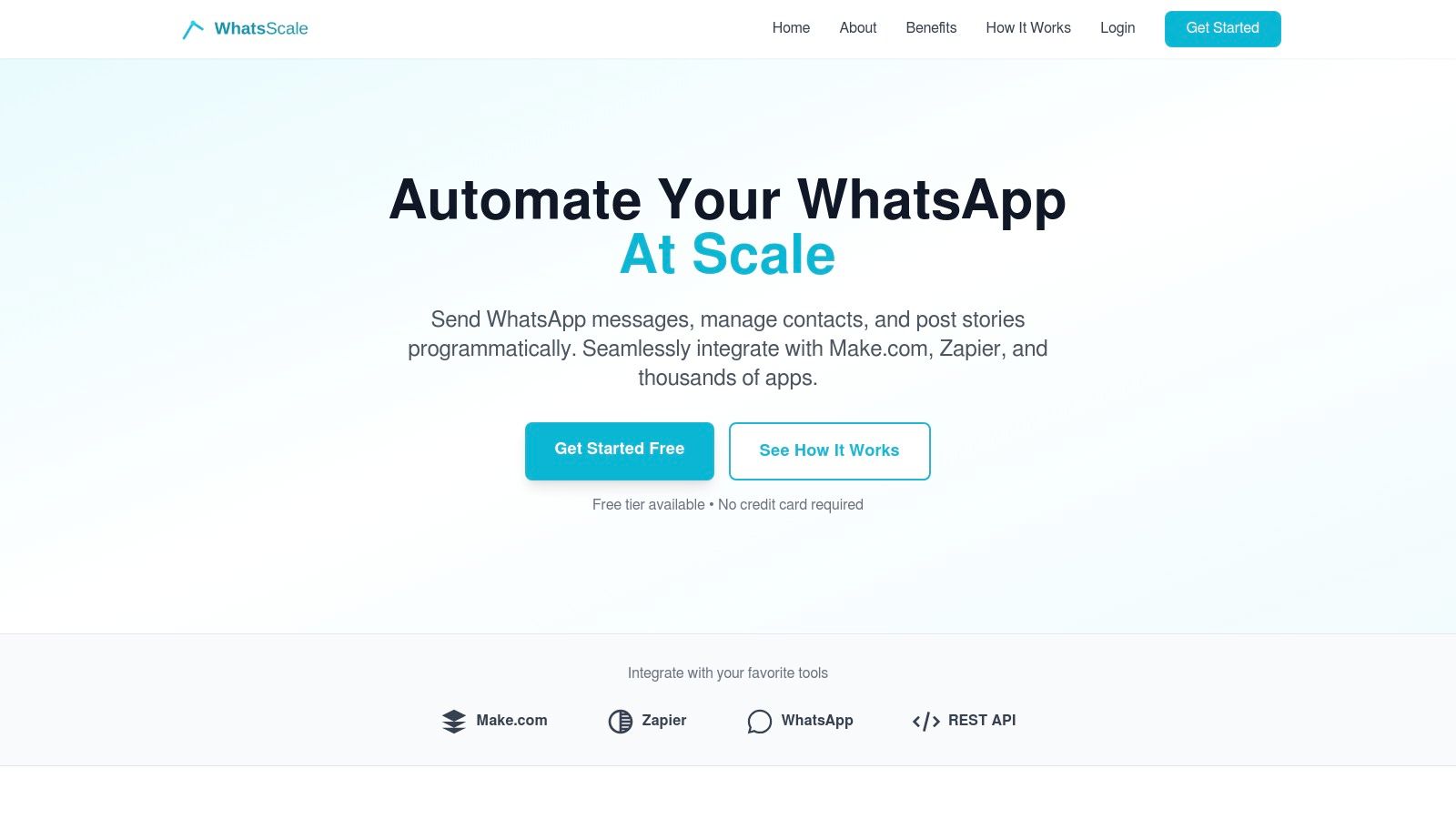
WhatsScale offers a developer-first solution for integrating WhatsApp group communications into an existing software stack. It provides a REST API and no-code connectors (Zapier, Make) that allow for programmatic messaging to groups. While not a classic whatsapp group creator software, it excels at automating communication within existing groups based on external triggers.
The platform is designed for technical users who need to automate updates or alerts into WhatsApp groups from other systems like CRMs. Instead of manual posts, WhatsScale enables you to build automated workflows, like posting a daily sales report to a team group.
Key Features & Use Case
WhatsScale is ideal for tech-savvy teams that want to embed WhatsApp into their operational processes. For example, a logistics company could use the API to automatically post delivery updates to driver groups. The CRM-style contact tagging also allows for sophisticated message segmentation.
Who It’s For / Not For
When to use: For developers, operations teams, and system integrators who need to programmatically send messages to WhatsApp groups from other applications.
When not to use: Not for non-technical users or those who need a simple tool for bulk group creation.
Pros and Cons
Pros | Cons |
|---|---|
API-first approach offers deep integration possibilities. | Focuses on message automation, not bulk group creation. |
No-code connectors make automation accessible to non-developers. | Requires some technical setup or integration work. |
Free tier is available for low-volume testing. | May be overly complex for simple use cases. |
Link: WhatsScale
6. WbizTool (AppSumo listing)
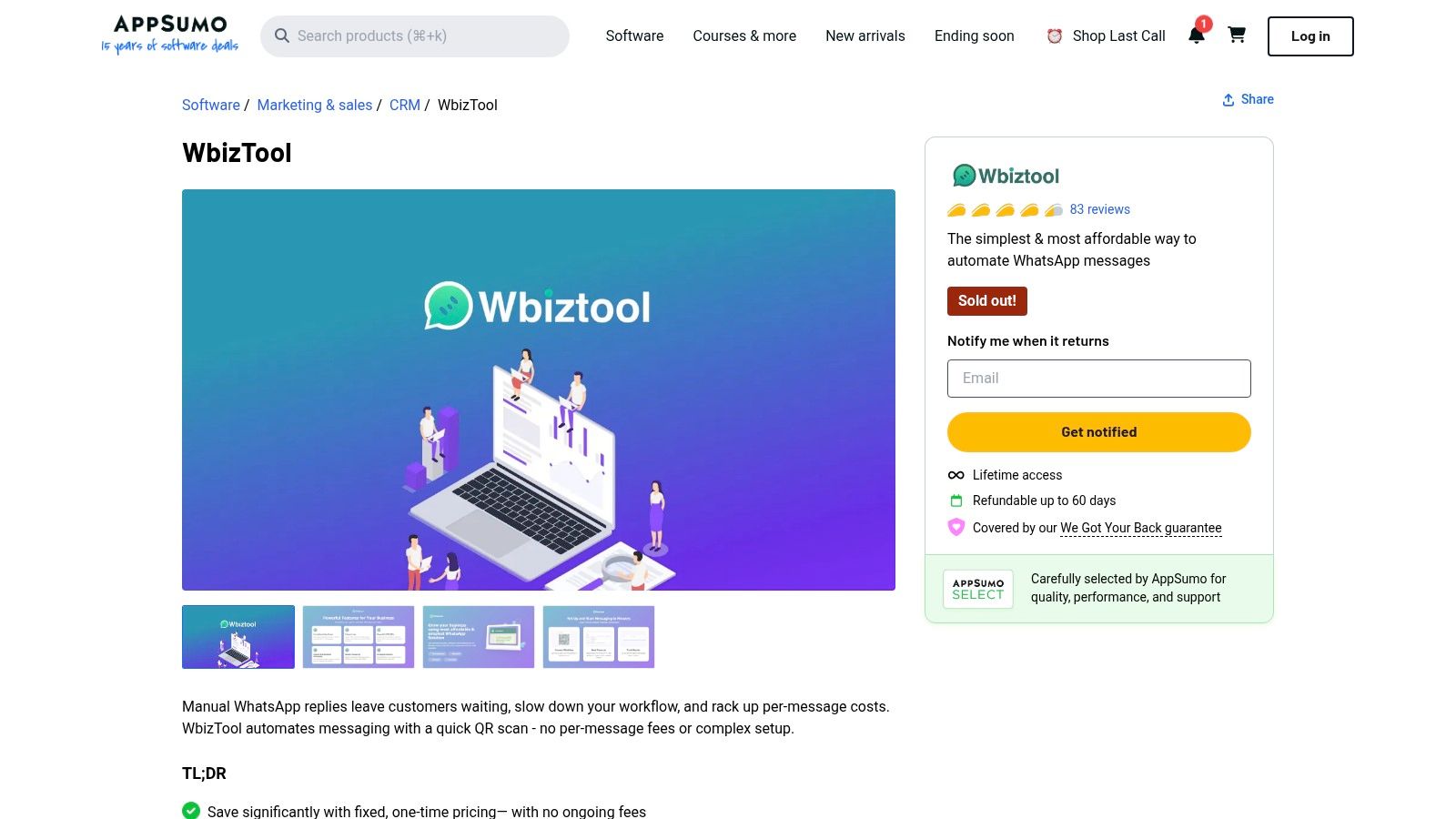
WbizTool is an automation tool available as an AppSumo lifetime deal. While not a whatsapp group creator software, it excels at managing and broadcasting messages to pre-existing groups. This makes it a valuable asset for teams that need an efficient way to schedule and automate communications.
The platform connects to your own WhatsApp number, allowing you to send bulk messages from Excel uploads or trigger them via API and webhooks. Its main appeal is the one-time purchase model, which provides a cost-effective solution for automating routine announcements or updates.
Key Features & Use Case
WbizTool is ideal for community managers or operational teams who need to send scheduled posts across multiple existing groups. The integration with Zapier and Google Sheets enables powerful automation workflows, such as sending a welcome message to a group when a new row is added to a spreadsheet.
Who It’s For / Not For
When to use: For marketing teams and community managers who want to automate messaging in existing groups and prefer a one-time payment.
When not to use: Not for users who need to create groups in bulk.
Pros and Cons
Pros | Cons |
|---|---|
One-time purchase model is a financial advantage. | Does not create groups; you must have them first. |
Strong integration options (API, Zapier) provide flexibility. | Long-term support depends on the vendor's longevity. |
Cost-effective for automating announcements. | Requires managing your own WhatsApp number. |
Link: WbizTool
7. WABoost
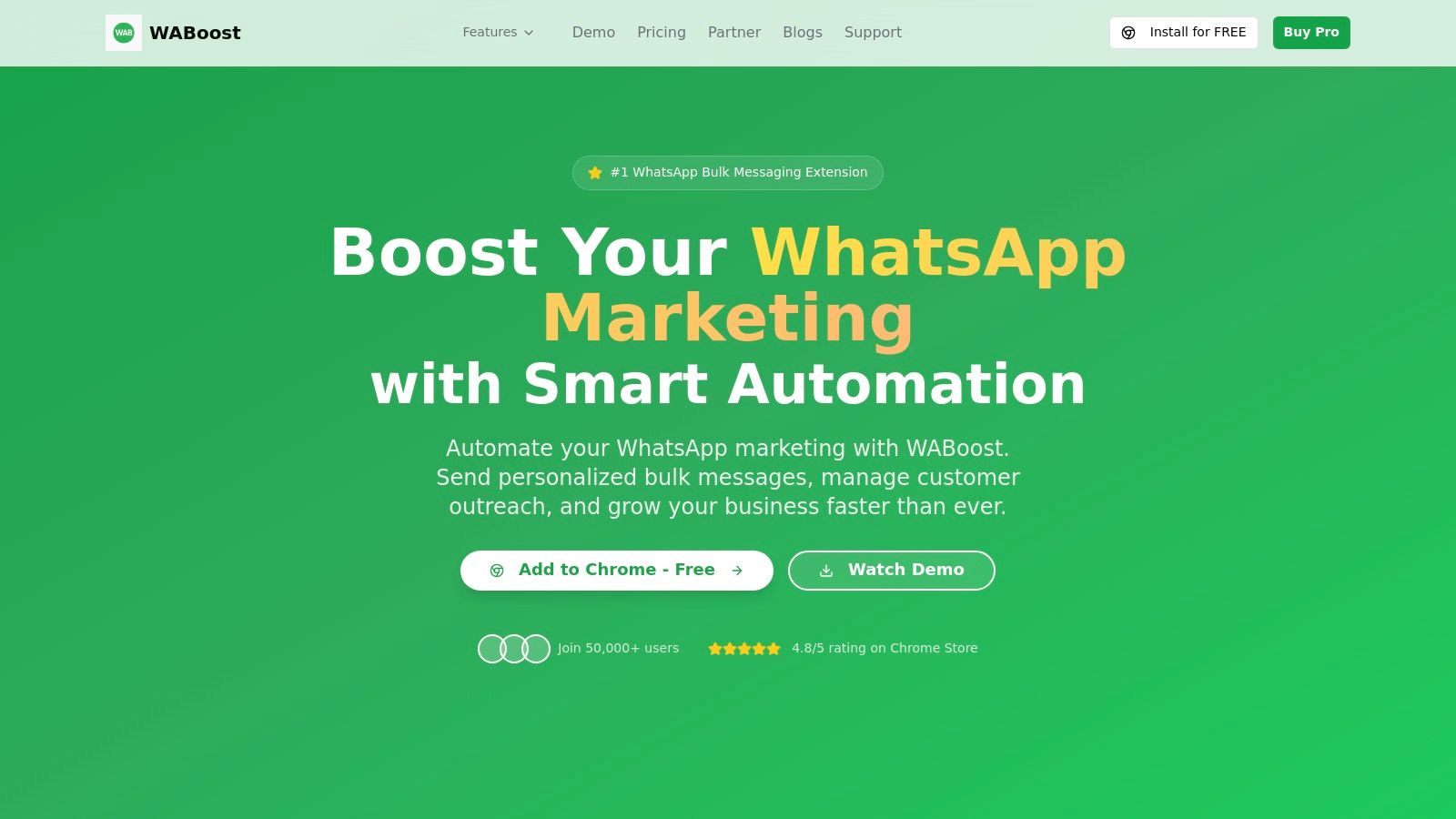
WABoost is not a dedicated whatsapp group creator software but a bulk messaging tool for users who already manage existing groups. It is a popular Chrome extension that enhances WhatsApp Web, focusing on running personalized announcement campaigns and sending media attachments. Its primary function is to communicate at scale within groups you have already created.
The platform streamlines outbound messaging. Users can upload a CSV file with personalized variables to send customized messages to different contacts or groups simultaneously. Features like delivery pacing and scheduling help manage sending volumes.
Key Features & Use Case
WABoost is ideal for community managers and marketers who need to broadcast information efficiently to pre-existing groups. The workflow is built around its CSV-to-campaign functionality, allowing non-technical users to set up and launch personalized messaging campaigns directly from their browser.
Who It’s For / Not For
When to use: For marketers and community managers running announcement campaigns or sending updates to a list of established WhatsApp groups.
When not to use: For teams needing to create groups in bulk or requiring advanced group management features.
Pros and Cons
Pros | Cons |
|---|---|
User-friendly CSV import for personalized messaging. | Focuses on messaging, not bulk group creation. |
Strong active development and a large user base. | Users must manage sending rates to comply with WhatsApp's policies. |
Free version available for basic use. | No central dashboard for team collaboration. |
Link: WABoost
8. WAExport by WADesk
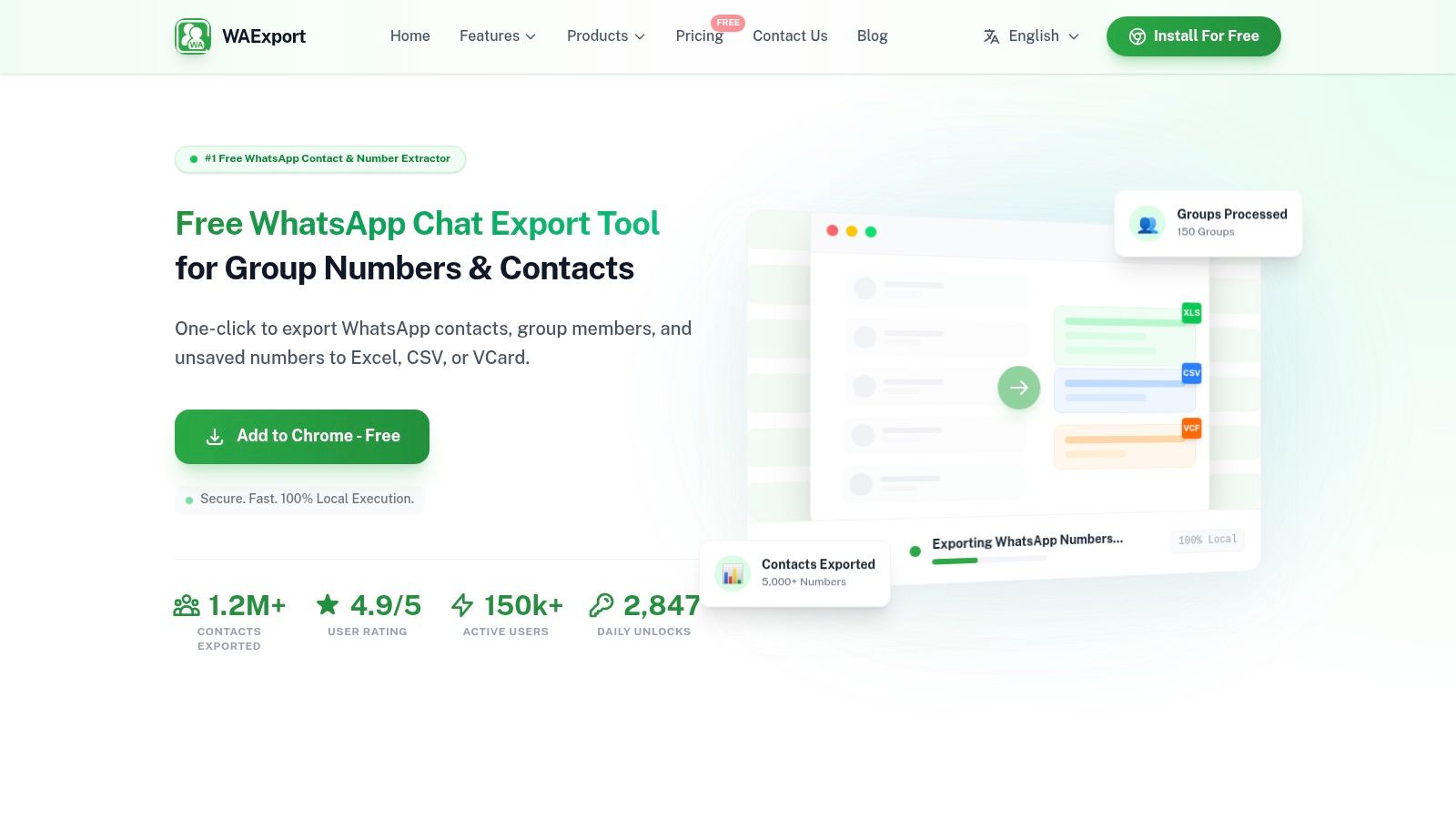
WAExport by WADesk is not a whatsapp group creator software but a preparatory tool for managing contacts. Its function is to extract contact information from existing WhatsApp groups and chats into organized CSV, Excel, or VCF files. This is a critical first step for cleaning lists before importing them into a new group.
The tool operates locally as a browser extension, which is a key benefit for privacy-conscious users, as contact data is not uploaded to external servers. By allowing you to filter exports based on country codes or exclude admins, WAExport helps you build targeted contact lists.
Key Features & Use Case
WAExport is useful for scenarios where you need to migrate members from an old group to a new one or segment a large community for targeted communication. For instance, a community manager could export members from a general group and filter them by country to create smaller, region-specific groups.
Who It’s For / Not For
When to use: For community managers and administrators who need to clean, segment, and prepare contact lists before a bulk group creation initiative.
When not to use: Not for users who need a tool to create the groups themselves.
Pros and Cons
Pros | Cons |
|---|---|
Excellent for list cleaning and segmentation. | A read-only export tool; requires separate software to create groups. |
Privacy-focused due to local processing. | Performance is tied to the stability of your WhatsApp Web session. |
Powerful filtering options add value. | Does not manage or message groups. |
Link: WAExport by WADesk
9. WA Contact Extractor & Groups Link Finder (Chrome Web Store)
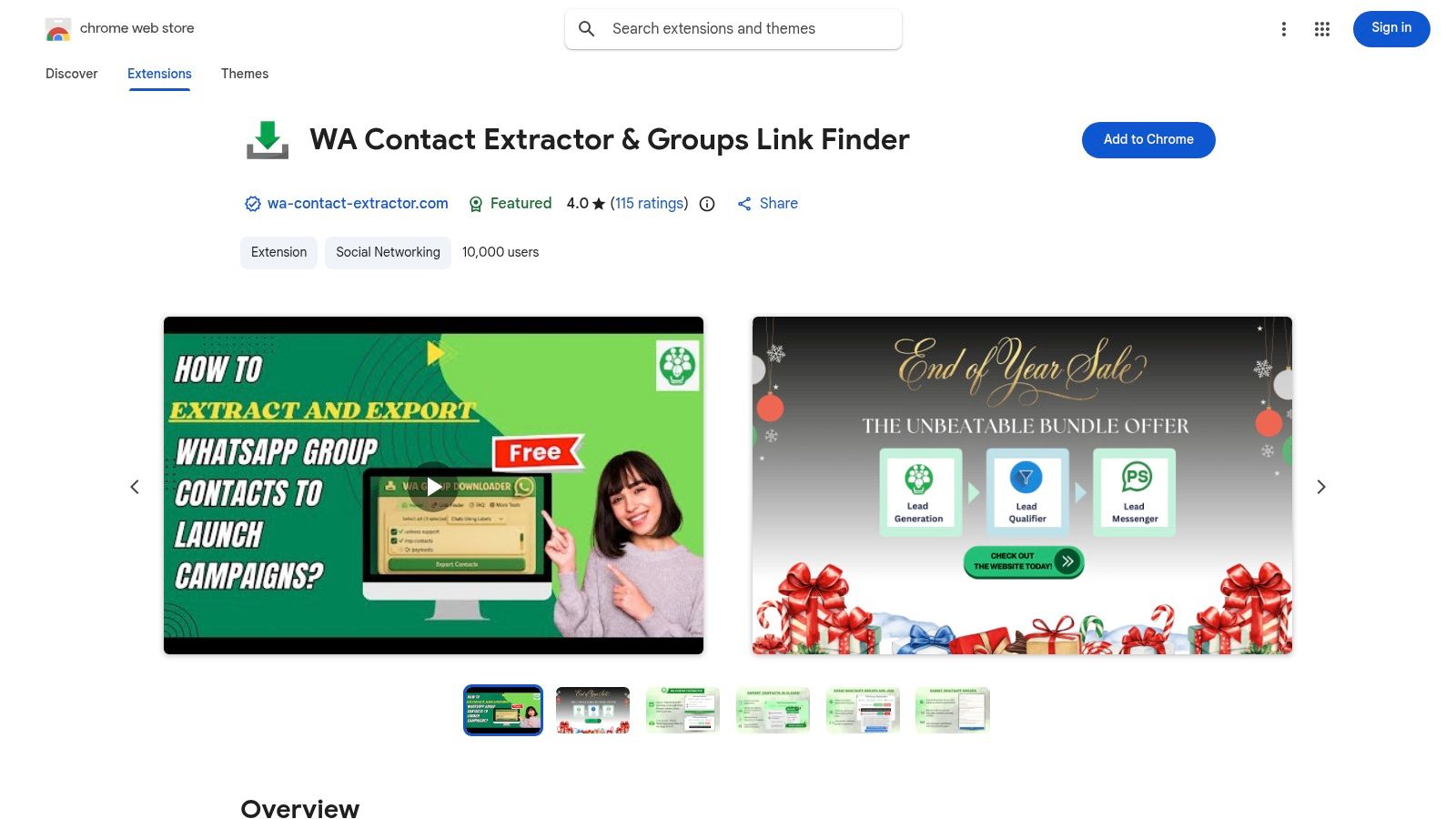
This Chrome extension serves a critical adjacent function: member sourcing and consolidation. WA Contact Extractor & Groups Link Finder is a utility designed for administrators who need to migrate users from existing groups or discover new communities. It exports contacts from your groups and finds public WhatsApp group invite links on web pages.
This tool is useful for tasks like consolidating multiple smaller groups into a single new one. It operates directly within your browser, adding a simple interface to your WhatsApp Web session for one-click exports and link discovery.
Key Features & Use Case
This tool is ideal for community managers looking to expand their reach or streamline existing communication channels. For example, you can export the member list from an event group and use that data to populate a new, long-term community group.
Who It’s For / Not For
When to use: For administrators needing to export contacts in bulk for migration or backup, and marketers looking to discover relevant public groups.
When not to use: Not for those who need a single tool to both create and manage groups.
Pros and Cons
Pros | Cons |
|---|---|
Combines contact export and link discovery. | The group link scraping feature can return low-quality groups. |
Simple interface makes exporting data fast. | Data accuracy during exports may be limited by privacy settings. |
Freemium model is good for testing. | Not a group creator itself. |
Link: WA Contact Extractor & Groups Link Finder
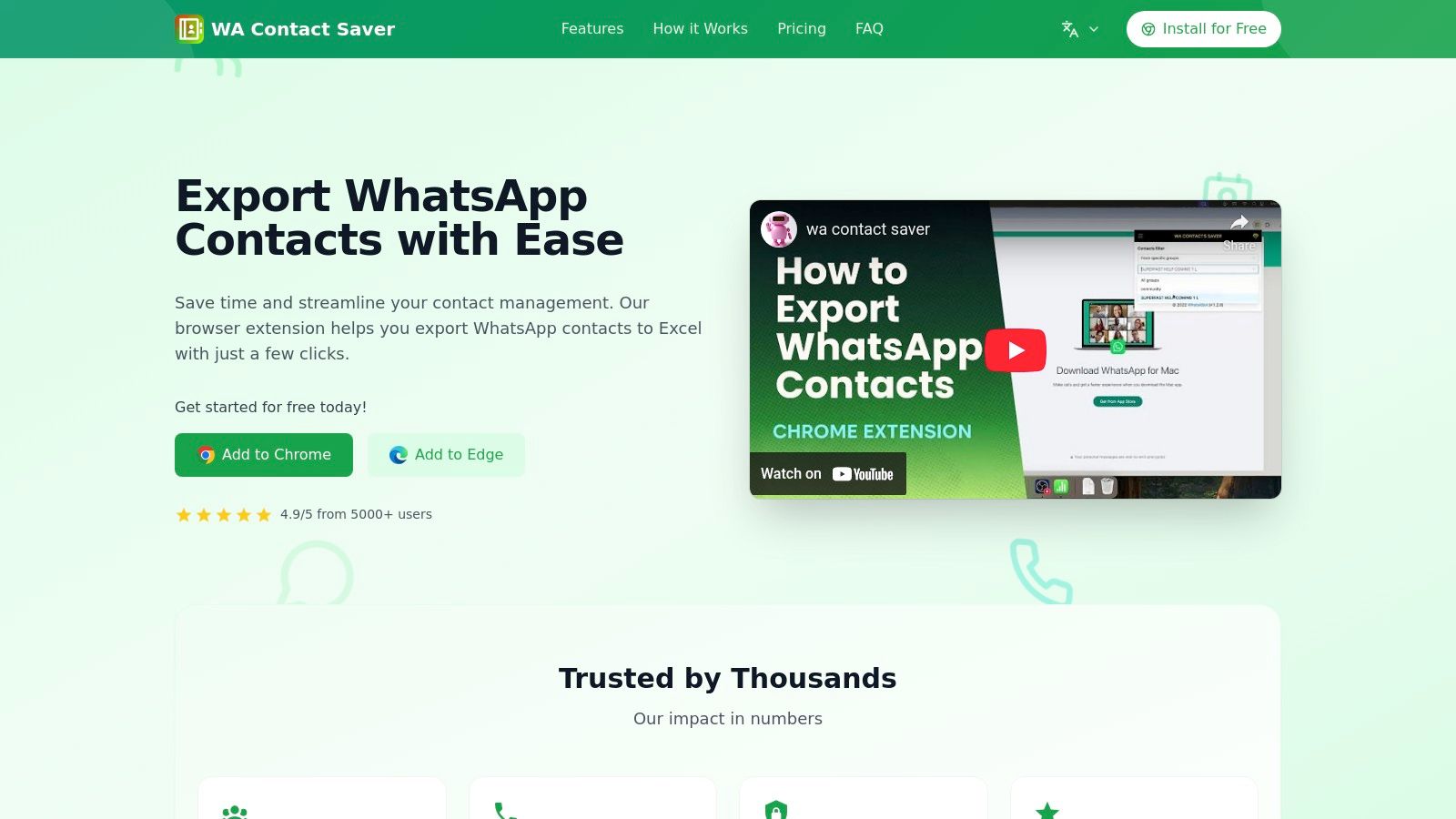
10. Contact Saver for WhatsApp
Contact Saver for WhatsApp is a preparatory utility, not a group creation tool. Its function is to export contact information from your existing WhatsApp groups and chats into organized files (CSV, XLSX, VCF), which can then be used to populate new groups or be imported into a CRM.
The tool is a user-friendly browser extension that processes all data locally on your computer, ensuring privacy. With a clean interface and a one-click export function, it simplifies the task of saving phone numbers. For businesses, this tool bridges the gap between unstructured WhatsApp conversations and a structured contact database, which can be managed with dedicated contact management software.
Key Features & Use Case
Contact Saver is ideal for community managers consolidating member lists, sales teams building prospect lists, or event organizers gathering attendee details. It is an essential first step for many workflows that require whatsapp group creator software.
Who It’s For / Not For
When to use: For marketing teams, community managers, and sales professionals who need to build structured contact lists from existing WhatsApp activity.
When not to use: Not for users who need to create groups, send invitations, or manage group messages.
Pros and Cons
Pros | Cons |
|---|---|
Efficient for exporting contacts. | Purely an export tool; does not create groups. |
Local processing is a privacy advantage. | Quality of exported data depends on how users have saved names. |
Multiple export formats offer flexibility. | No group management or messaging features. |
Link: Contact Saver for WhatsApp
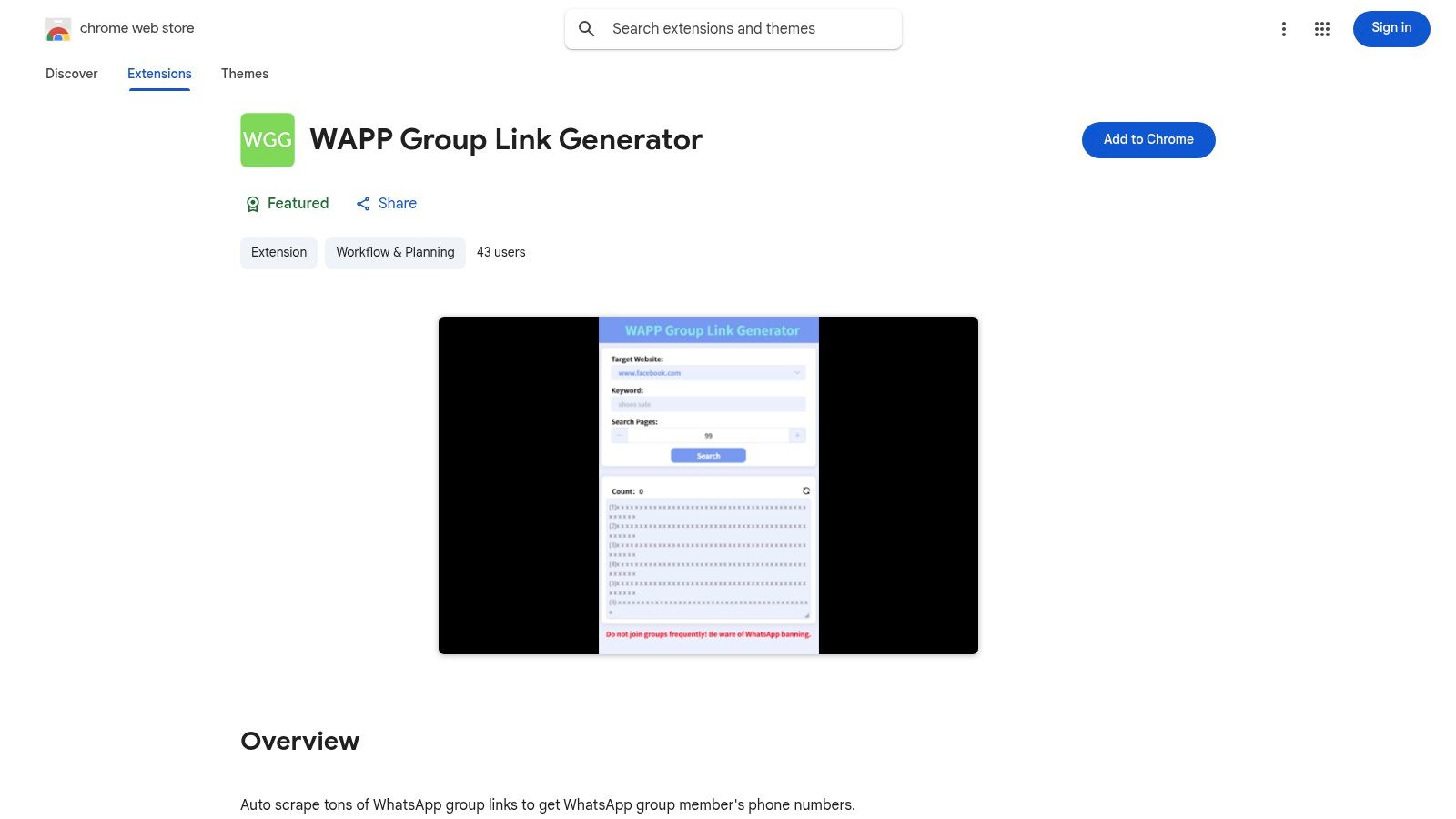
11. WAPP Group Link Generator (Chrome Web Store)
WAPP Group Link Generator is an all-in-one Chrome extension focused on the discovery and management of group invite links. It is less about creating new groups from a contact list and more about sourcing, joining, and migrating members between existing communities.
The toolkit integrates into your WhatsApp Web interface, offering workflows to find group links based on keywords, mass-join groups from a list, and export member contact details to a CSV file. It streamlines the manual process of discovering relevant communities and extracting member data.
Key Features & Use Case
This tool excels in scenarios requiring market research, lead generation from public communities, or migrating an audience from multiple groups into one centralized location. The process involves finding relevant group links, joining them, and then exporting member phone numbers.
Who It’s For / Not For
When to use: For community managers and marketers who need to find, join, and extract member data from public WhatsApp groups for outreach or consolidation.
When not to use: Not for teams needing to create private groups from a predefined list of contacts.
Pros and Cons
Pros | Cons |
|---|---|
Specialized toolkit for finding and joining groups. | Link scraping can yield low-quality or irrelevant groups. |
Ideal for research and migration tasks. | Features are dependent on the WhatsApp Web interface. |
Free to use from the Chrome Web Store. | Does not create new groups directly. |
Link: WAPP Group Link Generator
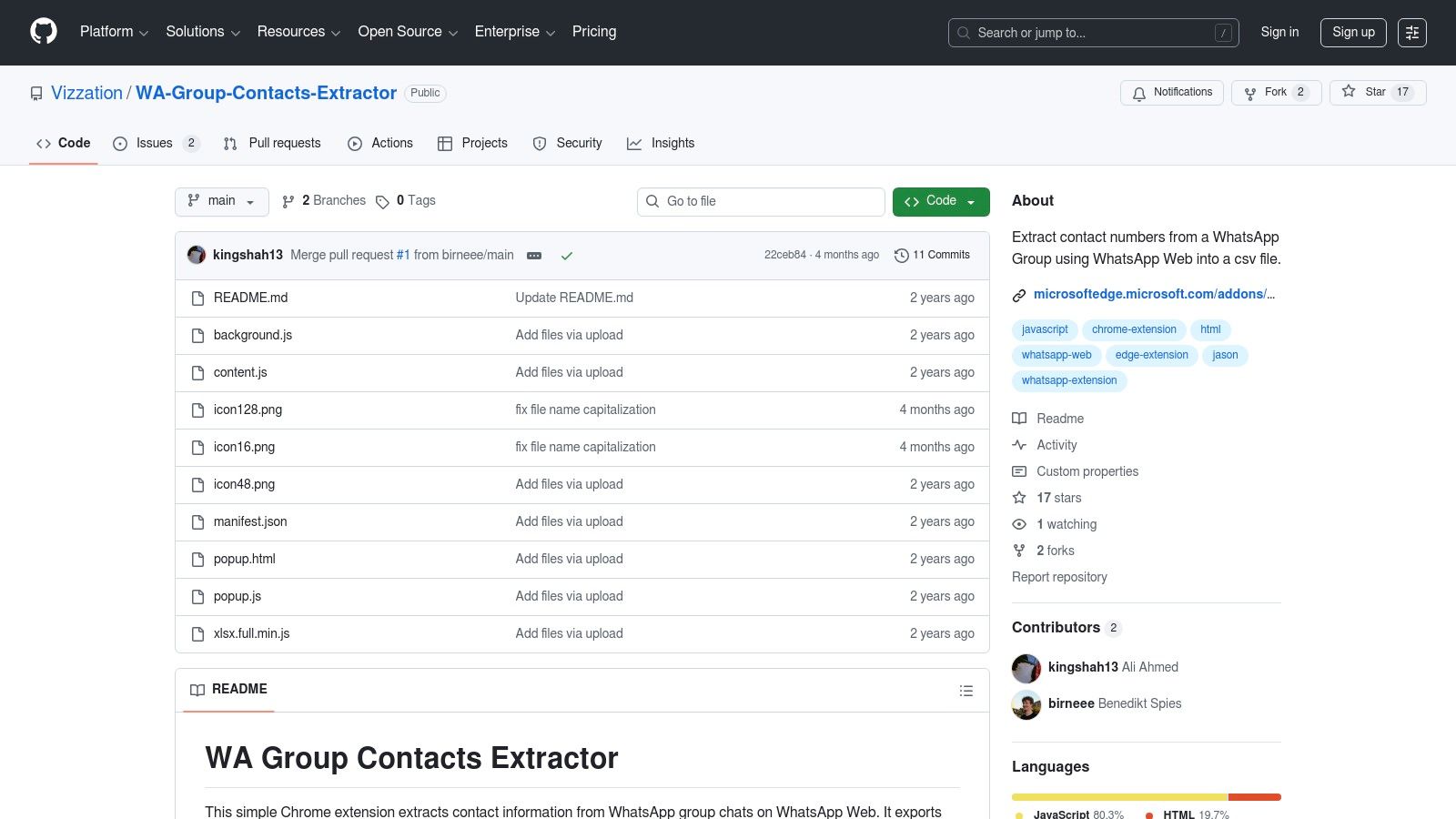
12. WA Group Contacts Extractor (GitHub)
For technically-inclined teams who prefer open-source solutions, WA Group Contacts Extractor offers a transparent, no-cost utility. It is not a whatsapp group creator software but a complementary tool for exporting group member data, which can then be used to populate new groups. It operates as a Chromium-based browser extension that must be loaded manually in developer mode.
This DIY approach means it is entirely free and the code is fully transparent. The function is straightforward: navigate to a group in WhatsApp Web, click the extension icon, and export the list of contacts to a CSV file.
Key Features & Use Case
This tool is ideal for administrators who need to migrate members from an old group to a new one or for analysts building a contact database from existing community groups. The process is manual but effective for occasional tasks where a dedicated software platform would be overkill.
Who It’s For / Not For
When to use: For developers, IT teams, and technically savvy admins who need a free tool for one-time contact exports and are comfortable with a manual installation process.
When not to use: Not for non-technical users or those who need regular, supported software.
Pros and Cons
Pros | Cons |
|---|---|
No cost and transparent code. | Requires manual installation via developer mode and has no official support. |
Secure way to handle contact data. | May break with future WhatsApp Web updates. |
Perfect for quick, occasional exports. | Only exports contacts; does not create or manage groups. |
Link: WA Group Contacts Extractor
WhatsApp Group Creator — 12-Tool Comparison
Product | Core features | UX / Quality | Price / Value | Target audience | Unique selling points |
|---|---|---|---|---|---|
Periskope 🏆 | Multi-number multi-agent inbox; ticketing; AI auto-flag; automations; analytics & integrations | ★★★★★; 5-min onboarding; enterprise scale | 💰 Demo / Custom pricing; free trial available | 👥 Support, Sales & Ops teams (SMB → Enterprise) | ✨ Works with regular WhatsApp (no WABA); GDPR, number masking; proven at scale |
WhatsApp Quick Group (WhatsABot) | Bulk-create groups from CSV; add participants; auto-invite links; Chrome/Edge extension | ★★★★; simple setup | 💰 Free tier + paid plans | 👥 Admins onboarding cohorts & projects | ✨ Fast CSV → group creation; browser extension |
WAGroupManager (Chrome) | Create groups (name/desc/avatar); import CSV; admin/permission controls; welcome msgs | ★★★★; clear admin UI | 💰 Free extension / small fee possible | 👥 Event/class/team admins | ✨ Strong admin controls; structured onboarding tools |
WA Group Bulk Link Generator (Chrome) | Bulk invite-link generation; CSV/Excel export; QR (Pro); link revoke/history | ★★★☆; privacy-forward local processing | 💰 Free / Pro | 👥 Admins sharing many invite links | ✨ Bulk link + QR generation; quick exports |
WhatsScale | API-first messaging to groups/contacts; Zapier/Make connectors; contact tagging | ★★★★; developer-friendly | 💰 Free tier + paid plans | 👥 Developers & ops teams | ✨ REST API + no-code connectors for automations |
WbizTool (AppSumo) | Excel upload for bulk sends; API/webhooks; scheduling; warm-up guidance | ★★★☆; practical features | 💰 One-time AppSumo lifetime deal | 👥 Small teams wanting low-cost automation | ✨ Lifetime-deal option; scheduled group messaging (higher tiers) |
WABoost | Bulk personalized messaging (CSV); media attachments; pacing; basic analytics | ★★★★; large user base | 💰 Paid tiers; trial options | 👥 Marketers & campaign managers | ✨ CSV→campaign flow; active community & support |
WAExport by WADesk | Export group members to CSV/Excel/VCF; filtering (admins/country); local exec | ★★★☆; privacy-focused | 💰 Freemium / paid tiers | 👥 Teams preparing contact lists | ✨ Strong filters for list hygiene & segmentation |
WA Contact Extractor & Groups Link Finder | Export groups/labels/chats; discover & join invite links; country filters | ★★★☆; combined export + link discovery | 💰 Freemium / Pro upgrade | 👥 Admins consolidating or migrating cohorts | ✨ Export + link discovery in one tool |
Contact Saver for WhatsApp | One-click export; CSV/XLSX/VCF/JSON; local processing; clean UI | ★★★★; polished, low learning curve | 💰 Freemium / paid | 👥 CRM teams needing clean imports | ✨ Multiple export formats; strong UX & privacy |
WAPP Group Link Generator (Chrome) | Group link discovery; mass-join; export contacts; pull numbers from chats | ★★★☆; all-in-one toolkit | 💰 Free extension | 👥 Researchers & migration admins | ✨ Find, join & export workflow in one tool |
WA Group Contacts Extractor (GitHub) | Export group members to CSV; supports Chromium browsers; open-source | ★★★☆; DIY installation | 💰 Free / Open-source | 👥 Technical teams & devs | ✨ Transparent OSS code; no vendor lock-in |
The Takeaway: Match the Tool to Your Operational Scale
The best whatsapp group creator software depends on one question: Are you doing a one-time task or building a long-term operational system? Your answer determines if you need a simple script or a full platform. The right tool isn't just about creating groups; it's about what happens after.
When to Choose a Single-Purpose Tool
If your primary need is a one-off or infrequent bulk action, a specialized tool is your most efficient choice. These solutions are built for speed and simplicity.
Use a single-purpose tool for:
One-Time Event Onboarding: You need to create 15 groups from a CSV of attendees. A tool like WhatsApp Quick Group (WhatsABot) is perfect.
List Preparation: You need to extract contacts from existing groups to build your participant list. A utility like WAExport by WADesk or WA Group Contacts Extractor is the right choice for this step.
Generating Invite Links: Your marketing team wants to generate unique group invite links to track a campaign. A link generator like WA Group Bulk Link Generator solves this instantly.
These tools are direct and solve the immediate problem. However, they offer no post-creation management, no analytics, and no multi-agent support.
When to Choose an Operational Platform
If creating WhatsApp groups is a recurring part of your core business operations for sales, support, or community management, you have outgrown single-purpose tools. The bottleneck isn't creating the group; it's the hours lost to manual tracking and lack of oversight afterward.
This is where a platform like Periskope becomes essential. It’s not just group creator software; it’s a system for managing WhatsApp operations at scale.
You need an operational platform if you face these challenges:
Managing Multiple Agents & Numbers: Your team uses different WhatsApp numbers, but you need a unified view of all conversations and performance metrics.
Tracking SLAs and Resolution Times: Customer support happens in WhatsApp groups, but you can't track ticket status or measure response times.
Needing CRM Integration: Your WhatsApp conversations are disconnected from your CRM (like HubSpot or Zoho). You are manually copying and pasting information.
Lack of Visibility: As a manager, you cannot see which agent is handling which group or how the team is performing.
For businesses that rely on WhatsApp as a primary channel, a platform like Periskope transforms chaos into a structured, measurable operation. It addresses the entire lifecycle of a customer interaction, from automated group creation to ticket resolution and analytics. Your choice depends on whether you're just sending an invitation or managing the entire event.
Ready to build a scalable, professional WhatsApp operation? Periskope centralizes your team's WhatsApp groups and numbers into a single, collaborative workspace with ticketing, analytics, and CRM integrations. Schedule a demo of Periskope today to see how you can manage customer conversations at scale.
Automate your WhatsApp with Periskope

Features
Integrations


